SALESFORCE POS
Salesforce POS: run transactions inside Salesforce
For high-touch and guided sales
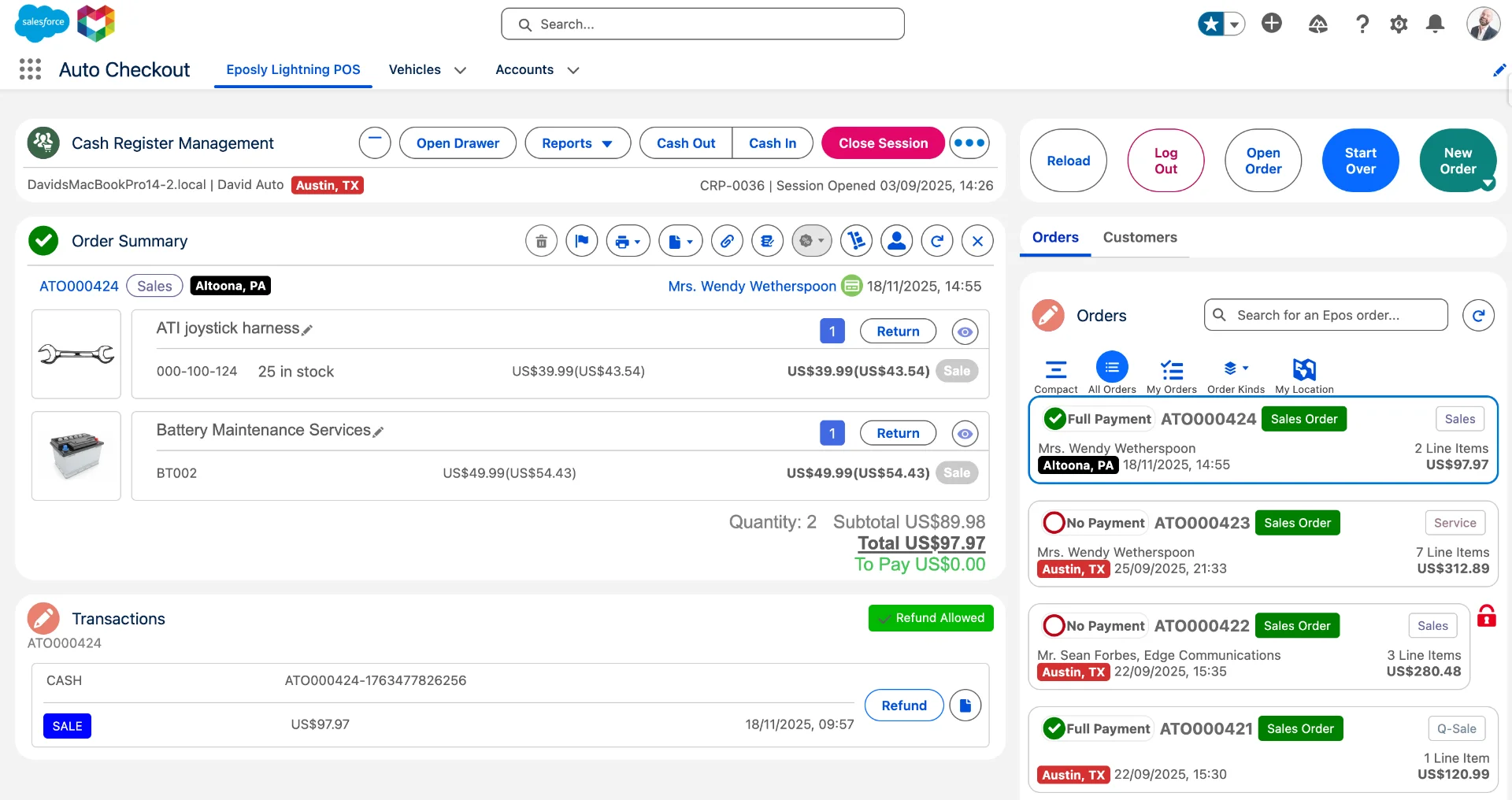
Configure the sale, apply pricing, and take payment in one flow – on the customer record, in Salesforce. You can see what was sold, how it was priced, and why. Every sale makes your customer data more useful.
 California DMV
 Omring
 QLF Brands
%20--%3e%3csvg%20version='1.1'%20id='Layer_1'%20xmlns='http://www.w3.org/2000/svg'%20xmlns:xlink='http://www.w3.org/1999/xlink'%20x='0px'%20y='0px'%20viewBox='0%200%20122.2%2054'%20style='enable-background:new%200%200%20122.2%2054;'%20xml:space='preserve'%20fill='%23333333'%3e%3cg%3e%3cpath%20d='M85.7,2.6H75.6L61.9,31.7L45.6,2.6H36c2.7,1.7,4.3,3.9,6.4,7.9l17.1,29.8L75.6,7.1v31.2c0,3.6-0.7,5.8-3.8,7.9h13.9%20c-3.1-2.1-3.8-4.3-3.8-7.9V10.5C81.9,6.9,82.6,4.7,85.7,2.6'/%3e%3cpath%20d='M111.2,40.5c-6.1-9.2-7.8-12.9-15.7-13.9c5.6-0.4,11.2-5.4,11.2-12.3c0-6.9-4.3-11.7-13.7-11.7h-1.6c7.2,1.7,8,8.8,8,12.3%20C99.6,20,97,26,88.3,26v0.3c7.1,0.4,10.5,6.9,15.1,14.2c3.8,6,6.9,11,13.3,11c2.1,0,4-0.6,5.5-1.5%20C115.8,49.3,113.7,44.2,111.2,40.5'/%3e%3cpath%20d='M18.1,2.6H0c3.1,2.1,3.8,4.3,3.8,7.9v27.8c0,3.6-0.7,5.8-3.8,7.9h18.9c15.6,0,21-12.1,21-21.8C39.8,11.3,31.9,2.6,18.1,2.6%20M16.5,44.5c-5,0-6.4-2.5-6.4-6.2v-34l0,0h8.2c9.5,0,14.3,7.4,14.3,20.1C32.5,37.5,28.6,44.5,16.5,44.5'/%3e%3cpath%20d='M42.2,38.1C42.2,38.1,42.2,38.1,42.2,38.1c-0.2,0.9-1.5,5.8-6.1,8.1c0,0,0,0,0,0h12.4C43.3,43.7,42.2,38.1,42.2,38.1'/%3e%3c/g%3e%3c/svg%3e) David M Robinson
 Pearl MorissetteCalifornia DMVOmringQLF BrandsDavid M RobinsonPearl Morissette
The Problem
When the POS and the transactions happen outside Salesforce
Salesforce runs your business. But the transaction – configuring the sale, applying pricing, and taking payment – happens outside it. Disconnected external point of sale (POS) systems, payment apps, and checkout tools leave you with fragmented data, manual reconciliation, and limited customer understanding.
Disconnected transaction systems
Transactions are processed in systems separate from Salesforce, creating data silos and partial records.
Fragmented customer data
Customer data and payment data live in different places. Reconciliation and data sync is manual and error-prone.
Multiple systems to maintain
Every external POS needs a connector to Salesforce, and that connector needs testing and fixes with every Salesforce release and every new location.
Payments hardware outside Salesforce
Terminals and related transaction systems run disconnected from Salesforce and the customer record, adding operational complexity to every in-person sale.
The Forced Compromise
Two imperfect options.
To run transactions, from order configuration to payment processing, you either leave Salesforce or overbuild inside it.
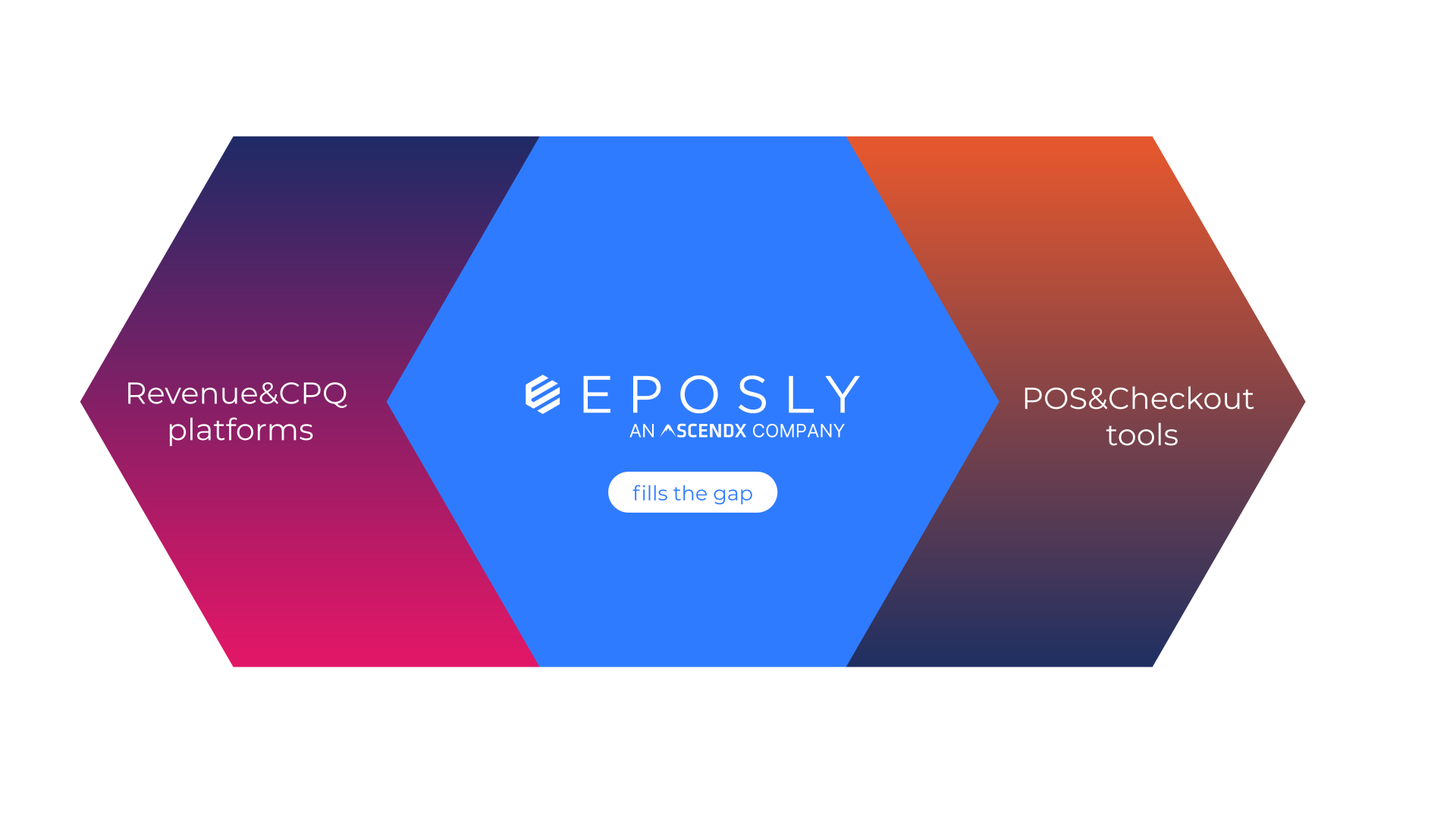
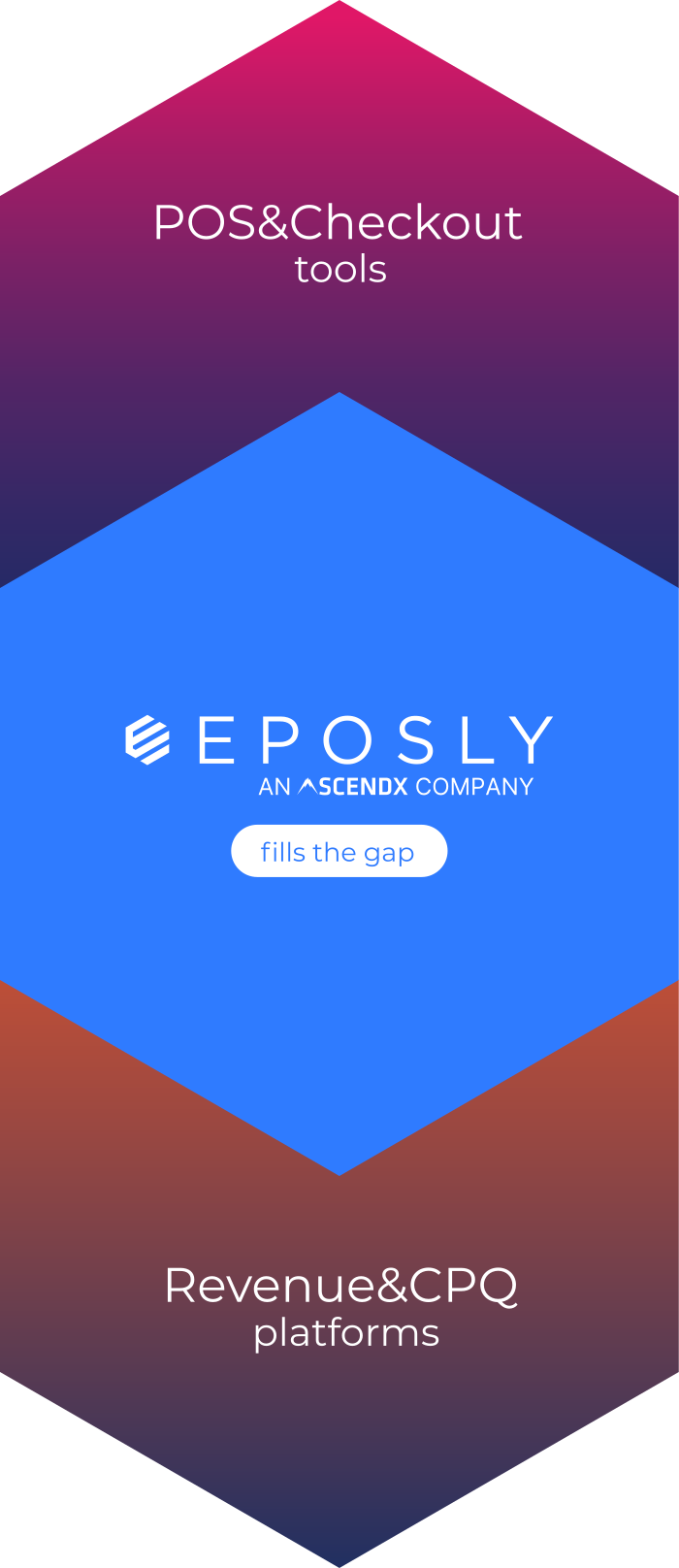
Revenue platforms
Revenue and Commerce Platforms, CPQ
Designed for long lifecycles: contracts, subscriptions and renewals. Too heavy for point-of-sale and assisted transaction scenarios. Unnecessary cost and implementation overhead.
Eposly POS
Transaction execution layer
Eposly point-of-sale (POS) is purpose-built for assisted sales with configuration and pricing variation that are too complex for a basic payments processing app but do not require full revenue lifecycle platform. Executes directly inside Salesforce, where customer context lives. Faster to deploy and cheaper to run: changes are made in Salesforce, and there's no separate POS or connector to license and maintain.
POS & checkout tools
High-volume, disconnected retail POS
Traditional POS systems are built for anonymous, high-volume checkout outside Salesforce. The transaction breaks continuity with the customer record, leaving partial data and manual reconciliation behind.
Why Eposly
A Salesforce POS that runs where your customer data lives
Eposly is a Salesforce point of sale (POS) built natively on the platform: configure orders and price, and process payments on the customer record, in one flow. Eposly executes transactions directly inside Salesforce, where your customer data, workflows, and business logic already live. No middleware or complex integrations. No data reconciliation. No rigid POS set-ups. Transactions follow the roles, permissions, field-level security and audit settings you already manage in Salesforce.
Point of sale, payments, inventory, and loyalty in Salesforce
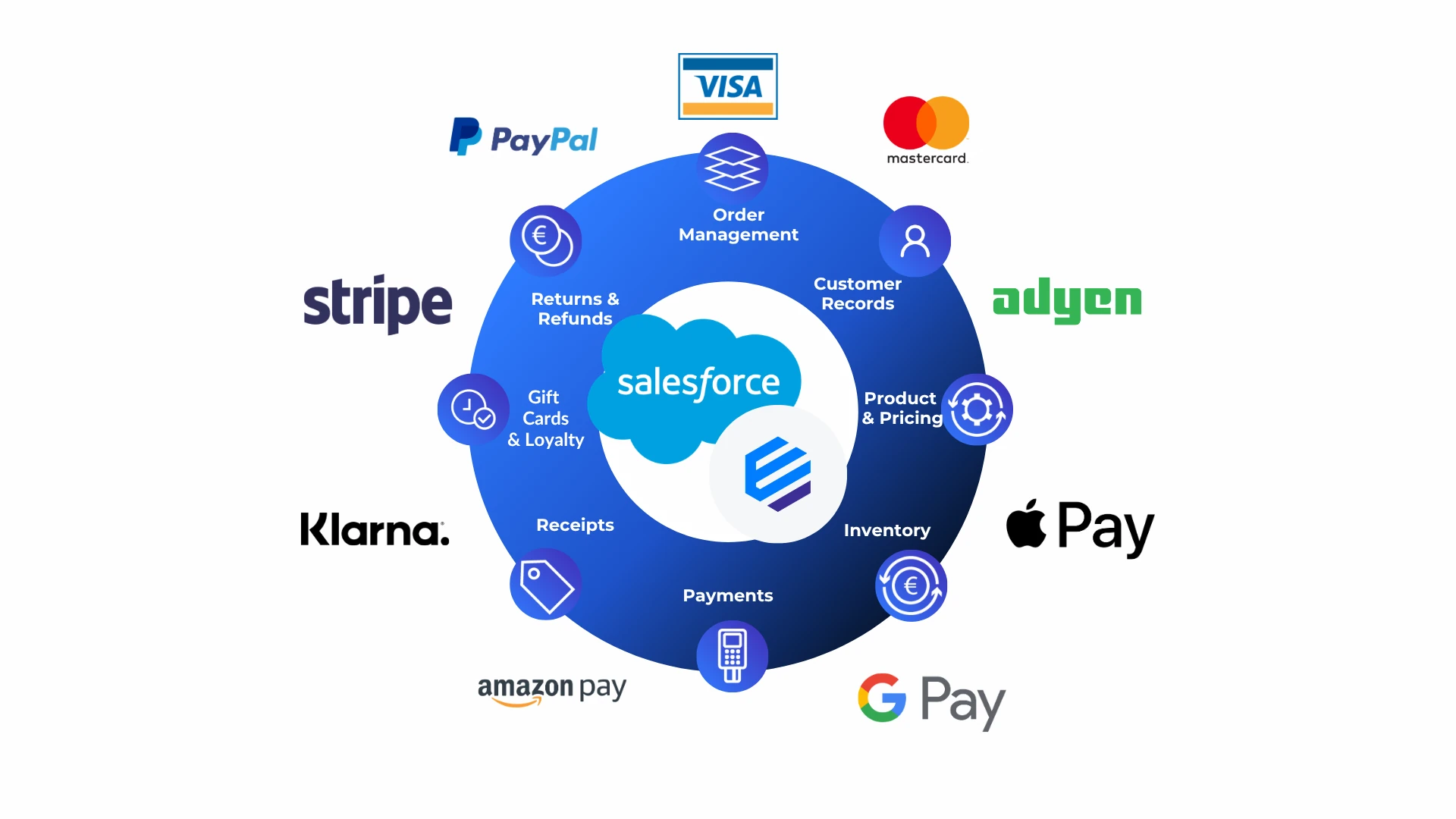
Every sale runs inside Salesforce. Take cards, wallets, cash, deposits, payment links and scheduled payments on a saved card, through popular PCI-compliant gateways such as Stripe, Adyen, Square and CardConnect.
Core Capabilities


BUSINESS IMPACT OF SALESFORCE POS
Turn every sale into usable business insight
With Eposly transactions and payments don't just get completed – they become usable data. Every sale captures context your teams can act on immediately, across sales, operations, service, and marketing. Every sale and payment is a Salesforce record, so your Flows, Apex and Agentforce agents can act on it the moment it's recorded.
Customers who come back
Staff see what each customer has bought, ordered and still owes, so the next sale, follow-up or service visit starts from real history.
Learn more about Customers who come back →Less admin for store and finance teams
The order, payment and receipt are done once, in Salesforce. There's no re-keying, and no matching a POS export against Salesforce.
Learn more about Less admin for store and finance teams →
One less system to secure and maintain
Transactions stay in the org you already govern, with no separate POS database or connector to keep alive.
Learn more about One less system to secure and maintain →SALESFORCE POS BY INDUSTRY
Eposly is built for sales that need a conversation, not just an anonymous checkout
If your team completes the sale in person, at a counter, in the field, at a show room, or over the phone, Eposly runs the whole transaction inside Salesforce. Scan products, look up inventory and customers, configure the order, apply discounts and tax, take card, contactless, wallet, or split payments, create receipts and issue refunds.

Specialty retail
Assisted selling with configurable pricing and in-store transactions.
Learn more about Specialty retail →
Premium services & healthcare
High-touch service transactions executed during customer interaction.
Learn more about Premium services & healthcare →
Public sector
Permits, licensing, and cashiering — all handled inside Salesforce.
Learn more about Public sector →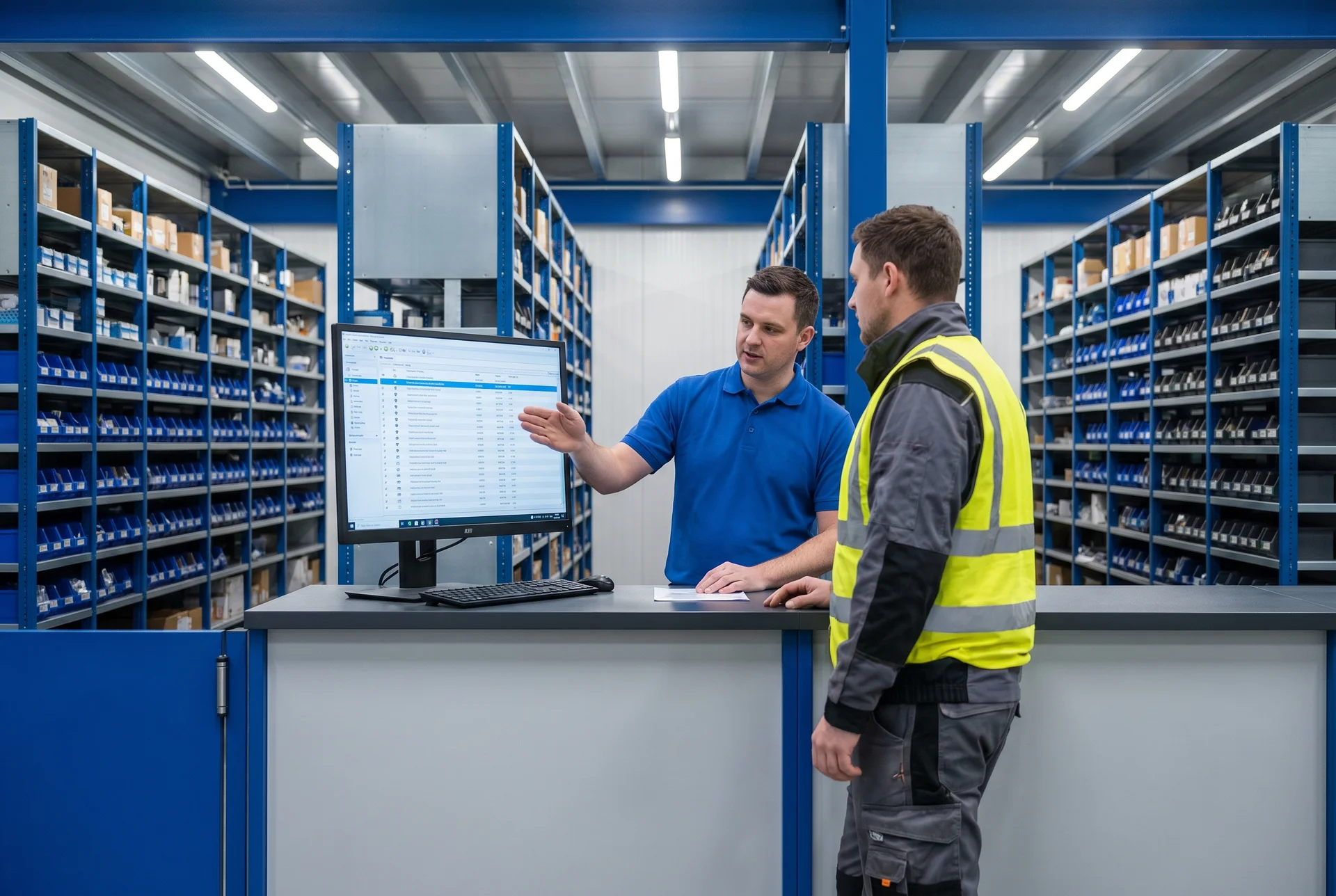
Manufacturing & industrial
Counter and branch sales with contract pricing and inventory context.
Learn more about Manufacturing & industrial →See Salesforce POS in action
A quick look at how simple it is to complete orders and take payments directly inside Salesforce. Watch the video below, or skip ahead and try the interactive demo yourself.
The Platform
Unite transaction data and the customer record in CRM
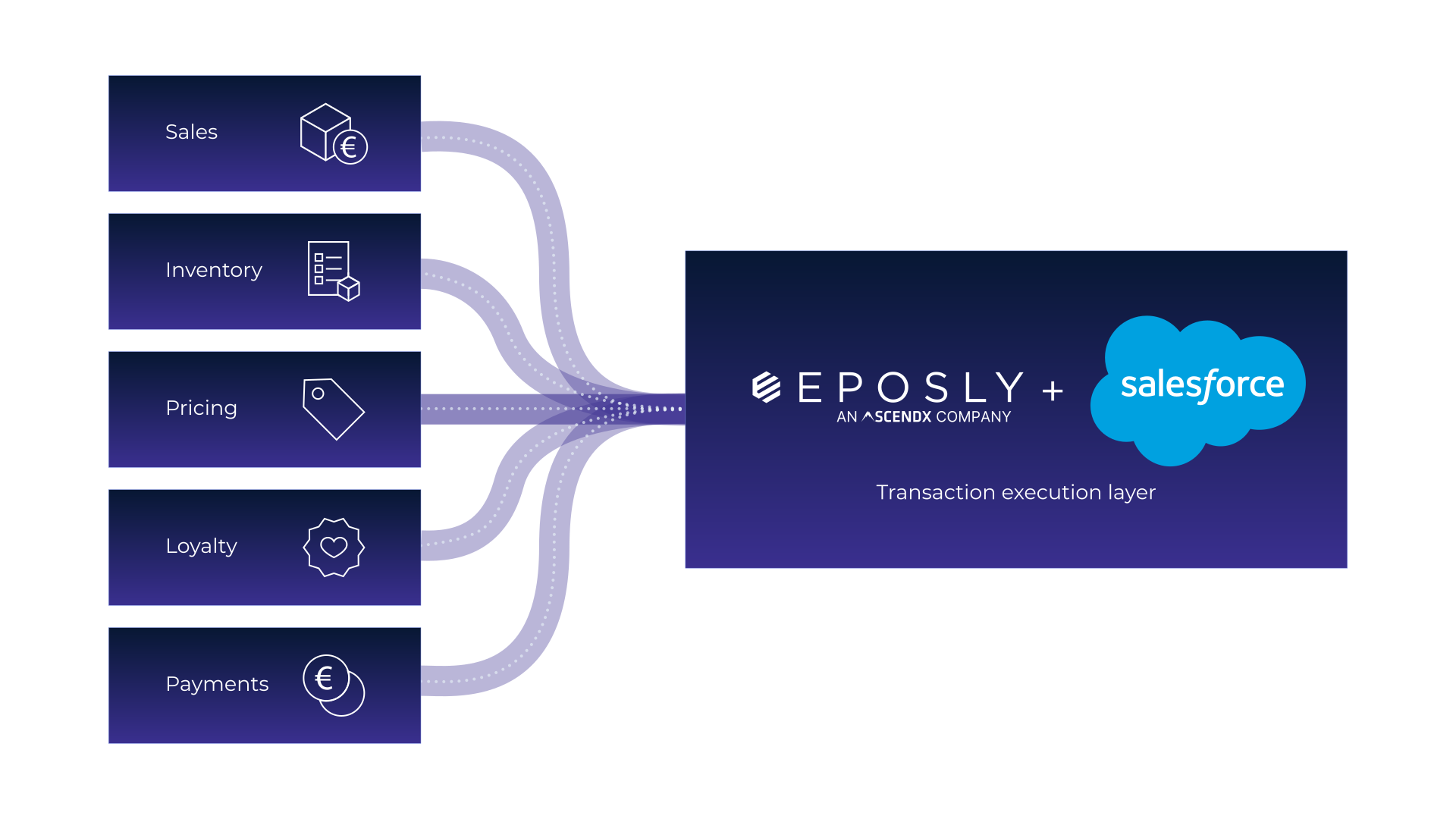
Works with the Salesforce you already run
Sales Cloud and Service Cloud
Purchases, orders and payments on the customer record
Agentforce Health (Health Cloud)
Patient-paid transactions on the patient record
Flow, Apex and Agentforce
Act on every sale the moment it's recorded
Reports and dashboards
Revenue by location, product and staff member
Commerce Cloud and Order Management
Works alongside your online store and fulfilment
“Eposly is transforming our business. Enabling retail stores to connect better with customers and allow us to meet critical distributor KPIs.”
— Jo Cameron, Digital Transformation Lead, David M Robinson
“Eposly has really changed our day-to-day processing environment — overall, our employees are much more satisfied with their jobs and productivity.”
— Julie S., Vice President, Motive Energy
Ready to run the whole sales process inside Salesforce?
See how this would work in your Salesforce setup.