State licensing and regulatory agencies
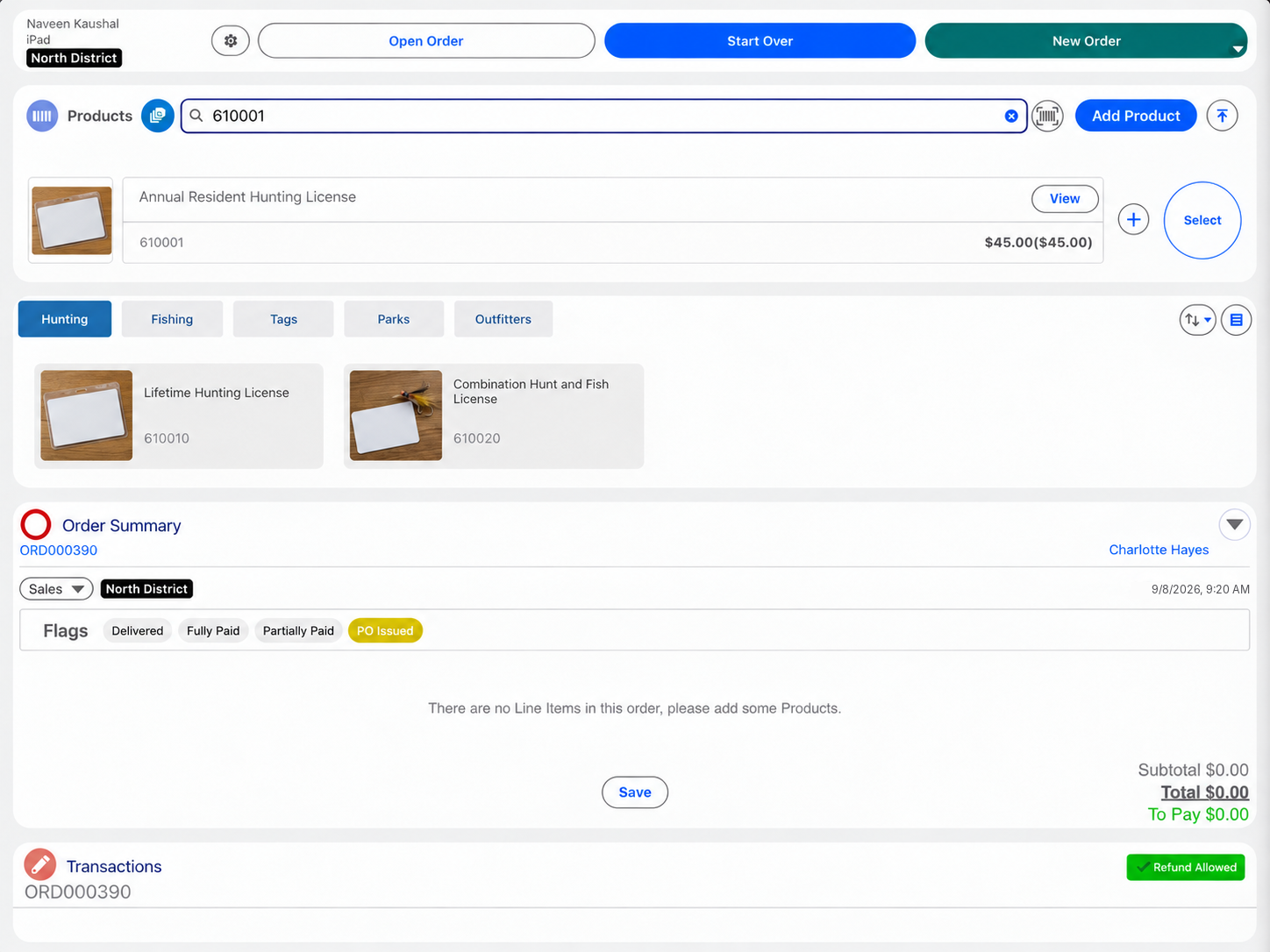
Licence, permit and tag fees calculated by the agency's rules and taken at the district office counter.
Manage counter payments and cash registers inside Salesforce, with transactions linked to the people, applications and permits your agency already manages.
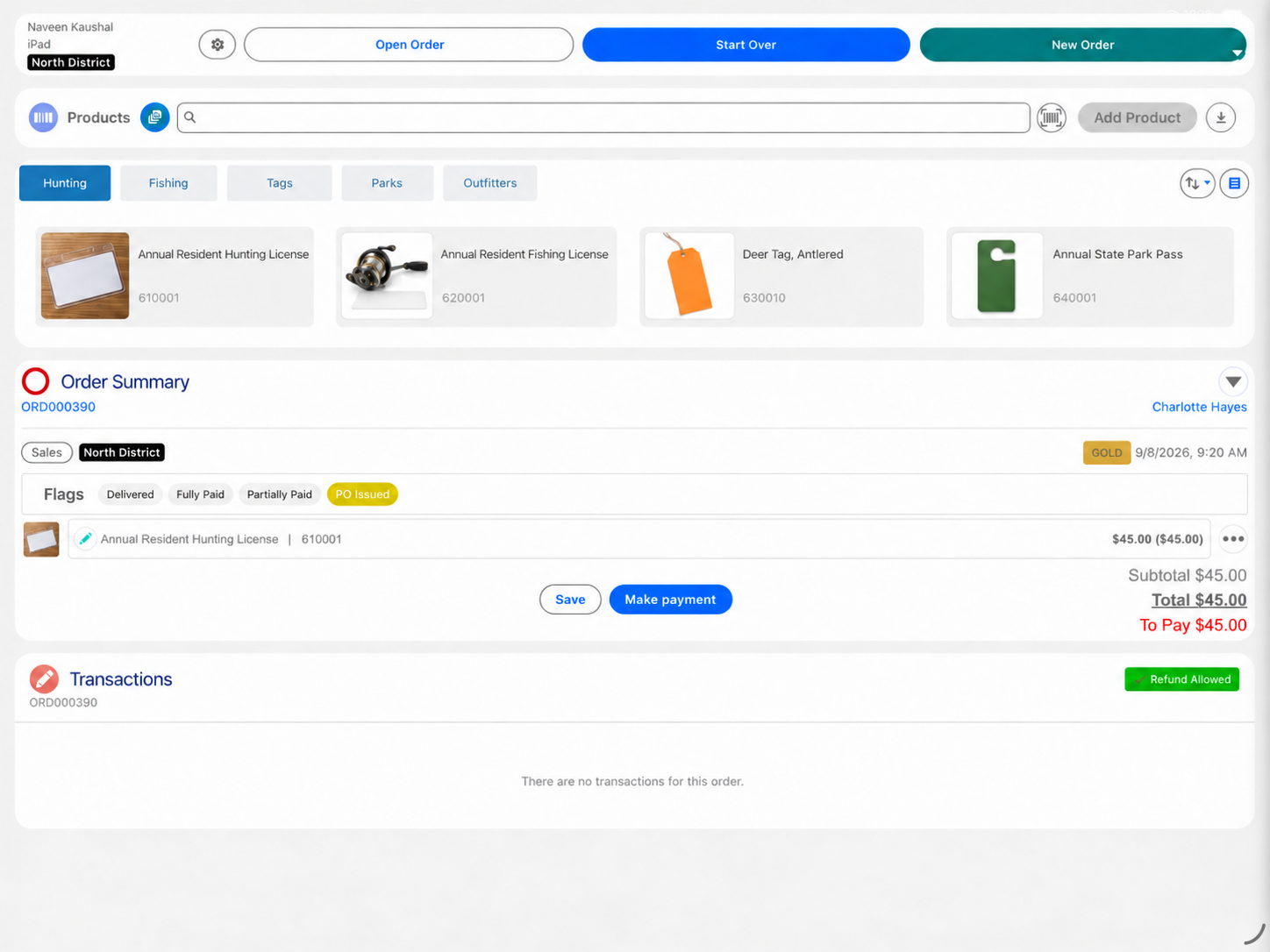
Many state and local agencies run applications, cases, inspections and licensing records in Salesforce, while payments and the cash register stay in a separate cashiering tool. Eposly brings them into Salesforce: cash drawers, mixed tender, receipts and end-of-day reconciliation, with fees set by rules configured for the agency's fee schedule and each payment linked to the applicant's records.
Eposly fits agencies that run, or are moving onto, Salesforce for applications, cases or permits, and still take fees in person. Choose your agency type.
Licence, permit and tag fees calculated by the agency's rules and taken at the district office counter.
Permit, licence, tax and parking payments at the city's counters, linked to the applicant's records.
Motor vehicle agencies: see how California DMV runs permit and registration payments in Salesforce
A public sector counter needs a payment solution that runs inside the platform the agency already chose, so fees, payments and cash drawers are managed in Salesforce, linked to the cases they belong to.
Many agencies run applications and cases in Salesforce and take payment in a separate cashiering or payment tool. Salesforce then learns that something was paid, but not how the fee was reached or how the drawer balanced. Reconciliation and audit preparation span more than one system.
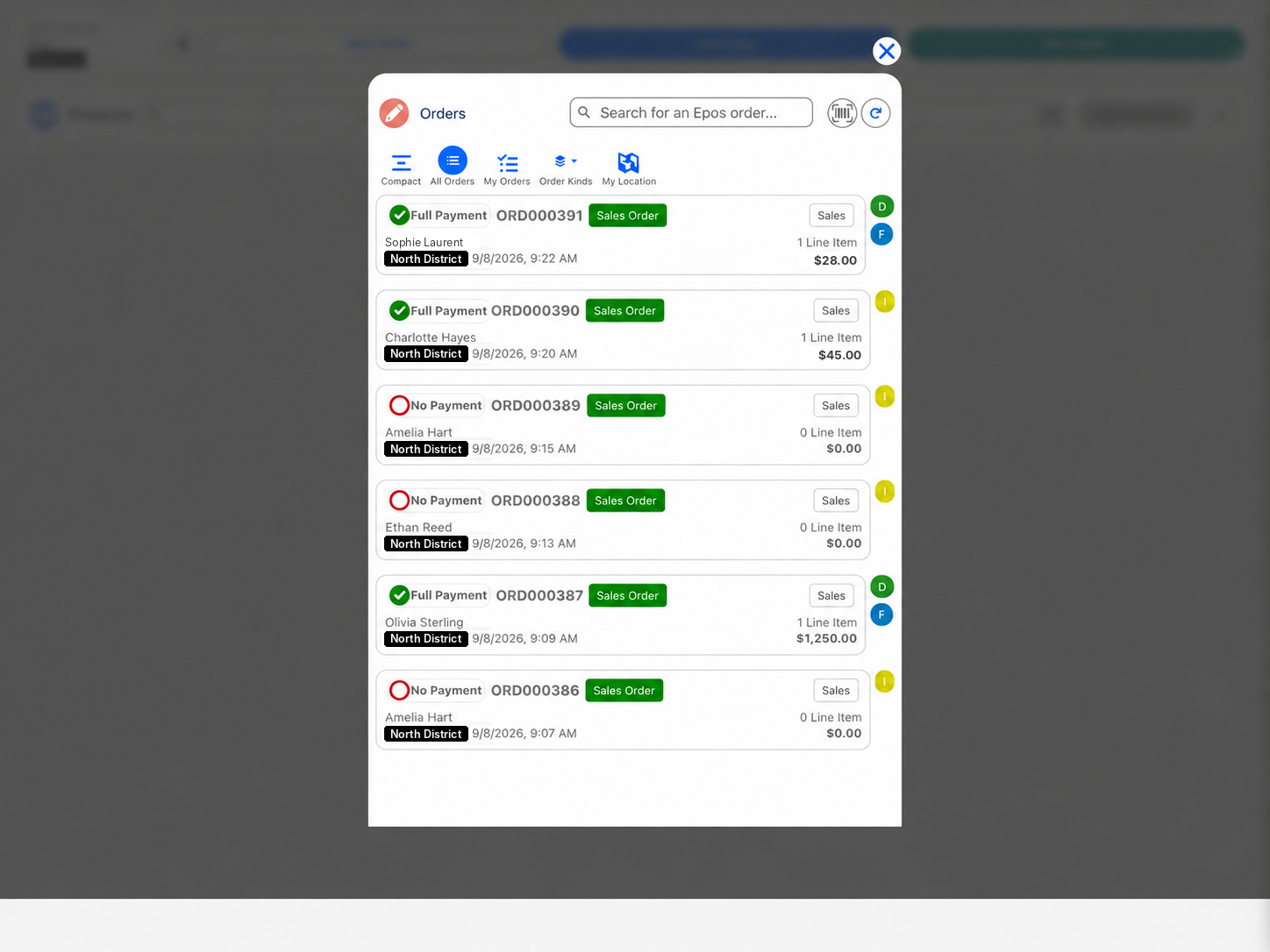
A permit at the counter
One flow in Salesforce, from the fee to the closed drawer.
Policy-driven fees, documented discretion. Pricing rules configured for the agency's fee schedule handle fee tables and tiers, so the clerk does not calculate fees by hand. Where discretion is allowed, such as a waiver, an adjustment or a partial payment, it is recorded on the transaction. Agencies can use their Salesforce processes to manage the required approvals.
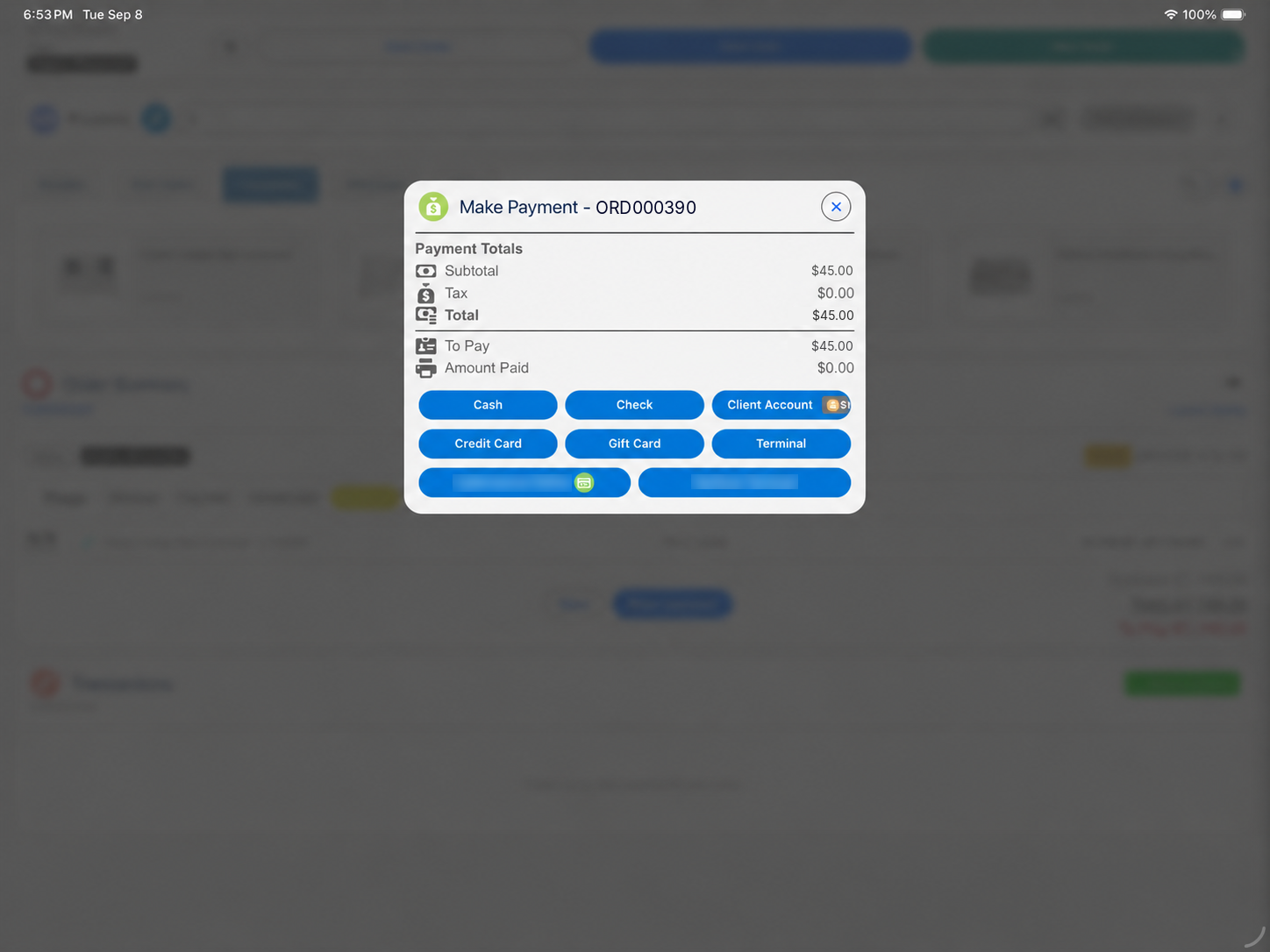
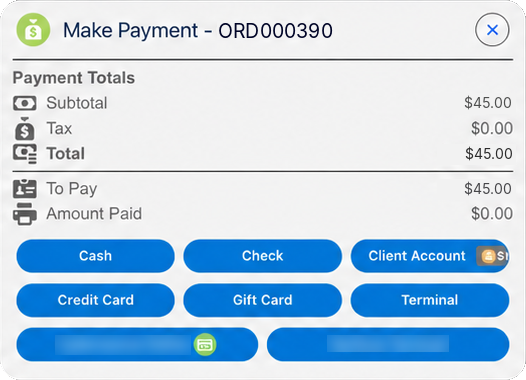
Fewer than many agencies run. When the counter transaction runs inside Salesforce, the separate cashiering database and the reconciliation between it and Salesforce drop out.
Eposly does not replace the finance or ERP system. Salesforce stays the system of record for the transaction, and finance receives structured data from it.
After every counter transaction, Salesforce shows:
These are standard Salesforce records, so they follow your Salesforce permissions and audit controls. Card details are tokenised by the connected PCI-compliant payment gateway and kept out of the applicant's record.

California DMV selected Eposly's Salesforce-native Point of Sale and Cash Register module for permit and registration payments on Salesforce Government Cloud.
Public sector one-pager
The key points of this page in one document to share with your team, including the agency types we cover.
By downloading, you agree to our privacy policy.
One note for planning: every clerk who takes payment in Eposly needs a Salesforce user licence.
See how a counter transaction runs inside Salesforce.