Cash is the hardest part of the counter to move onto Salesforce, and the part most teams leave behind. It does not have to be. You can run the cash operation inside Salesforce: opening and balancing drawers, assigning tills, taking mixed tender, closing shifts, and reconciling locations, alongside the customer, order, and payment records.
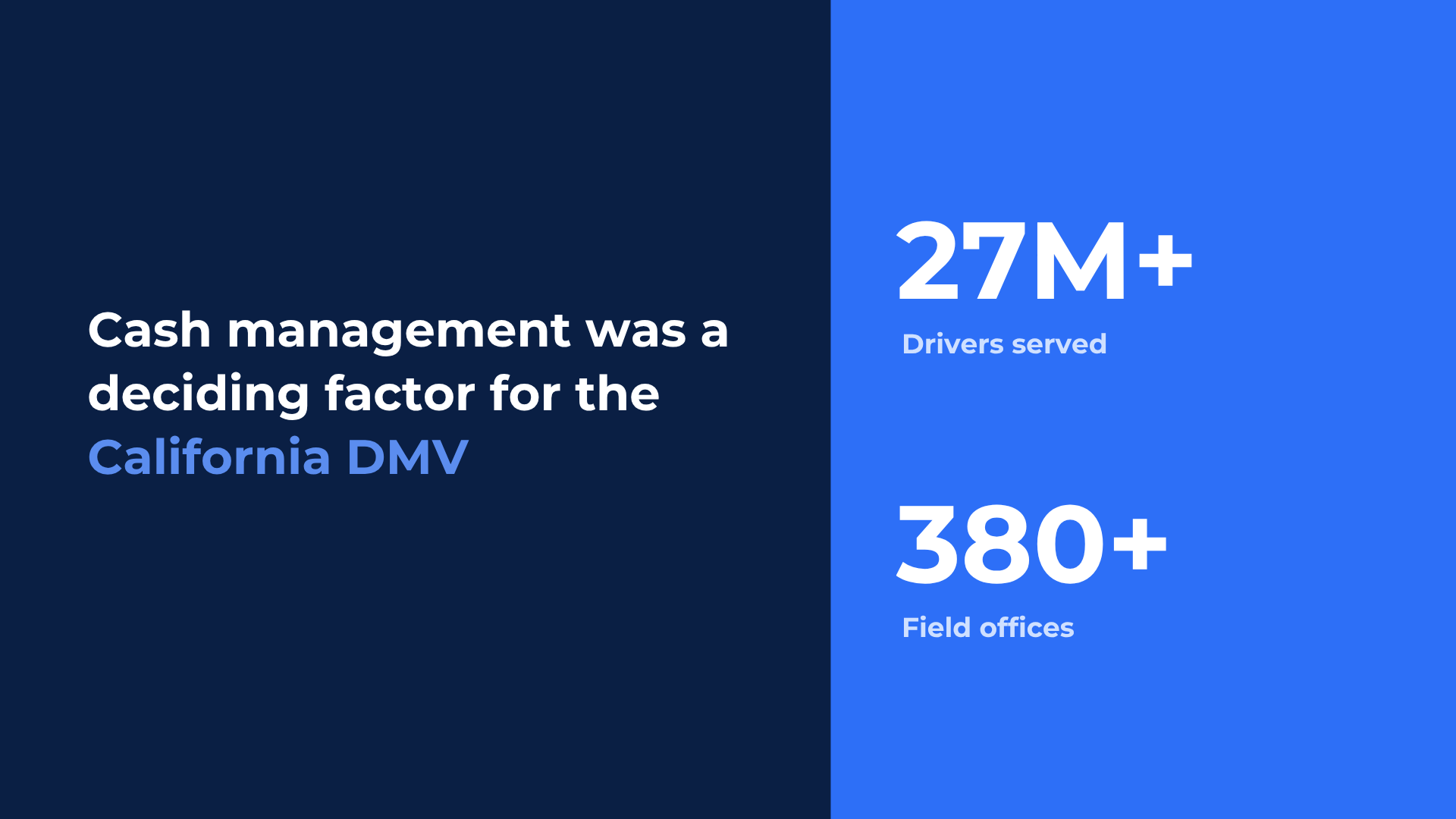
The California DMV uses this model across more than 380 field offices, where cash management was a deciding factor in its Salesforce transaction architecture.
This guide is for teams that already run on Salesforce and still take physical cash at a counter. It covers what managing cash in Salesforce actually involves, the questions to answer before you trust it, and how the operation works end to end: drawers, tills, shifts, hardware, reconciliation, audit, and multiple locations.
Can Salesforce manage cash operations? Yes. With a Salesforce-native cash register, organizations can manage drawers, tills, cash payments, shift close, and location-level reconciliation as Salesforce records rather than in a separate POS database.
Why cash is the last thing to move onto Salesforce
Running a cash register looks simple and is not. A single day at the counter means opening a drawer with a known float, attributing every cash movement to the person who made it, taking mixed and split tender, printing a receipt, handling adjustments and overrides that need approval, closing the drawer, counting it, and recording and explaining any variance. Multiply that by shifts, by staff who share a till, and by locations, and taking cash becomes a real operational system.
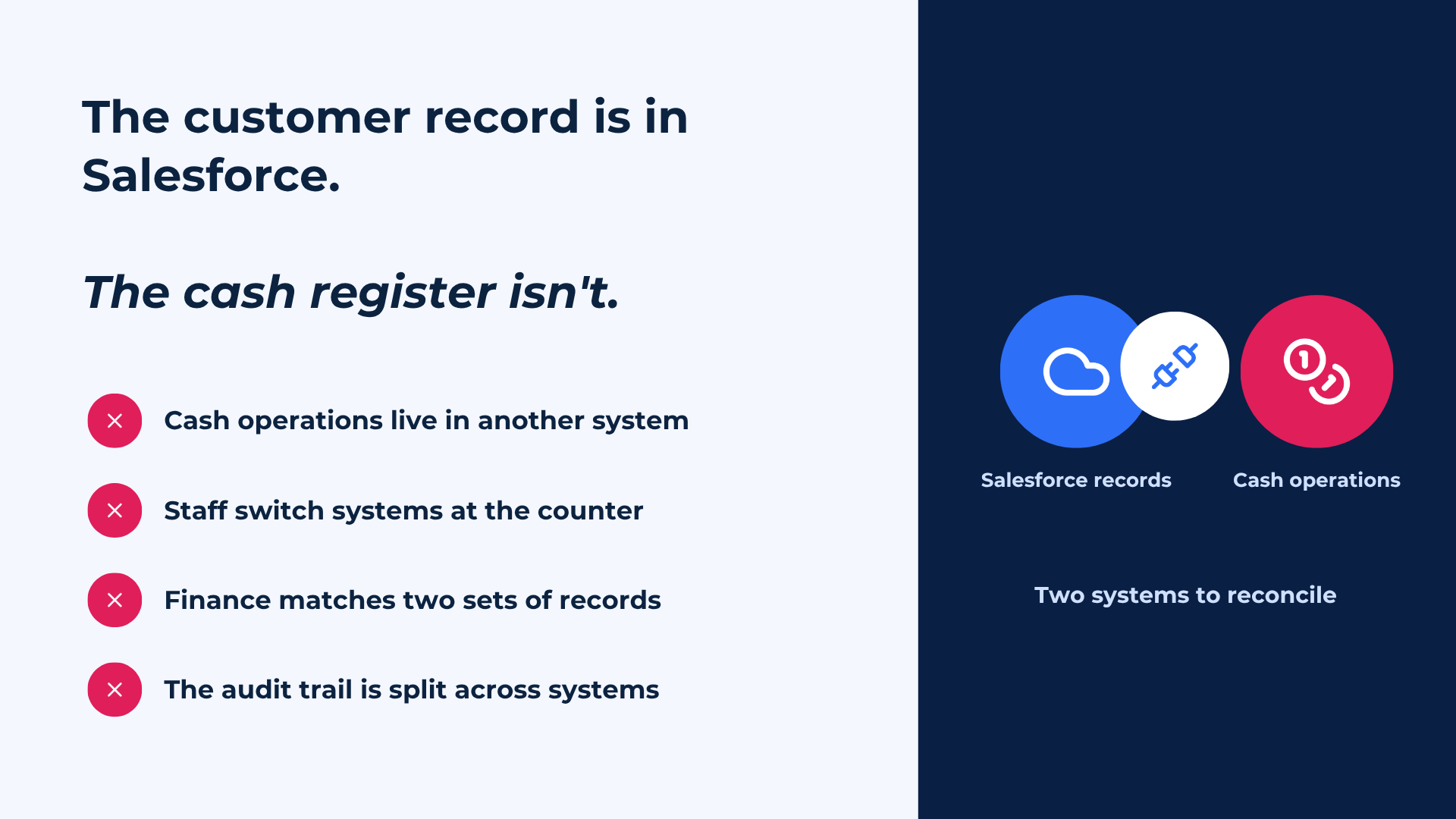
That complexity is exactly why most Salesforce implementations leave cash to a separate application. Physical devices, drawers, printers, and reconciliation are work most Salesforce programs are not designed to build from scratch, so the customer lives in Salesforce and the cash operation lives somewhere else. That is the gap this guide is about: Salesforce manages the relationship, the case, and the record, but the transaction and the cash behind it happen off-platform, and someone has to stitch the two back together after the fact.
Cash management vs cash reconciliation: two different jobs
Search for “cash management” on the AppExchange and most of what you find solves a finance problem: connecting bank accounts, pulling statements, running direct debits, and matching incoming payments to open receivables. That is treasury and accounts-receivable reconciliation. It is useful, and it is not what a cashier does at a counter.
Cashiering is the physical operation: the drawer, the float, the till assignment, the mixed tender, the over and short at close. When this guide says cash management, it means cashiering. The distinction matters because the two get confused, and a tool built for bank reconciliation will not open a drawer, attribute a cash movement to a user, or balance a till at end of shift.
Can Salesforce manage cash drawers?
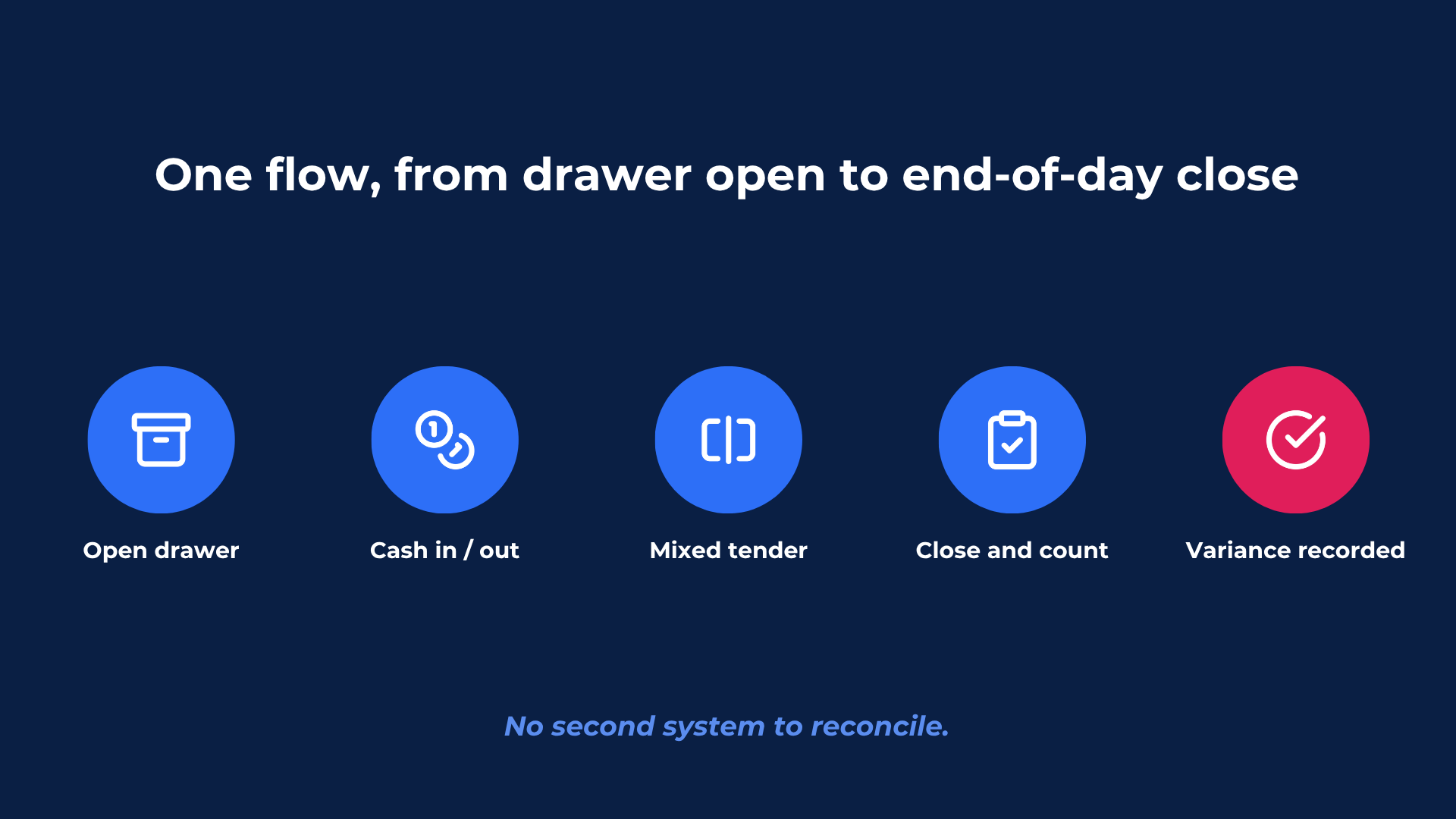
Yes, when the cash register runs natively on the platform. A native cash operation lets you open a drawer with a starting float and record every cash-in and cash-out event against the user who made it. Because each event is a Salesforce record, the drawer is not a black box you audit later. It becomes live operational data available to the same workflows, permissions, and reports as the order and payment.
The practical test of “native” is whether the drawer, the till, and the cash events are real Salesforce records with the platform's own security and audit model, or whether they live in a separate database that syncs back. If it syncs, you have two systems again, and the cross-system reconciliation problem returns.
Can you balance tills and close a shift inside Salesforce?
Yes. A shift runs as one recorded sequence: the drawer opens with a counted float, payments and cash movements are logged throughout the shift, and the drawer is closed and counted at the end. The counted total is compared to the expected total, and any over or short is recorded against the drawer, the shift, and the user. End-of-shift and end-of-day summaries are generated from that data, not rebuilt in a spreadsheet the next morning.
The payoff is felt in finance, not just at the counter. Teams still balance each drawer, but they no longer have to reconcile two different systems before they can trust the number, because the cash operation and the customer record already sit on the same platform.
How do multiple locations reconcile cash?
This is where most teams feel the pain, and where the native model earns its keep. Because every drawer, till, and shift is a Salesforce record, cash position is a reporting question, not a collection exercise. Regional operations can compare expected and counted cash by office, spot unexplained variances as they happen, and review over-and-short patterns by location, drawer, or cashier without waiting for each site to submit a separate report.
The alternative, familiar to most multi-location operators, is a nightly gather of POS exports, spreadsheets, and phone calls that is always a day behind. On the platform, the same close that balances a single drawer feeds straight into estate-wide visibility, so the regional view and the counter share one set of numbers.
How do supervisors audit cash sessions and approve overrides?
Discretion at the counter is normal: a discount, an override, a manual adjustment. The question auditors ask is who did it, when, and with whose approval. On a native cash operation, adjustments, overrides, and approvals are captured as part of the transaction record, so the audit trail does not have to be reconstructed. It is already part of the record. Every drawer opening, payment, cash movement, and end-of-day balance is recorded against the relevant user, drawer, shift, location, and transaction, under the same Salesforce security model as the rest of your data.
For regulated and public-sector operations, that continuity is the point: the record shows the whole sequence from application to payment to close, without piecing it together across systems.
How do you connect payment terminals, receipt printers, and cash drawers?
Physical hardware is part of the operation, not an afterthought. A native cash register connects Salesforce to supported payment gateways and counter hardware, so cash, card, chip and PIN, contactless, and mobile wallets move through the same transaction flow, with receipt printers and cash drawers attached to that flow rather than to a separate device log you reconcile later. See Salesforce-native payment processing for how payments run on the platform.
Do you need a separate POS, or can the cash register live on the platform of record?
You do not necessarily need a separate POS, and adding one can reintroduce the problem you were trying to solve. A bolt-on POS is a second system of record: its cash originates in its own database and has to be matched back to Salesforce.
An integrated POS can still be the right choice for standardized, high-volume retail. The trade-off is that transaction and cash data originate in the POS environment and then move into Salesforce. For service counters, government offices, healthcare, and assisted specialty retail, the cleaner model is a cash register that runs on the core platform itself, so cash is native to the record rather than synced to it. Both can live in the same organization; the question is which one owns the counter.
What to validate before moving cash operations onto Salesforce
Before selecting a cash-register solution for Salesforce, confirm the operational details that decide whether it will hold up at the counter:
-
Where the drawer, till, and shift data actually live: real Salesforce records, or a separate database that syncs back.
-
Which counter hardware and payment gateways are supported.
-
How permissions, till assignment, and approvals are configured, and whether tills can be individual or shared.
-
How interrupted or offline transactions are handled.
-
What card data, if any, is stored, and how payment security and PCI scope are managed.
-
Whether end-of-day and multi-location reports are produced from Salesforce records or imported from another platform.
If the answers keep pointing back to a second system, the cross-system reconciliation you were trying to remove is still there.
What managing cash in Salesforce looks like by sector
Public sector and government. Permits, licences, registrations, and fees are collected at the counter across many offices, with strict audit requirements. A Salesforce-native cash register lets public-sector agencies consolidate cashiering, payments, and end-of-day reconciliation inside Salesforce Government Cloud, while producing a complete audit trail from the transaction data already captured. The California DMV runs this model across 380+ offices serving more than 27 million drivers.
Specialty retail. For jewellery, luxury, and configurable specialty retail, the sale is a conversation and the cash operation still has to balance. Native cashiering keeps drawer accountability, mixed tender, and deposits on the same platform that holds the customer's history, so what happened at the counter is available for clienteling instead of trapped in a POS database.
Premium in-person services. For clinics, wellness, and membership businesses, payment is part of the service relationship. Running cash on the platform means the transaction, the package, and the customer stay together, and the close is based on live transaction data rather than a manual evening reconstruction. For more information on how to run payments and cashiering for service operations, check out premium in-person services.
How Eposly manages cash operations in Salesforce
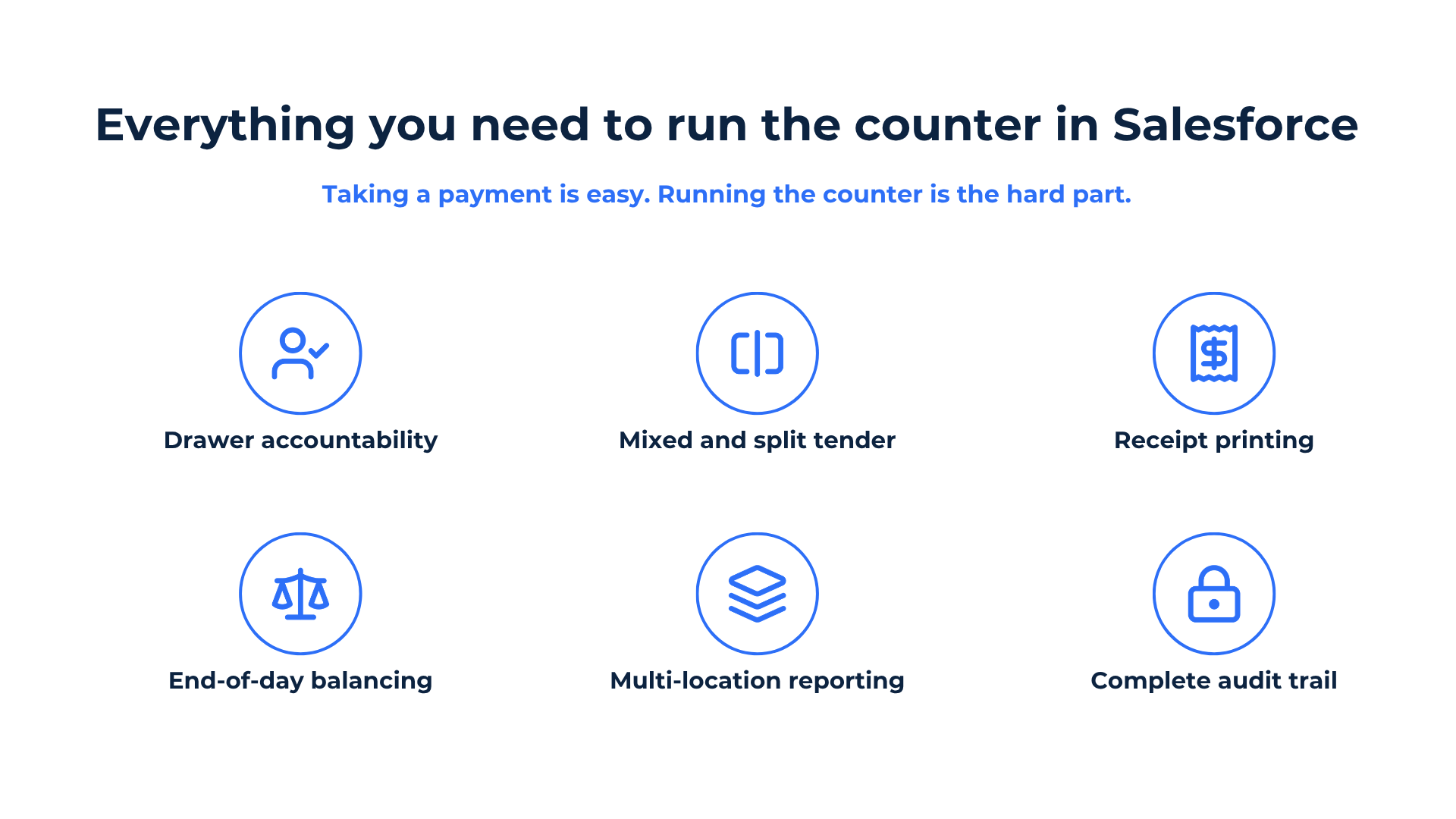
Eposly brings point-of-sale and cash-register operations directly into Salesforce. Teams can manage cash drawers, mixed tender, receipt printing, and end-of-day close across locations, while recording drawer activity, adjustments, and approvals against the relevant users, shifts, and transactions.
Because the operation runs on Salesforce, customer, order, payment, and cashiering data are available through the same security, workflow, and reporting environment. Teams still balance and reconcile each drawer, but they do not first have to match a separate POS dataset back to Salesforce.
For organizations that already use Salesforce as their operational platform, Eposly fills the gap at the counter: the transaction is completed where the customer relationship and business process already live.
Already running Salesforce and still managing cash in another system? Book a demo to see how cash-register operations can work in your Salesforce environment.
Frequently asked questions
Can cash and card be used in the same transaction?
Yes. Mixed and split tender lets a single transaction combine cash, card, and other tender types, recorded together within the Salesforce transaction.
Can multiple cashiers share one drawer?
Whatever the till-assignment model, accountability comes from attribution: every drawer opening and cash-in or cash-out event is logged against the user who made it, tied to the drawer and shift on the Salesforce record. Confirm the specific assignment model for your setup during solution design.
What reports are available at end of day?
End-of-shift and end-of-day reporting can show expected cash, counted cash, and variances by drawer, shift, location, or cashier. Because the underlying data is held in Salesforce, reporting can also be adapted through Salesforce reports and dashboards.
Does Salesforce store card details when taking payment?
Card payments run through PCI-compliant payment gateways, which handle the sensitive card data, and because the workflow runs inside Salesforce's security model, PCI scope is minimized. Card details are not stored as readable data in Salesforce. Confirm the exact data flow for your gateway and implementation during solution design.
Can this work with Salesforce Government Cloud?
Yes. The California DMV runs cashiering and payments on Salesforce Government Cloud across more than 380 offices.
Do you need a separate POS to take cash in Salesforce?
No. A separate POS is a second system of record whose cash has to be matched back to Salesforce. A native cash register keeps the operation on the platform, so teams balance the drawer without first reconciling two systems.