Skip to content

A Practical Guide to Salesforce Inventory Management

Abstract visual of real-time data synchronisation

The Hidden Cost of Peak Season Success

Many retailers prepare for Black Friday by pouring resources into marketing campaigns while their back-end systems remain fragile. This creates a paradox where a successful sales event can trigger a complete operational failure. The problem is not a single lost sale – it is a cascade of negative outcomes that begins the moment you sell a product you do not have.

Overselling erodes customer trust with remarkable speed. A cancelled order leads to a poor review and a frustrated customer who is unlikely to return. This operational ripple effect quickly overwhelms customer service teams with complaints. Staff are pulled from fulfilling valid orders to perform chaotic manual fixes and damage control on social media. The effort to prevent overselling is not just about inventory accuracy it is about protecting your brand’s reputation from self-inflicted wounds.

The most critical metric at risk is Customer Lifetime Value. A single negative experience during a peak sales period can permanently drive away a loyal customer and their future revenue. While your marketing team celebrates a record sales day your operational reality is one of strained resources and a diminished customer base. Managing this chaos requires a system built for high-volume accuracy and our order management capabilities ensure every sale is a promise you can keep.

Why Your Stock Count is Wrong

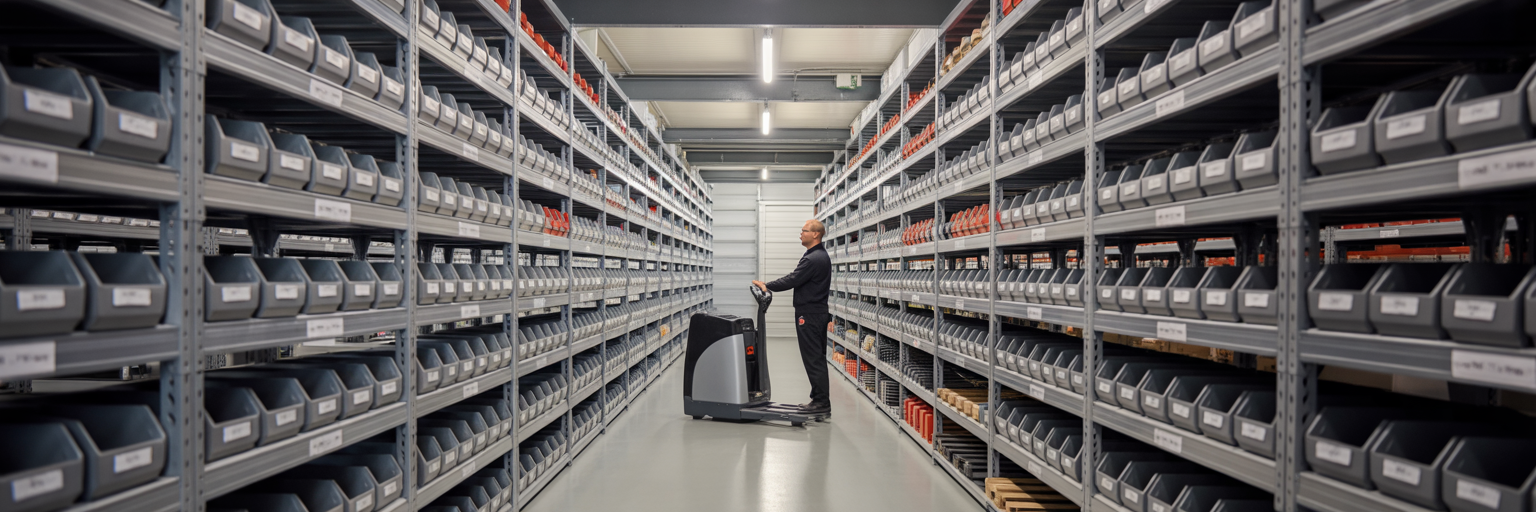
Retail worker managing stock efficiently

The technical root cause of overselling is simple: data lag. The delay between a transaction occurring and your central inventory being updated – even if only for a few minutes – creates a window for error. During high-velocity sales this window is where multiple customers can buy the same last item. Traditional batch updates which sync data hourly or nightly are obsolete for modern retail. They cannot cope with the demand spikes of UK sales events like Boxing Day.

The complexity of multi-channel retail magnifies this problem. Consider a business with a physical shop in London an e-commerce site and a presence on a third-party marketplace. Without a unified system these channels operate blindly. The London store could sell the last unit of a product while the website still shows it as available. This makes overselling almost inevitable. Managing stock across different sites requires a single view of inventory and our multi-location POS solution provides exactly that.

The solution is a single source of truth for inventory. A Salesforce-native POS achieves this by treating every transaction as an immediate update to the central database. This is the foundation of real-time inventory sync. It eliminates the data gap between channels and ensures that your stock count is always accurate across your entire business.

Factor Batch Updates (Traditional Method) Real-Time Inventory Sync (Salesforce-Native)
Data Latency Minutes to hours Instantaneous
Risk of Overselling High during peak demand Minimal to none
Customer Experience Risk of cancelled orders and disappointment Accurate stock availability shown
Operational Overhead Requires manual reconciliation and reactive support Automated and proactive

This table highlights the fundamental differences in data handling. The choice between these methods directly impacts operational efficiency and customer trust during high-demand periods.

Configuring Salesforce for Real-Time Inventory Sync

This is a practical guide to setting up your system for peak season readiness. Follow these steps to build a resilient inventory process within Salesforce.

  1. Establish a single source of truth. The foundation of effective Salesforce inventory management is ensuring every product has one master record in Salesforce. This prevents data conflicts and discrepancies between channels. When your POS e-commerce platform and other systems all reference the same unique product ID you eliminate ambiguity. This is a core function of our product data management system.
  2. Map all stock locations. Your system must know precisely where your stock is. Is it in the main warehouse a specific shop in Manchester or reserved for click-and-collect? By mapping each physical and virtual stock location in Salesforce you can offer accurate availability promises to customers. This allows you to confidently display “Only 2 left in our Manchester store” or “Available for online delivery”.
  3. Integrate all sales channels. Every point of sale must feed transaction data into Salesforce instantly. This includes your physical POS terminals your e-commerce website and any marketplace integrations. A native solution like Eposly makes this seamless because it operates directly within Salesforce. There are no complex third-party connectors to build or maintain – the data sync is inherent to the system’s design.
  4. Automate the purchasing process. Use real-time data to maintain optimal stock levels. Set up low-stock alerts in Salesforce to notify your purchasing team when inventory for a specific product drops below a defined threshold. You can also configure automated purchase orders to be generated and sent to suppliers. As noted in Salesforce’s own guidance connecting sales data with inventory records is key to forecasting demand and preventing both stockouts and overstocking.

Measuring Success and Preparing for the Next Peak

Manager reviewing inventory report calmly

Inventory management is not a one-time setup but a continuous cycle of refinement. To measure the effectiveness of your real-time sync focus on one key performance indicator: Order Fulfilment Rate. This is the percentage of orders fulfilled without any stock-related cancellations or delays. Your goal should be as close to 100% as possible. A high rate is a clear sign that your inventory data is accurate and your operations are sound.

Before the next peak season conduct a pre-peak audit. Stress-test your system by simulating a flash sale to identify any bottlenecks before they can affect real customers. This proactive check ensures your configuration can handle the pressure.

After every peak period perform a post-peak analysis. Use the data from your sales and inventory reports to refine your strategy for the future.

  • Review sales and inventory data to identify which products sold faster than forecasted.
  • Pinpoint where stock levels ran dangerously low or were excessive.
  • Use these insights to adjust your purchasing strategies and low-stock alert thresholds.

This process turns historical performance data into an actionable strategy ensuring your business is better prepared for the next sales event.

Ultimately real-time inventory sync is about operational control and customer trust. By building your retail operations on a single source of truth in Salesforce you replace guesswork with certainty. Eposly provides a Salesforce-native POS and retail management system that unifies your in-store and online channels ensuring every sale is accurate and every customer promise is kept. To see how this works for businesses like yours explore our complete retail checkout solution.

Share this article

Eposly fills the checkout whitespace in Salesforce

As the only fully native point of purchase / POS solution, Eposly brings robust, secure checkout functionality to Industry, Sales & Service, and Experience Clouds, as well as CPQ and OMS.

The only 100% Salesforce-native checkout solution

A Practical Guide to Effective Salesforce POS Cross Selling

Learn how to connect CRM insights with your point of sale to deliver relevant product recommendations and grow sales....

Learn more about Eposly’s unique benefits for any industry.