Skip to content

Simplifying the Automotive Warranty Claim Process with Integrated Systems

Abstract visual of streamlined data workflow.

The Hidden Costs of a Disjointed Warranty Process

The biggest drain on most automotive service desks is not the repair work. It is the administrative friction of the automotive warranty claim process. Service advisors often find themselves caught between systems – toggling between the booking schedule, the customer database and the manufacturer’s warranty portal. This fragmented workflow is where efficiency breaks down and costs accumulate.

When service history, customer details and parts inventory live in separate silos, staff are forced into manual data entry. A vehicle identification number is typed into one system then copied into another. A part number is looked up here and entered there. Each manual step introduces a risk of error. A single mistyped digit can lead to a rejected claim from the manufacturer.

The financial implications are direct. Rejected claims require rework which consumes valuable staff time. Delayed reimbursements strain cash flow, tying up capital that could be used elsewhere in the business. This slow, opaque process also damages the customer relationship. A warranty repair should build confidence. Instead, long waits and uncertain updates create frustration. This turns a routine service interaction into a negative experience that can cost you future business and referrals.

How a Salesforce-Native POS Unifies Service Data

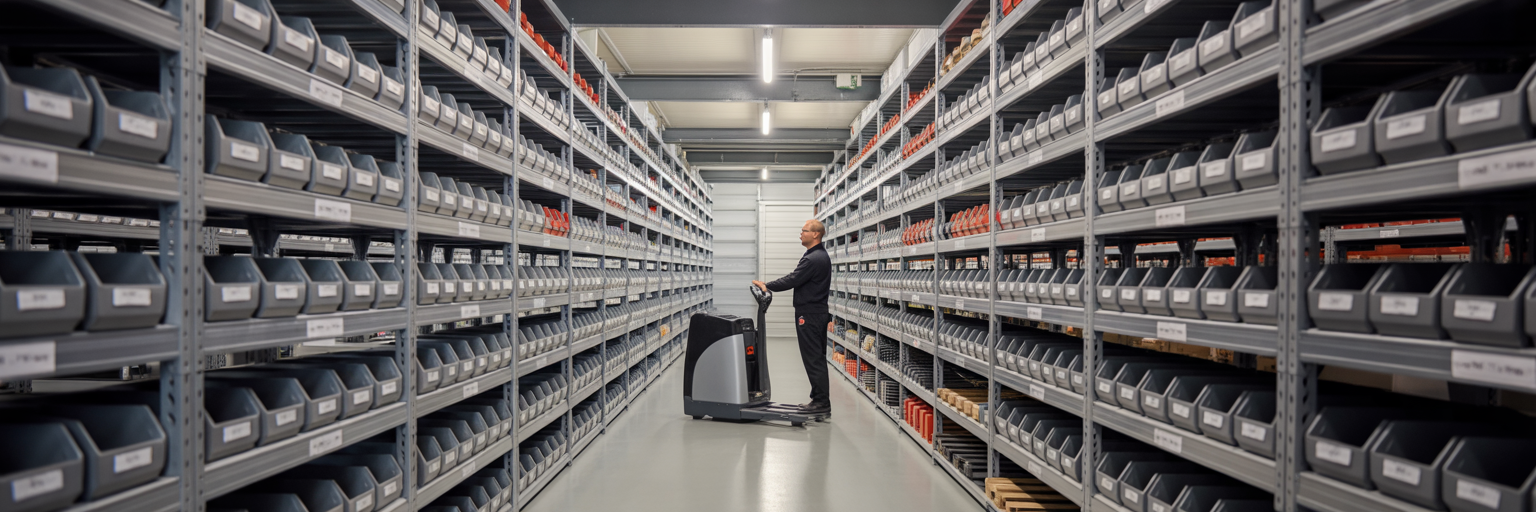
Unified data system in automotive service centre.

The solution to this fragmentation lies in a truly unified platform. A Salesforce-native POS is not just another piece of software connected to your system with a fragile API. It is built directly on the Salesforce platform, sharing the same data model and user interface. This design eliminates the need for complex integrations and creates a single source of truth within Salesforce Automotive Cloud.

When a service is logged on an integrated POS system UK, the transaction, vehicle history and customer profile are all linked instantly as a single, coherent record. This is the foundation of an efficient service desk. Consider the workflow from a service advisor’s perspective. A customer arrives for an appointment. Their entire history – from previous services to contact details and warranty status – is available on one screen. There is no need to switch between applications or search different databases.

This unified view makes initiating a claim straightforward. The process starts directly from the service record, automatically populating the claim with verified information. Key data points that are instantly unified include:

  • Vehicle Identification Number (VIN) and registration
  • Complete service and repair history
  • Customer contact information and preferences
  • Active warranty policies and expiration dates
  • Part numbers used in previous repairs

This approach provides real-time visibility for everyone involved. Managers can see the status of all claims at a glance and technicians have access to accurate vehicle history. Using Salesforce for automotive dealers in this way transforms the point of service from a point of friction into a hub of efficiency.

Accelerating Claims from Submission to Reimbursement

With unified data as the foundation, you can build a repeatable pattern to streamline warranty claims. The workflow moves from manual data hunting to automated execution. When a technician identifies a faulty part, the system automatically verifies its warranty coverage against the vehicle’s record. The claim form is then pre-populated with accurate data pulled directly from Salesforce, drastically reducing the chance of human error.

This automation prevents the most common reasons for rejection, such as incorrect part numbers or claims submitted for out-of-warranty vehicles. The process becomes faster and more reliable. As Salesforce documentation on the Automotive Cloud highlights, AI can further enhance this workflow. AI-powered agents can be configured to flag missing information – like a required photograph of the faulty part – before the claim is even submitted. This frees up your skilled service advisors from administrative checks and allows them to focus on customer interactions.

To measure the impact of this change, the single most important KPI to track is Claim Processing Time. This metric measures the duration from the moment a claim is created to when the manufacturer’s reimbursement is received. A consistently falling number is the clearest indicator that your process is becoming more efficient. The contrast between the old and new methods is stark.

Process Step Manual Workflow (Disjointed Systems) Automated Workflow (Integrated POS)
Data Collection Advisor manually searches multiple systems for VIN, service history and customer details. System automatically pulls all linked data from the Salesforce record in seconds.
Warranty Verification Staff manually checks warranty eligibility against separate documents or portals. System instantly verifies coverage against the vehicle’s profile and warranty terms.
Claim Form Submission Manual entry of all data into the manufacturer’s portal. High risk of typos. Claim form is pre-populated with verified data. Submission is a one-click action.
Error Checking Relies on staff to manually double-check all fields. Often missed. System flags missing fields or data inconsistencies before submission is allowed.

By focusing on this KPI, you can use reporting capabilities to continuously refine your workflow and demonstrate clear financial returns.

Turning Warranty Work into a Positive Customer Touchpoint

Positive customer experience at car service desk.

An efficient back-office process has a direct and positive impact on the customer. An integrated system enables proactive communication that builds trust and reduces inbound calls. Automated updates can be triggered by status changes within Salesforce, keeping the customer informed at every stage without any manual effort.

Imagine a customer receiving simple, timely updates via SMS or email:

  1. Claim Submitted: “We’ve submitted your warranty claim for the faulty sensor. We’ll let you know once it’s approved.”
  2. Claim Approved: “Good news! Your claim has been approved. We’ve ordered the new part and will notify you when it arrives.”
  3. Parts Ordered: “The replacement part for your vehicle is on its way. We expect it to arrive within 2-3 business days.”
  4. Vehicle Ready for Collection: “Your vehicle repair is complete and it’s ready for collection. We look forward to seeing you.”

These automated communications, managed through tools like integrated marketing and communication platforms, transform the customer experience. The in-person interaction also improves. An advisor with all the information on one screen can have a confident, personal conversation instead of being distracted by a keyboard and multiple monitors. They can answer questions accurately and set clear expectations.

Ultimately, a smooth warranty experience is a critical loyalty builder. It demonstrates competence and a respect for the customer’s time. It is important to maintain a balanced perspective here. The automotive service desk software is a tool that removes friction. The quality of the human interaction it enables is what secures long-term customer loyalty. The technology supports your skilled staff – it does not replace them.

Moving from a fragmented, manual process to an integrated one is not just about saving time. It is about improving cash flow, reducing errors and turning a potential point of friction into a moment that strengthens customer relationships. Eposly provides a Salesforce-native POS system designed for the automotive industry, creating a single source of truth that connects your service desk, your customer data and your financial reporting. By unifying these functions, our solution helps you deliver the efficient, transparent service that builds lasting loyalty. To learn more about how our system works, explore our Salesforce POS capabilities.

Share this article

Eposly fills the checkout whitespace in Salesforce

As the only fully native point of purchase / POS solution, Eposly brings robust, secure checkout functionality to Industry, Sales & Service, and Experience Clouds, as well as CPQ and OMS.

The only 100% Salesforce-native checkout solution

Omring Case Study

Omring - a complex point of sale requirement to deliver a streamlined Checkout and POS process for a Healthcare Industry customer....

Learn more about Eposly’s unique benefits for any industry.