Premium in-person services
The gym POS system that runs inside Salesforce
Sell memberships, training packages and retail directly in Salesforce. Front desk staff see each member's history and pricing while they build the order.
Try the interactive demo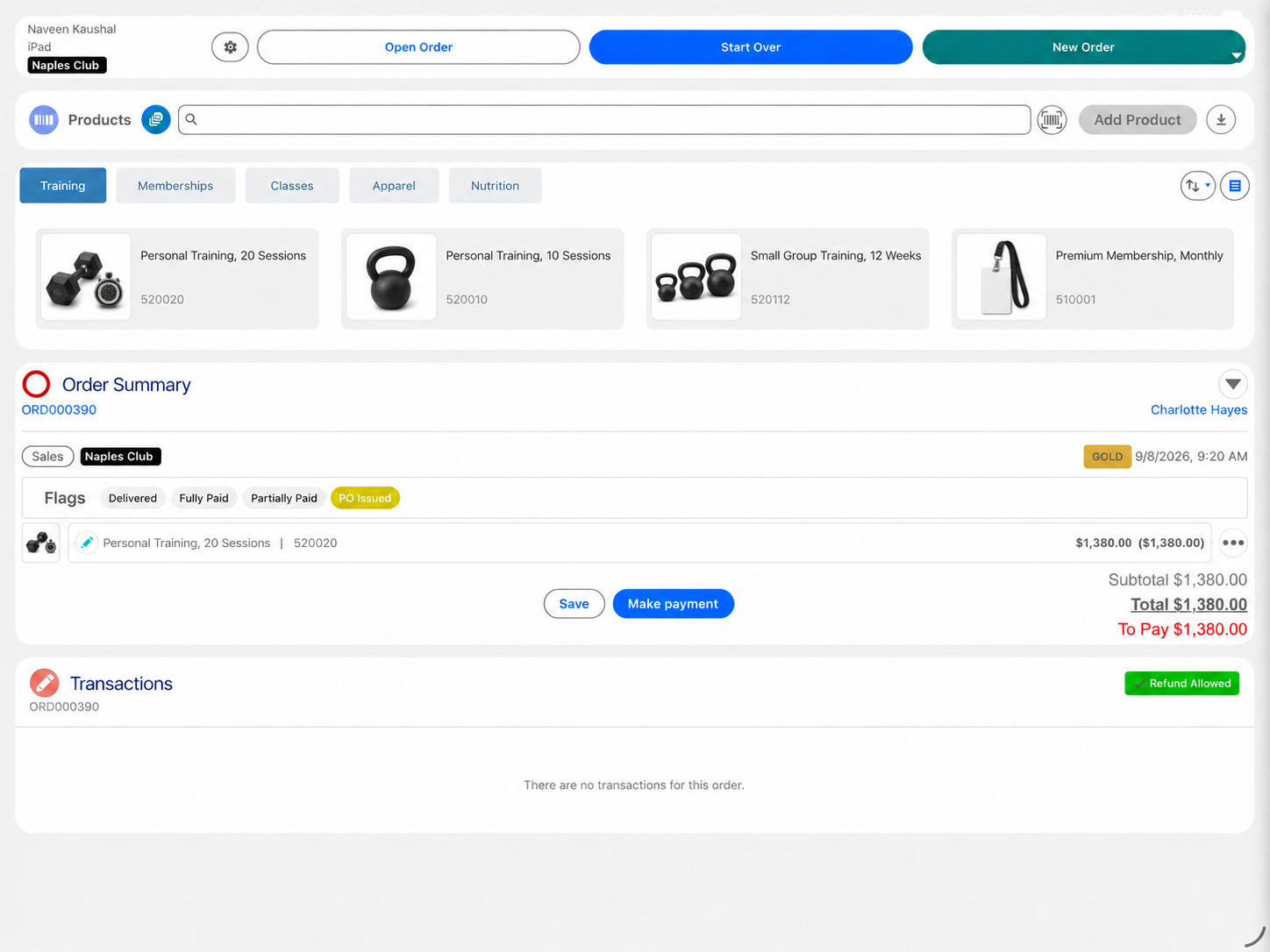
Eposly brings front desk sales into Salesforce. Staff open the member, add a membership, a training package or retail to one order and take payment in the same flow. Take the first payment at the desk and collect the rest monthly on the member's saved card, with every payment recorded against the member record in Salesforce.
- Memberships, training and retail on one order
- Monthly card payments on a recurring schedule
- One view of the member across clubs
At the front desk
What makes selling at a gym front desk different?
A gym sells to the same people every week.
The member comes back
The desk sees the same faces week after week, so every sale adds to what the club knows.
The sale is a mix
A membership, a training package, a class pass and a shake can land in the same visit.
Payment continues after the visit
Memberships and training packages are paid monthly, not once.
Price depends on the membership
Members, corporate members and drop-ins each pay their own rates.
Members train at more than one club
A member should look the same at every location.
A front desk sale
How does Eposly handle a training package sale at the front desk?
One order on the member record, from the first payment to the last.
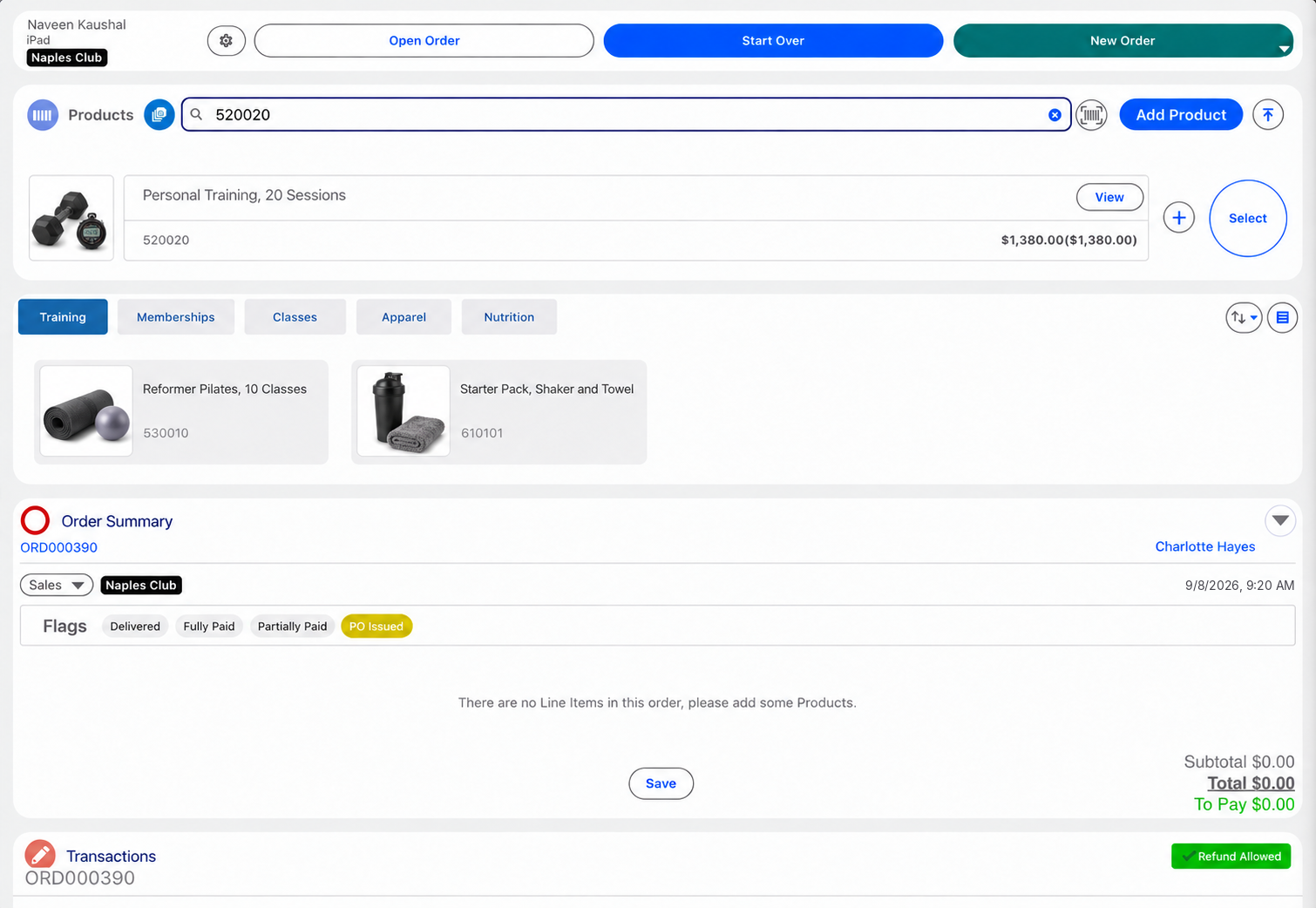
How are membership and product purchases managed on one member record?
Memberships, training packages and retail are products in your Salesforce catalog, so the desk adds them to the same order, against the member record, and takes payment once. Every purchase stays on the member record in Salesforce, ready for the next visit.
Every gym sale, connected in Salesforce
Memberships, retail and front desk sales are recorded against the member record in Salesforce, feeding member and revenue reporting.
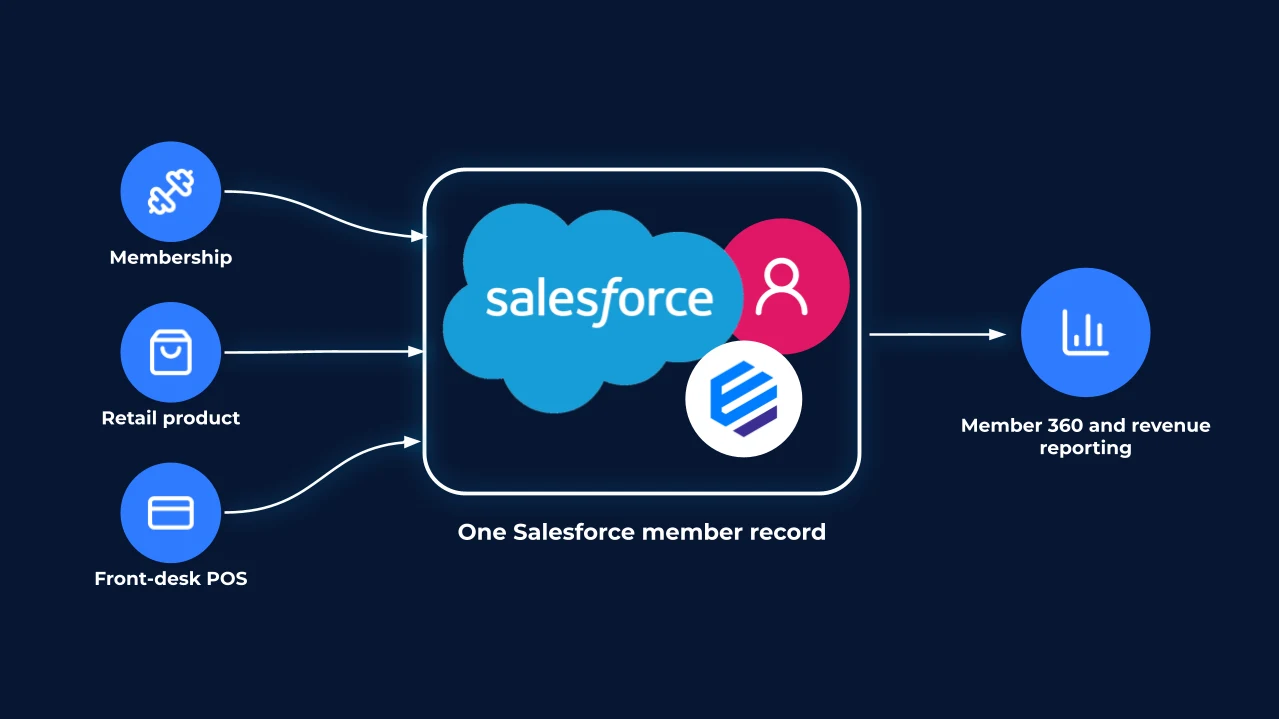
What should a gym POS system handle?
Can POS and membership revenue be reported together?
Yes. Every front desk sale and every scheduled payment is created in Salesforce, so your reports and dashboards can show retail, training and membership revenue side by side, by club, member and staff member.
Payments
How do members pay at a gym?
- Retail, drinks and day passesCard, cash, gift card or a split, in one step.
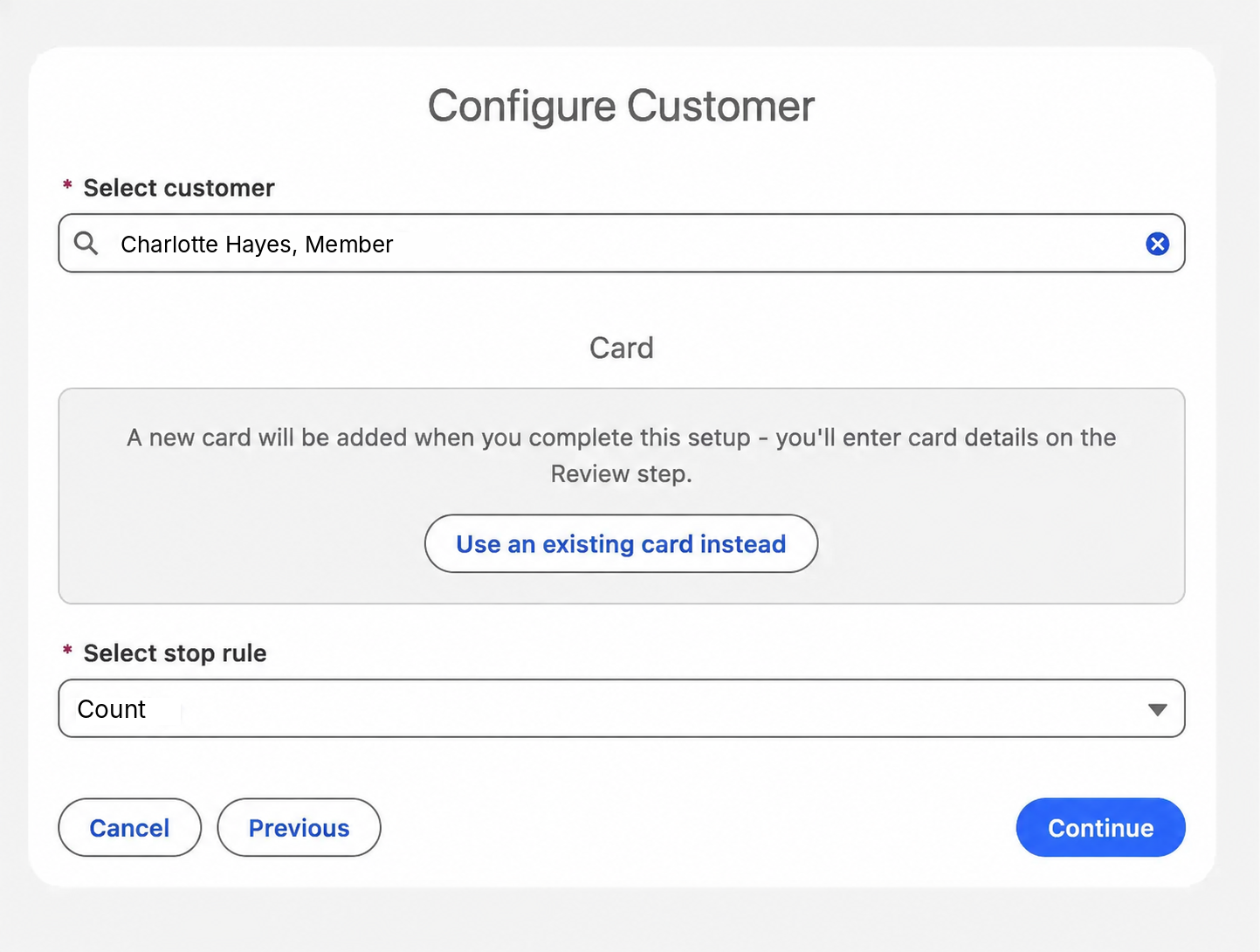
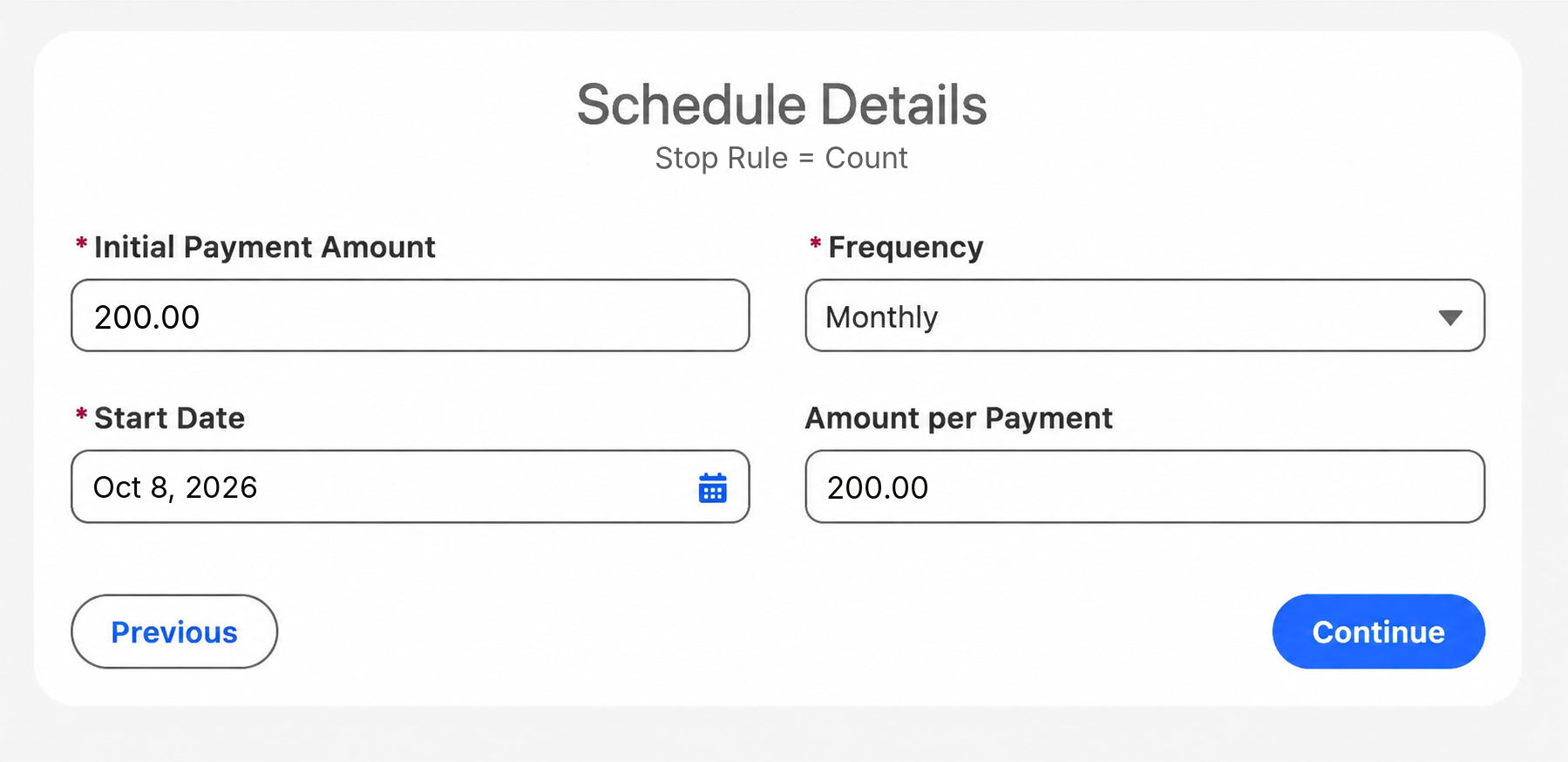
- Membership sign-upNewFirst payment at the desk, then a recurring schedule on the member's saved card, open-ended or for a set number of payments.
- Training packagesNewPaid in full, or a first payment and the rest monthly on the saved card.
- Sign-up by phone or emailPayment link for part or all of the amount.
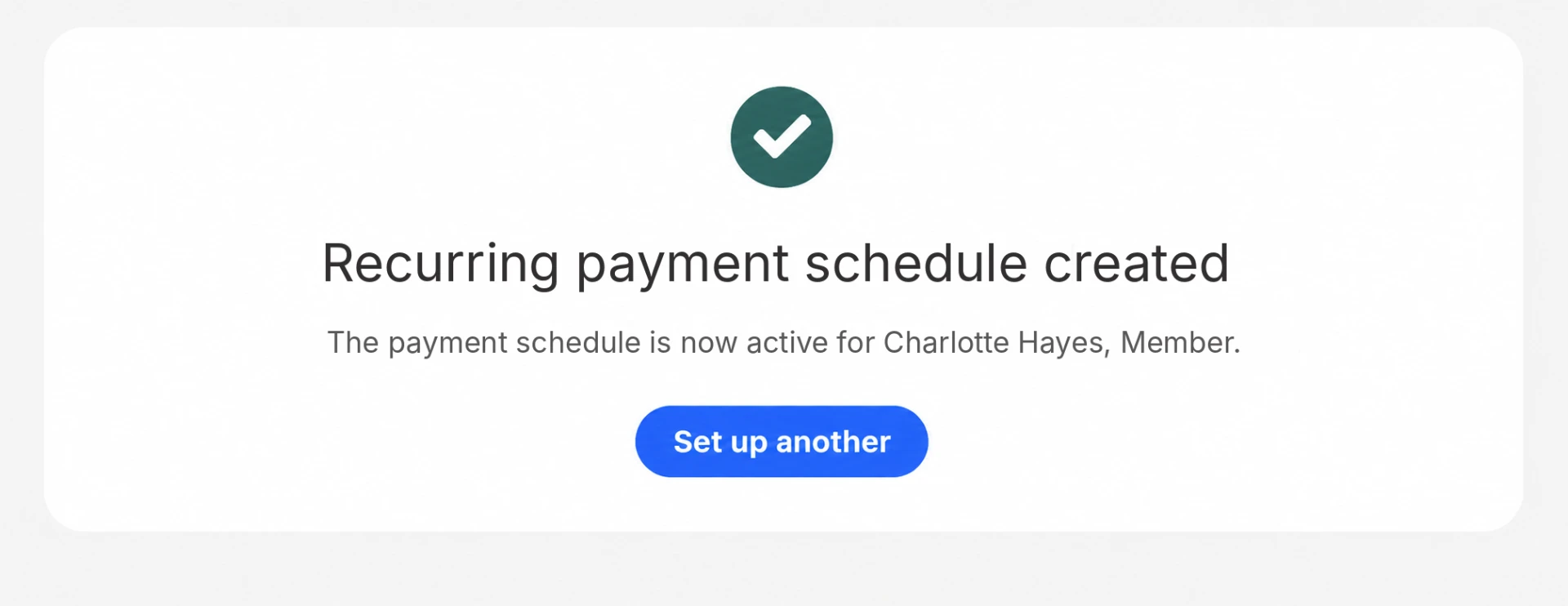
If a monthly collection fails, Eposly pauses the schedule, records the reason and lists it in a Salesforce report for follow-up.
Recurring schedules run with a supported payment provider.
Eposly runs in-person, customer-linked transactions inside Salesforce across industries. Omring uses the same model for mobility-aid retail and rental.
100% rental and sales inventory accuracy. 8.5% sales increase year to year.Omring, site-reported results

A Dutch senior-care provider running mobility-aid retail and rental on Eposly, on Salesforce Sales and Service Cloud.
 5.0 on Salesforce AppExchange
Where do gyms and fitness clubs fit within premium in-person services?
Gyms and fitness clubs are one of the businesses Eposly serves as a POS for service businesses: a known member, a mix of memberships, services and retail, and payments that continue after the visit.
Gym POS one-pager
Take this page to your team
The key points from this page in one document to share with your team.
By downloading, you agree to our privacy policy.
Questions buyers ask
Can gym memberships be collected as recurring payments on the member record?
Yes. Staff set up a recurring schedule on the member's saved card, monthly or at another frequency, open-ended or for a set number of payments. The first payment can be taken at sign-up. Each payment is recorded against the member record in Salesforce, and a failed collection pauses the schedule and shows in a report for follow-up.
Does the member view stay complete across locations?
Yes. Every club sells from the same Salesforce org, so a purchase made at one club is on the member's record at every other, with club-level users and reporting by location.
Which payment methods and gateways are supported?
Card, cash, gift cards, split payments and payment links, through the connected PCI-compliant payment provider, which tokenizes card details. Recurring schedules run on the member's saved card with a supported payment provider.
Does Eposly replace gym management software?
No. Eposly runs the sale and the payment in Salesforce. Access control, check-in, class booking and trainer scheduling stay in the systems built for them.
Bring your front desk into Salesforce
See how a point of sale runs inside Salesforce.