Premium in-person services and healthcare
The healthcare POS system that runs inside Salesforce
Take front-desk and follow-up payments directly in Salesforce. Each payment is recorded against the patient, not in a separate POS.
Try the interactive demo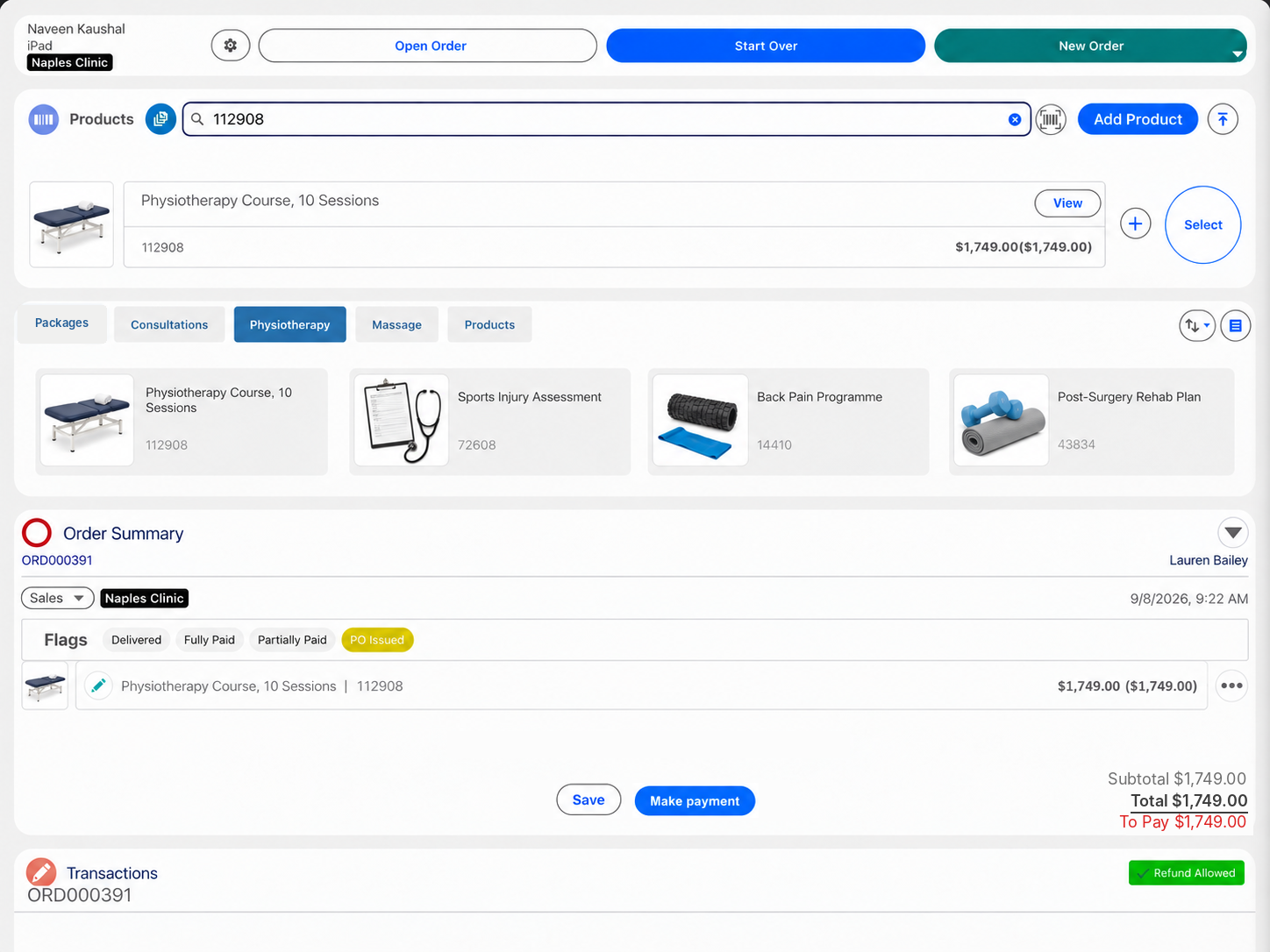
Eposly brings clinic payments directly into Salesforce. Front-desk staff select the service or package, take payment at the desk or send a payment link, and the order and transaction are recorded against the patient in Salesforce. Eposly runs on core Salesforce alongside Health Cloud, and card details stay with the connected payment provider.
- Payments at the front desk and by payment link, in one flow
- Deposits, split payments and scheduled card payments on treatment packages
- Card details tokenized by the connected payment provider, not stored in Salesforce
At the front desk
What makes taking payment in a clinic different?
The patient is known before they reach the desk.
The patient is already known
Their record, history and follow-ups live in Salesforce, not in the payment tool.
Care happens across channels
Patients pay at the desk, after telehealth consultations and between visits.
Treatments come in packages
Courses of treatment are paid upfront, in parts or over time.
Patient data needs care
Every extra system that holds patient and payment data adds compliance work.
Finance needs a clean trail
Payments taken outside the patient record have to be matched back by hand.
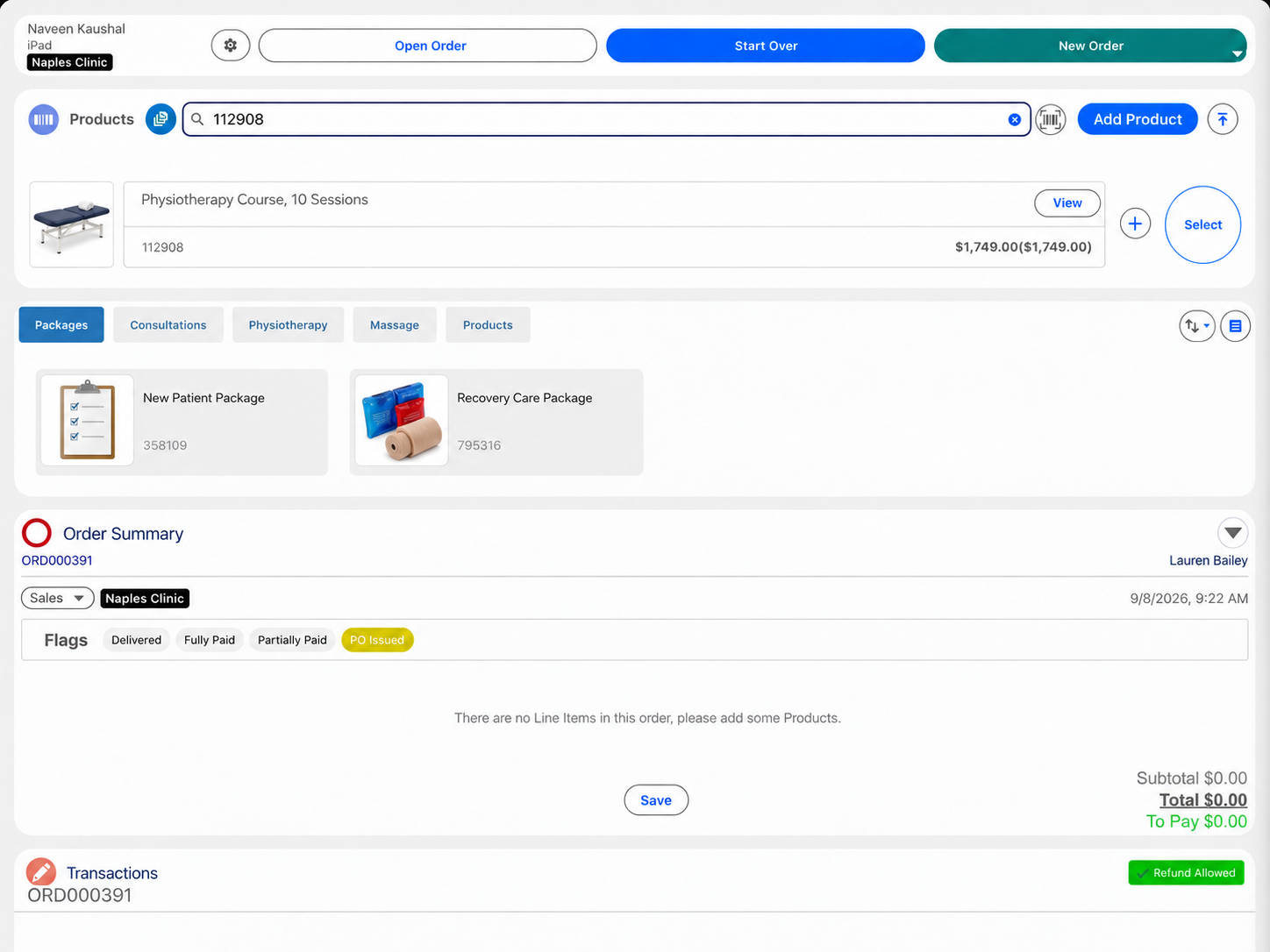
A treatment package
How does Eposly handle a treatment package at the front desk?
One order against the patient, from booking the package to the last payment.
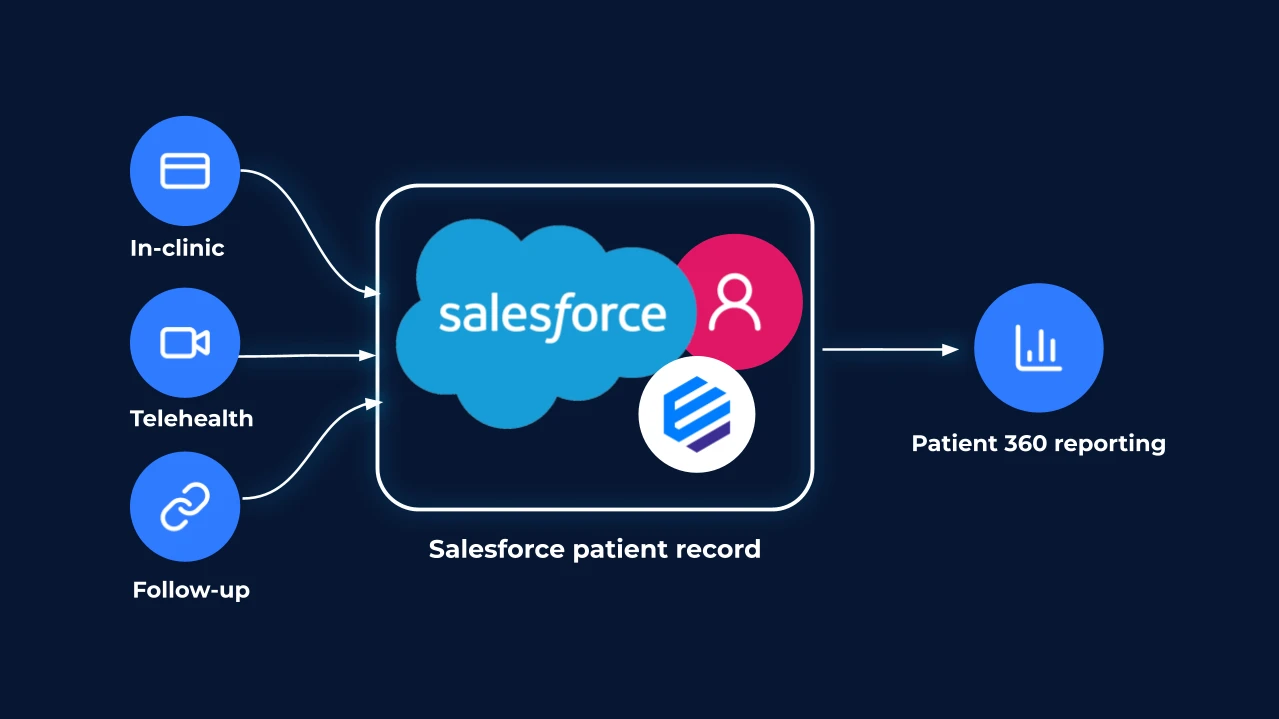
How payments connect to the patient in Salesforce
In-clinic, telehealth and follow-up payments, recorded against the patient in Salesforce.
What does a clinic need from a healthcare POS system?
How does transaction data strengthen the patient view?
Each order records what was paid for, how, where and when, against the patient. Front-desk, care and finance teams work from the same history in Salesforce.
Payments
How do clinics take payment in person, by telehealth and by payment link?
- At the front deskCard, contactless or a split, in one step.
- Treatment packageDeposit at booking, balance at a later visit.
- Not in the clinicA payment link for part or all of the amount due, after a telehealth consultation or between visits.
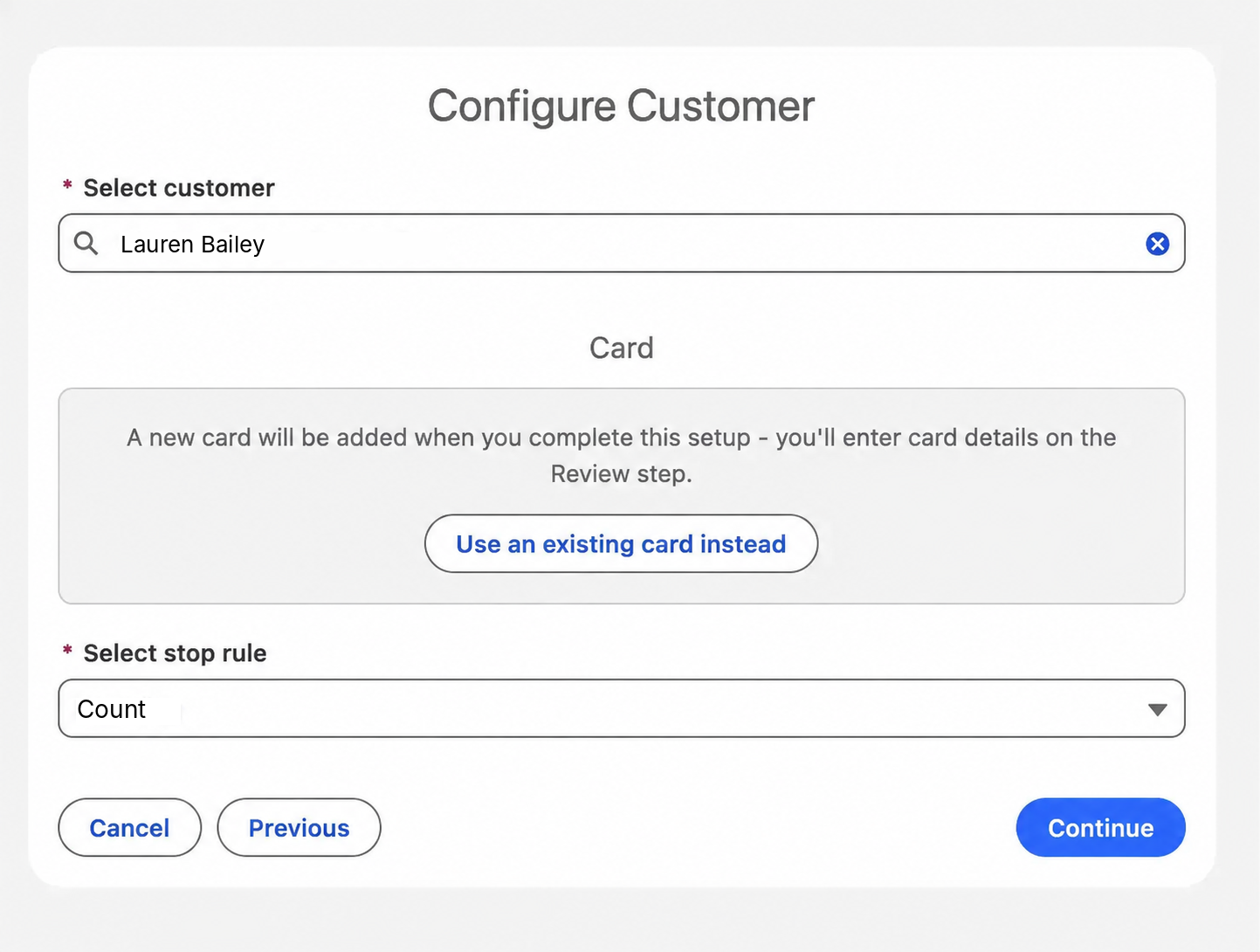
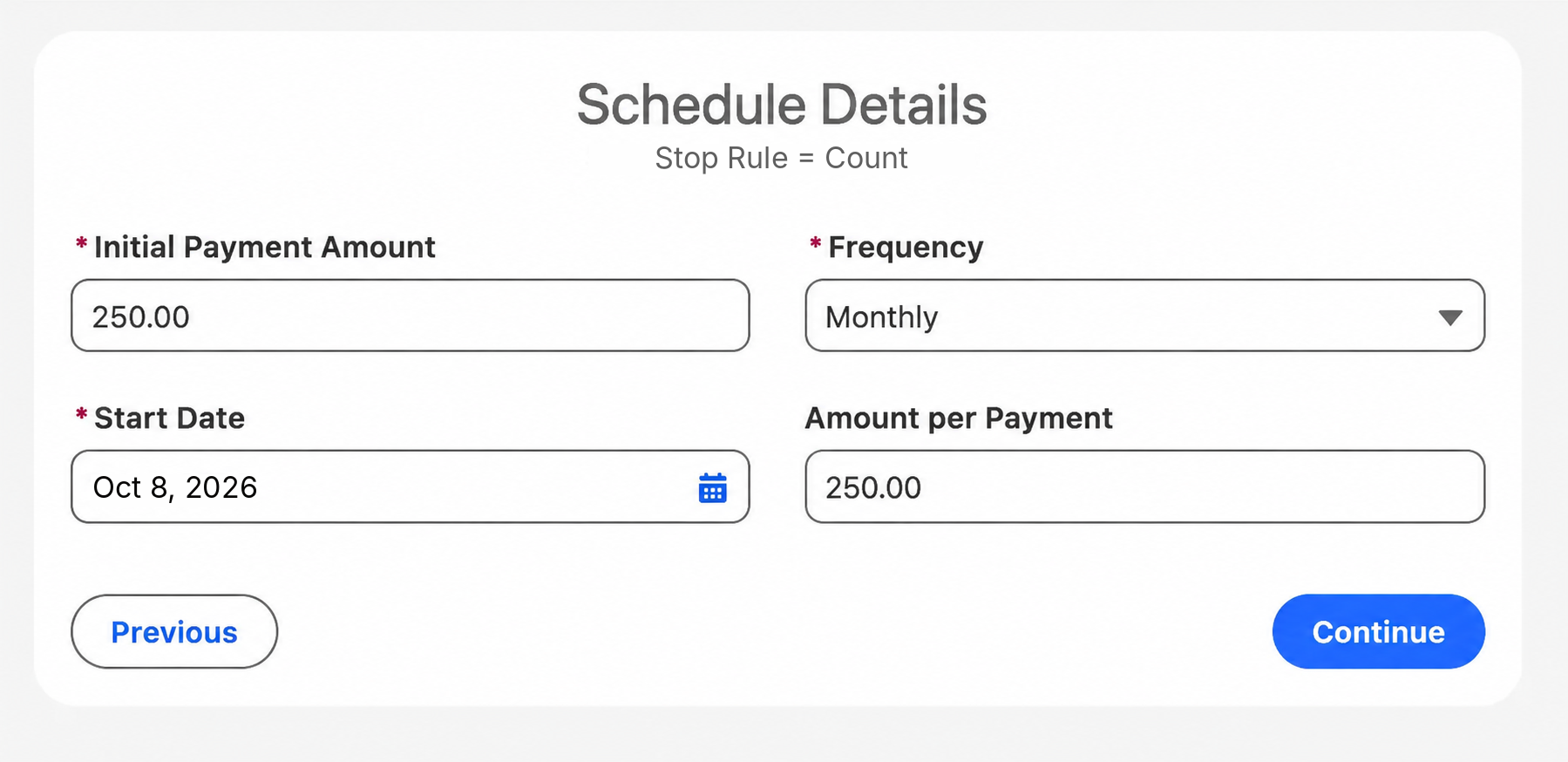
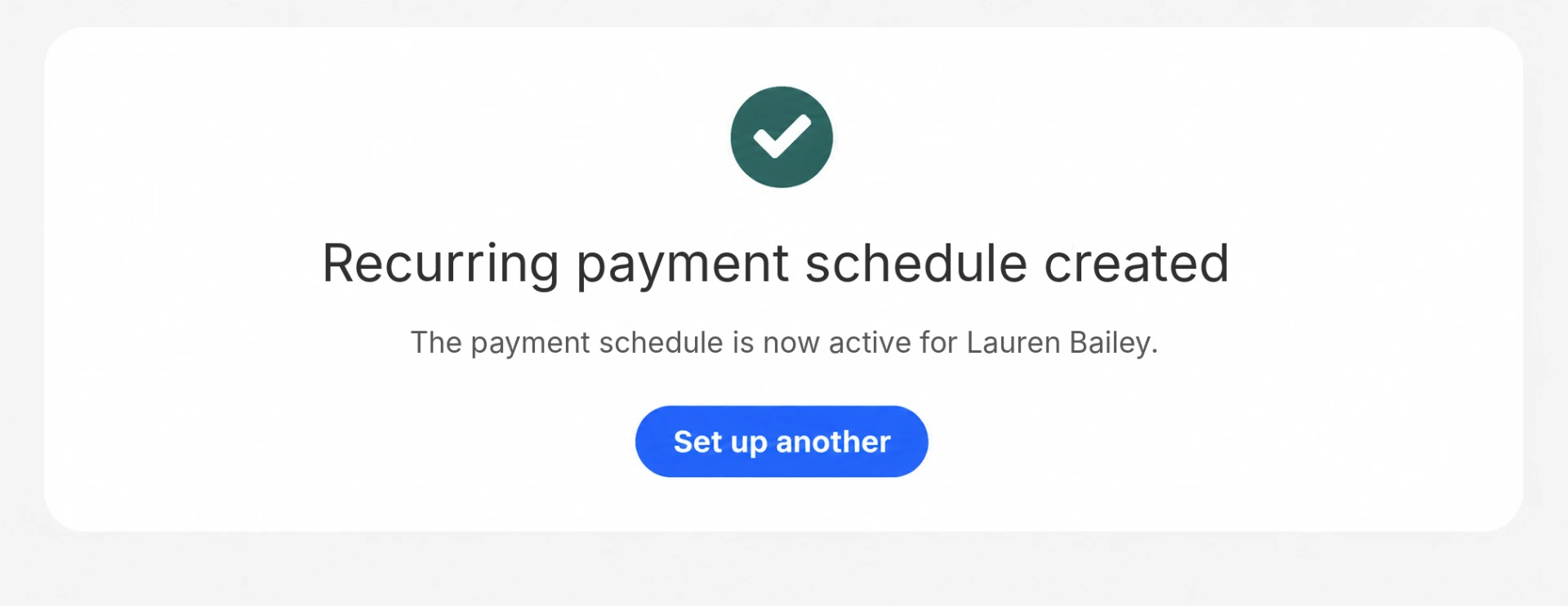
- Scheduled card payments on a treatment planNewA recurring schedule on the patient's saved card that stops once the plan is paid off. Each payment is recorded against the order.
100% rental and sales inventory accuracy. 8.5% sales increase year to year.Omring, site-reported results

A Dutch senior-care provider running mobility-aid retail and rental on Eposly, on Salesforce Sales and Service Cloud.
 5.0 on Salesforce AppExchange
Where do clinics fit within premium in-person services and healthcare?
Clinics follow the premium in-person services pattern: a known client, an assisted service and payments that can span visits.
Healthcare POS one-pager
Take this page to your team
The key points from this page in one document to share with your team.
By downloading, you agree to our privacy policy.
Questions buyers ask
Does Eposly handle insurance billing or claims?
No. Eposly handles patient-paid transactions: services, packages, products and balances. Insurance billing and EHR-integrated reimbursement stay in the systems built for them.
How are card details handled?
The connected PCI-compliant payment provider handles and tokenizes card details, so raw card data is not stored on the patient record. Salesforce keeps the transaction record the workflow needs.
Can a payment be tied to a patient's Health Cloud record?
Yes. Eposly runs on core Salesforce alongside Health Cloud, so the order and payment are recorded against the existing patient record rather than in a separate POS customer database.
How is a healthcare POS different from a retail POS?
A retail POS sells to anonymous shoppers in one step. A healthcare POS takes payment from a known patient, often for packages paid over several visits, and the payment has to sit with the patient's record and access controls.
Bring your clinic payments into Salesforce
See how a point of sale runs inside Salesforce.