Premium in-person services
The tire shop POS system that runs inside Salesforce
Sell tires, installation and protection plans directly in Salesforce. Counter staff see each customer's pricing and history while they build the job.
Try the interactive demo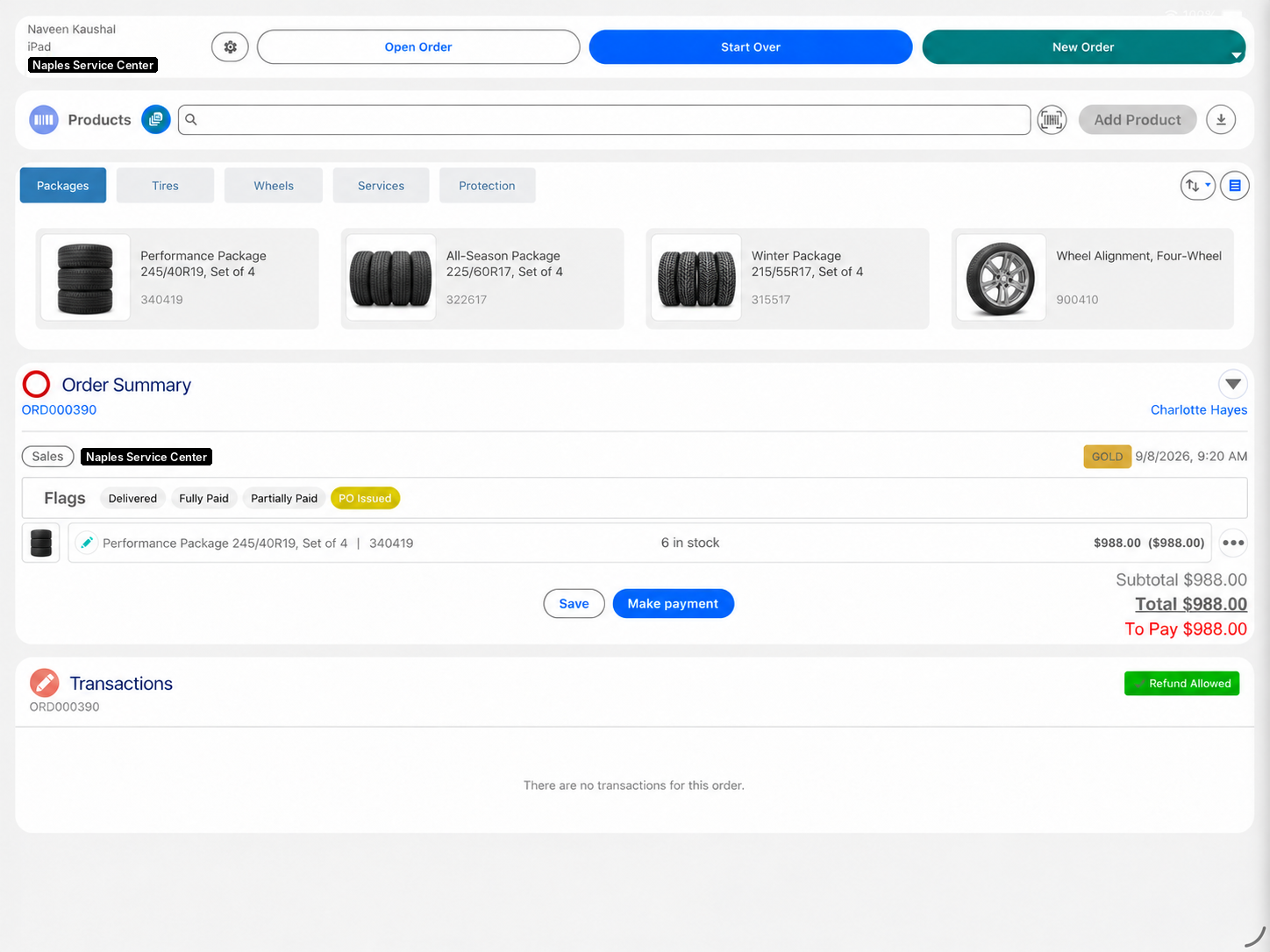
Eposly brings tire and service sales directly into Salesforce. Counter staff open the customer, find the tires with stock across stores in view and add the full job to one order, with retail, member or fleet pricing applied. Take a deposit on special-order tires, collect the balance at fitting, and keep every visit on the customer record in Salesforce.
- Tires, installation and add-ons sold together on one order
- Retail, member and fleet pricing applied at the counter
- Stock across stores in view while the job is built
At the counter
What makes selling tires different at the counter?
A tire sale is a job, not an item.
The vehicle decides the product
Size, load and season narrow the choice before price comes up.
The job is more than the tires
Mounting, balancing, valves, alignment and disposal are sold with them.
Price depends on the customer
Retail, member and fleet customers each pay their own rates.
Stock decides the date
If the size is not in this store, it has to come from another one.
The customer comes back
Rotations, seasonal changeovers and replacements follow a predictable cycle.
A tire job
How does Eposly handle a tire and installation job?
One open order on the customer record, from the quote to the fitting.
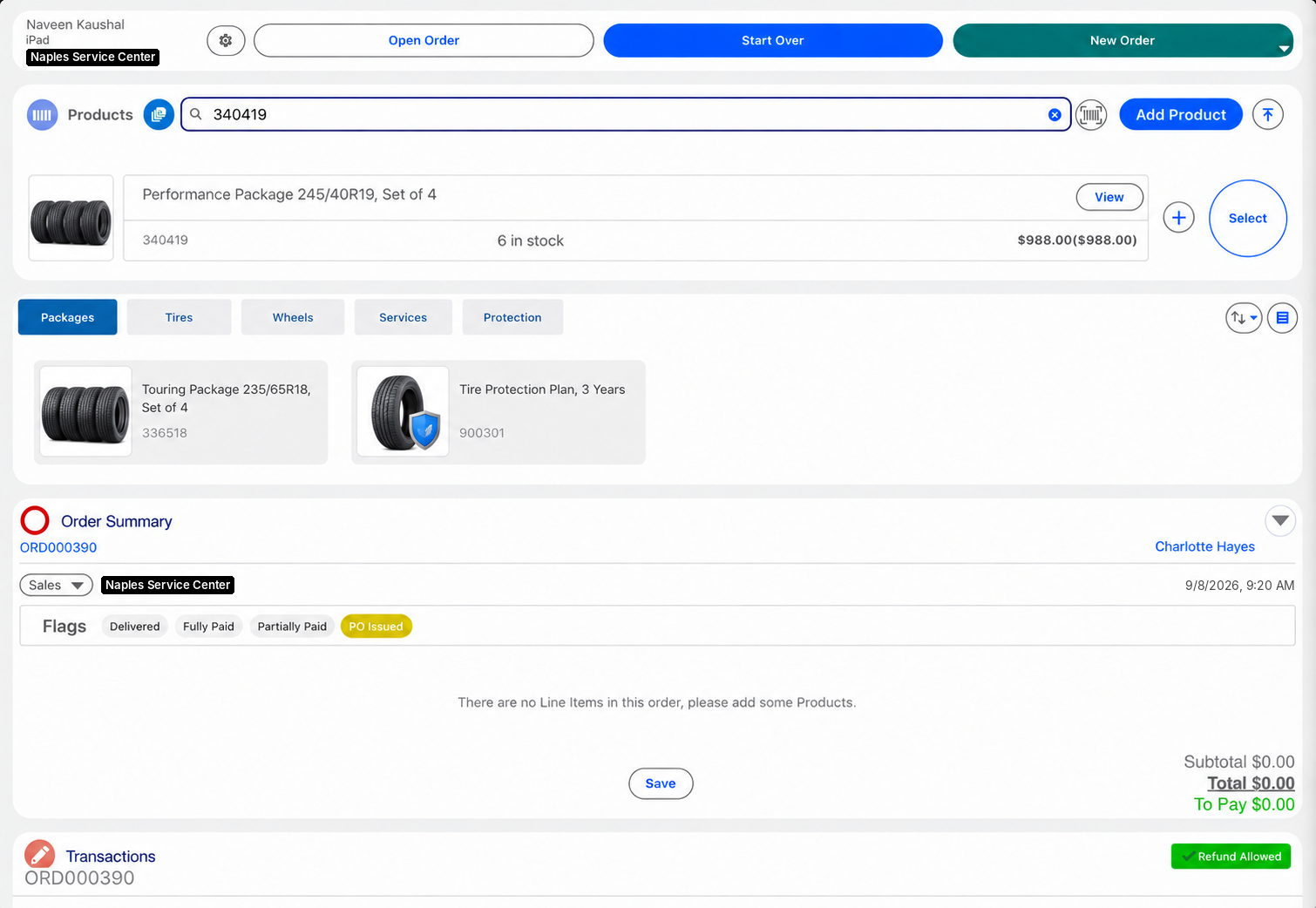
How are tire and fitting jobs priced as one service?
Tires, installation and add-ons can be set up as a bundle or service package in your Salesforce catalog, so the whole job is added to the order in one step and priced together. Extra services can be added to the same order.
What should a tire shop POS system handle?
How is vehicle history kept on the customer record?
Every order is created in Salesforce against the customer record. Your Salesforce setup can also hold the customer's vehicles, so each order links to the vehicle it was fitted to and the next visit starts from what was fitted last time.
Payments
How do customers pay for tires and installation?
- Tires fitted todayCard, cash, gift card or a split, in one step.
- Special-order tiresDeposit at order, balance at fitting.
- Quote by phone or emailPayment link for part or all of the amount.
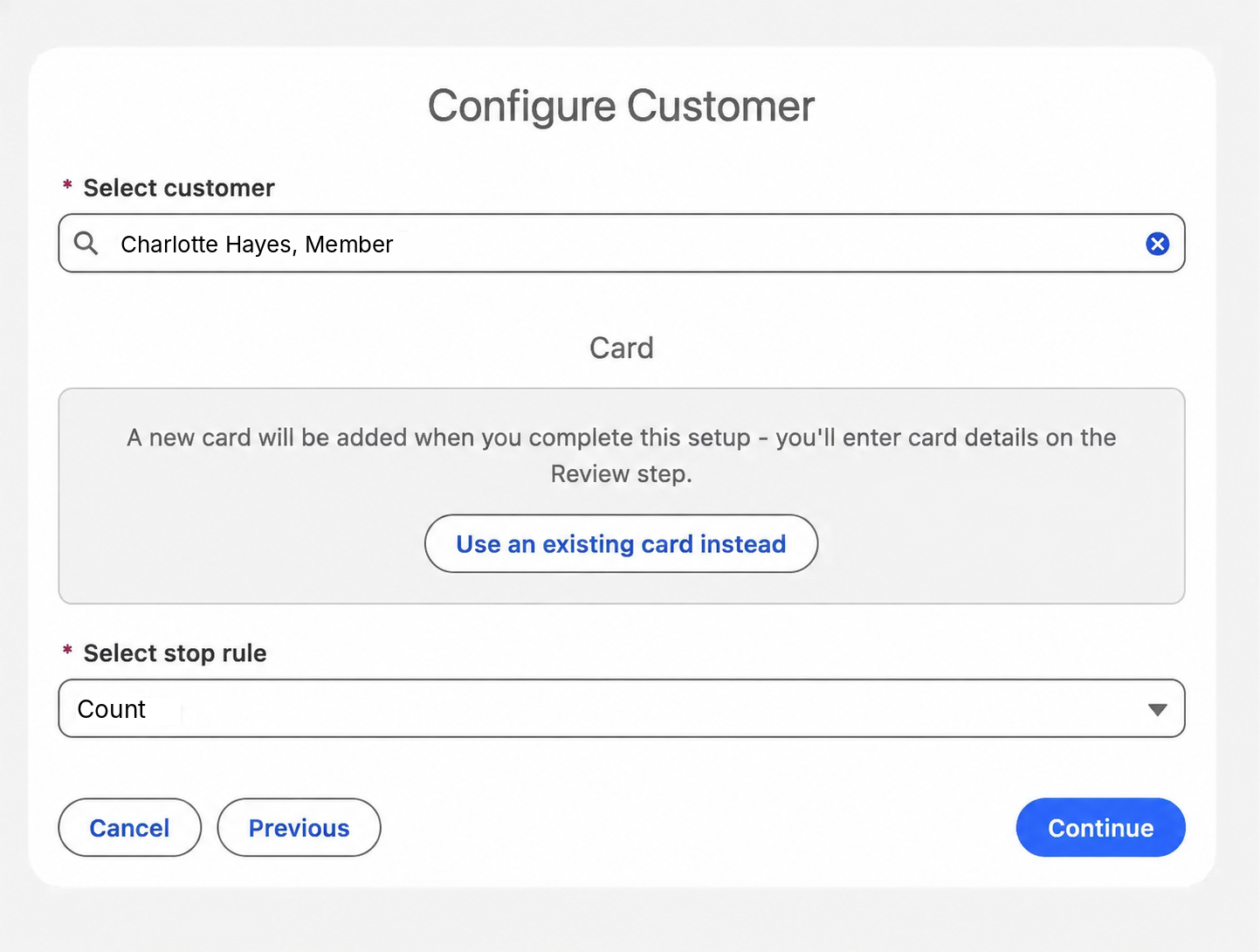
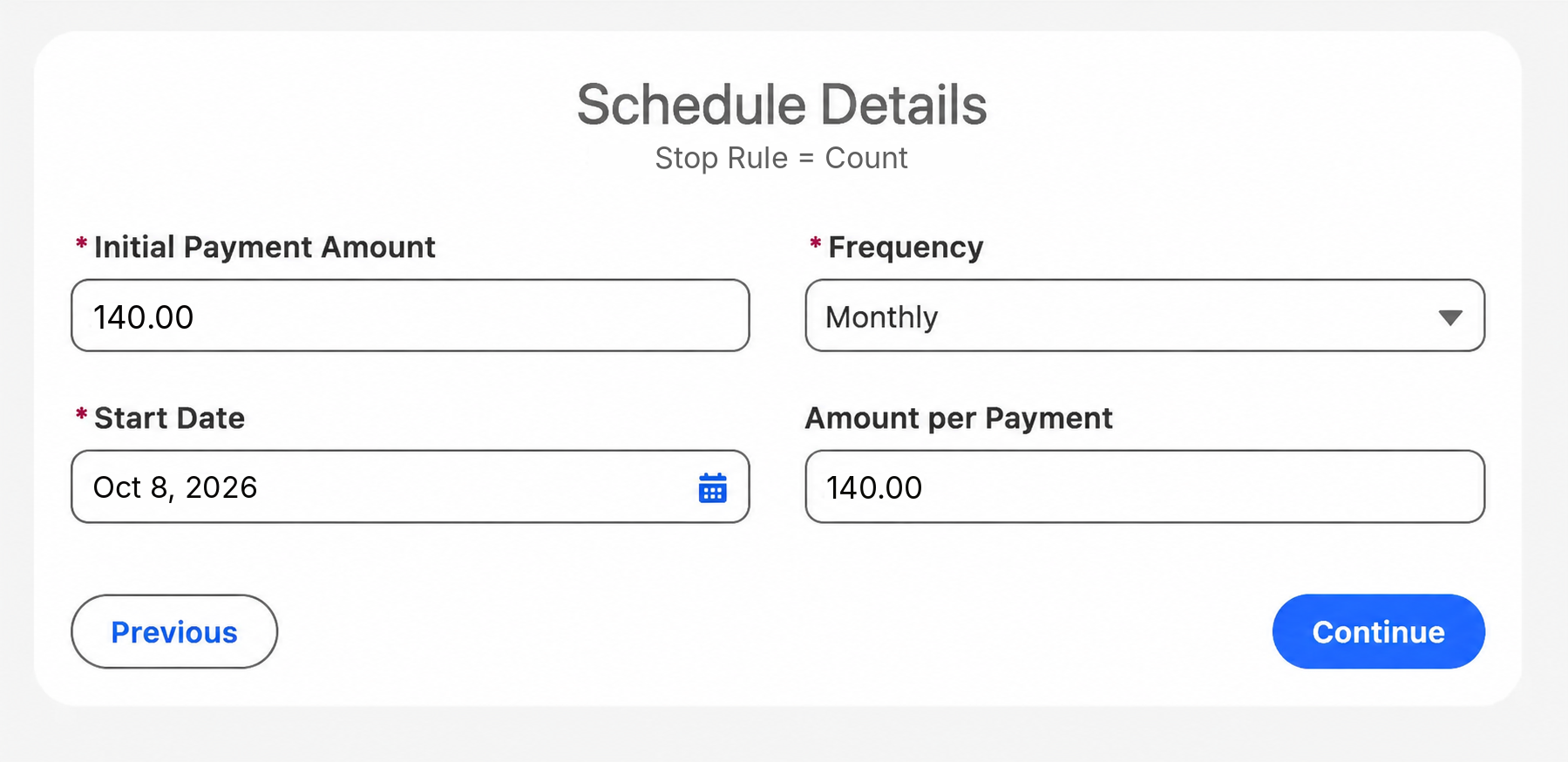
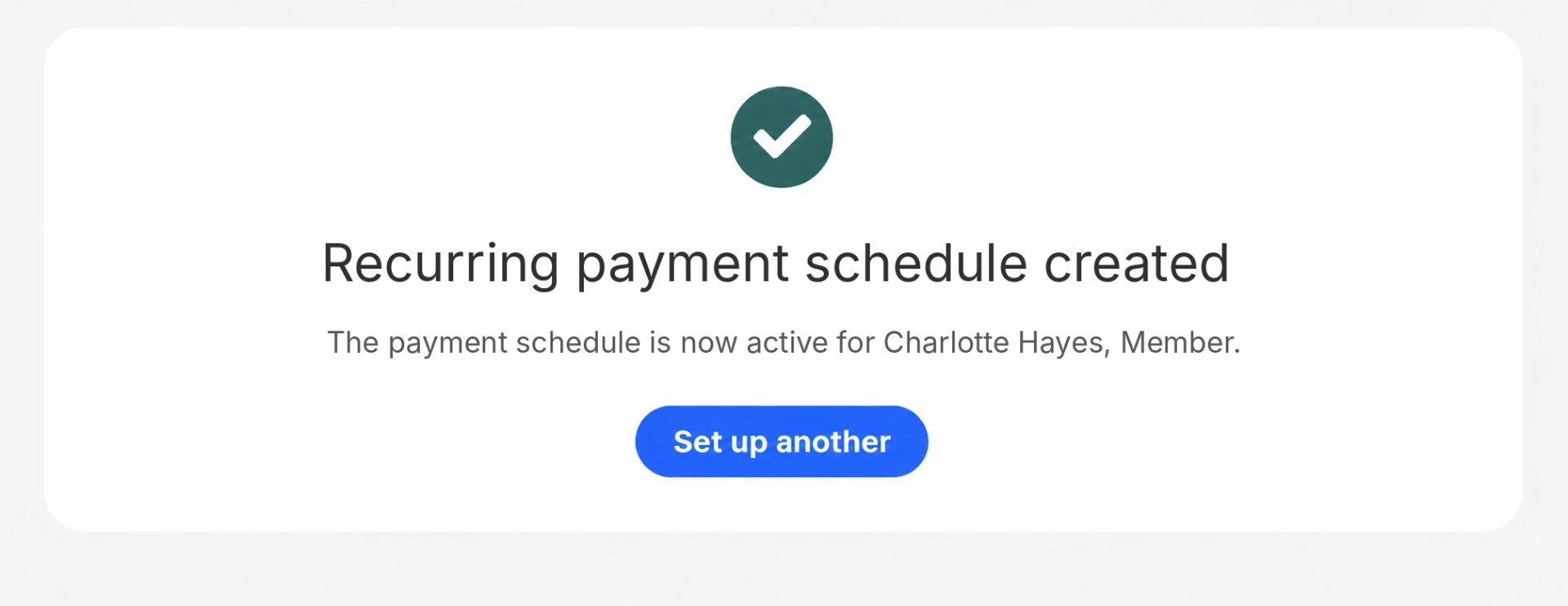
- Scheduled card payments on a larger jobNewA recurring schedule on the customer's saved card that stops once the job is paid off. Each payment is recorded against the order and the customer record in Salesforce.
Recurring schedules run with a supported payment provider.
Eposly runs in-person, customer-linked transactions inside Salesforce across industries. California DMV uses the same model at its permit and registration counters.
Each permit and registration completed directly in Salesforce, with fees and payment captured in real time.California DMV, on Salesforce Government Cloud

A statewide agency serving 27 million drivers and vehicle owners, completing permit and registration transactions in Salesforce with Eposly.
 5.0 on Salesforce AppExchange
Where do tire and auto service businesses fit within premium in-person services?
Tire and auto service businesses are one of the businesses Eposly serves as a POS for service businesses: a known customer, a product sold with a service and a visit that repeats. For parts sold at contract prices over a trade counter, see OEM parts and trade counters.
Tire shop POS one-pager
Take this page to your team
The key points from this page in one document to share with your team.
By downloading, you agree to our privacy policy.
Questions buyers ask
Can fleet and national-account price books be applied at the counter?
Yes. Your Salesforce setup can hold separate price books for retail, member, fleet and national-account customers, and Eposly applies the customer's pricing as the order is built, at every store.
Can alignment and protection plans be sold with the tires?
Yes. Alignment, installation and protection plans go on the same order as the tires, as separate items or as part of a bundle. A larger job can also be paid over time with scheduled card payments on the customer's saved card.
Does Eposly replace tire shop management software?
No. Eposly runs the sale and the payment in Salesforce. Fitment lookup, bay scheduling, repair orders and technician workflow stay in the systems built for them, and product data can sync into Salesforce from your catalog or ERP.
Bring your tire counter into Salesforce
See how a point of sale runs inside Salesforce.