Premium in-person services
Nonprofit payment processing that runs inside Salesforce
Take donations, admissions, memberships and gift shop sales directly in Salesforce. Each payment is recorded against the supporter record, not in a separate POS.
Try the interactive demo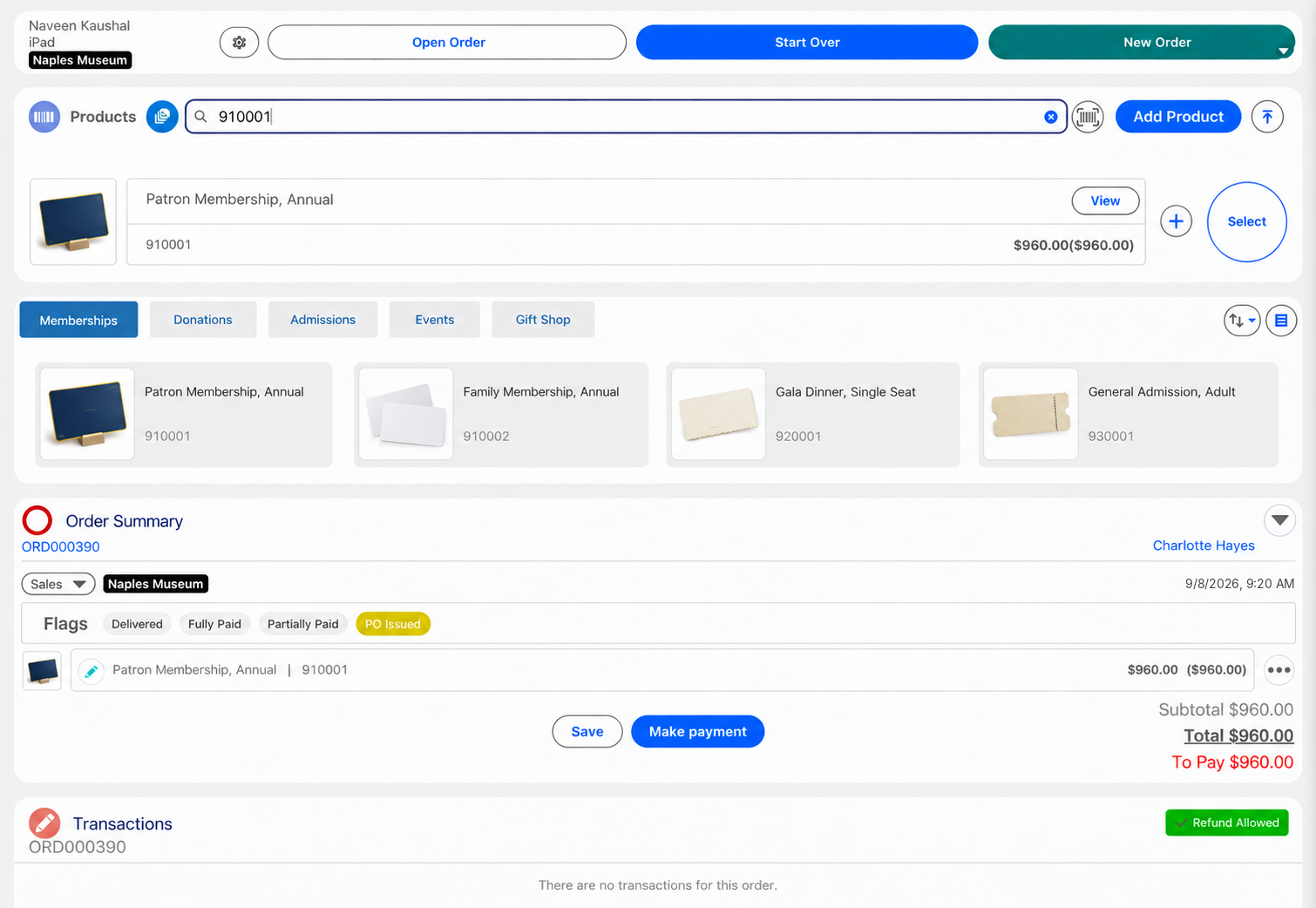
Eposly is Salesforce-native nonprofit payment processing for in-person gifts, admissions and memberships. Staff take donations, admissions, memberships and gift shop sales at the visitor desk or at events, and every payment is recorded against the supporter record in Salesforce. Memberships and regular gifts can also be collected monthly on the supporter's saved card.
- Donations, admissions, memberships and shop sales in one flow
- Card, cash and mixed tender, with cash register sessions
- Recurring gifts and membership dues on a saved card
At the visitor desk
What makes nonprofit payments different?
The person paying is a supporter, not a shopper.
The supporter is already known
Members, donors and regular visitors usually already sit in Salesforce.
Giving happens in person
Galas, auctions, visitor desks and donation points all take money face to face.
One person gives, buys and visits
A member renews, shops and donates in the same visit.
Some gifts repeat
Memberships and regular gifts are paid monthly or yearly, not once.
Cash still matters
Events and shops take cash, and every till has to balance.
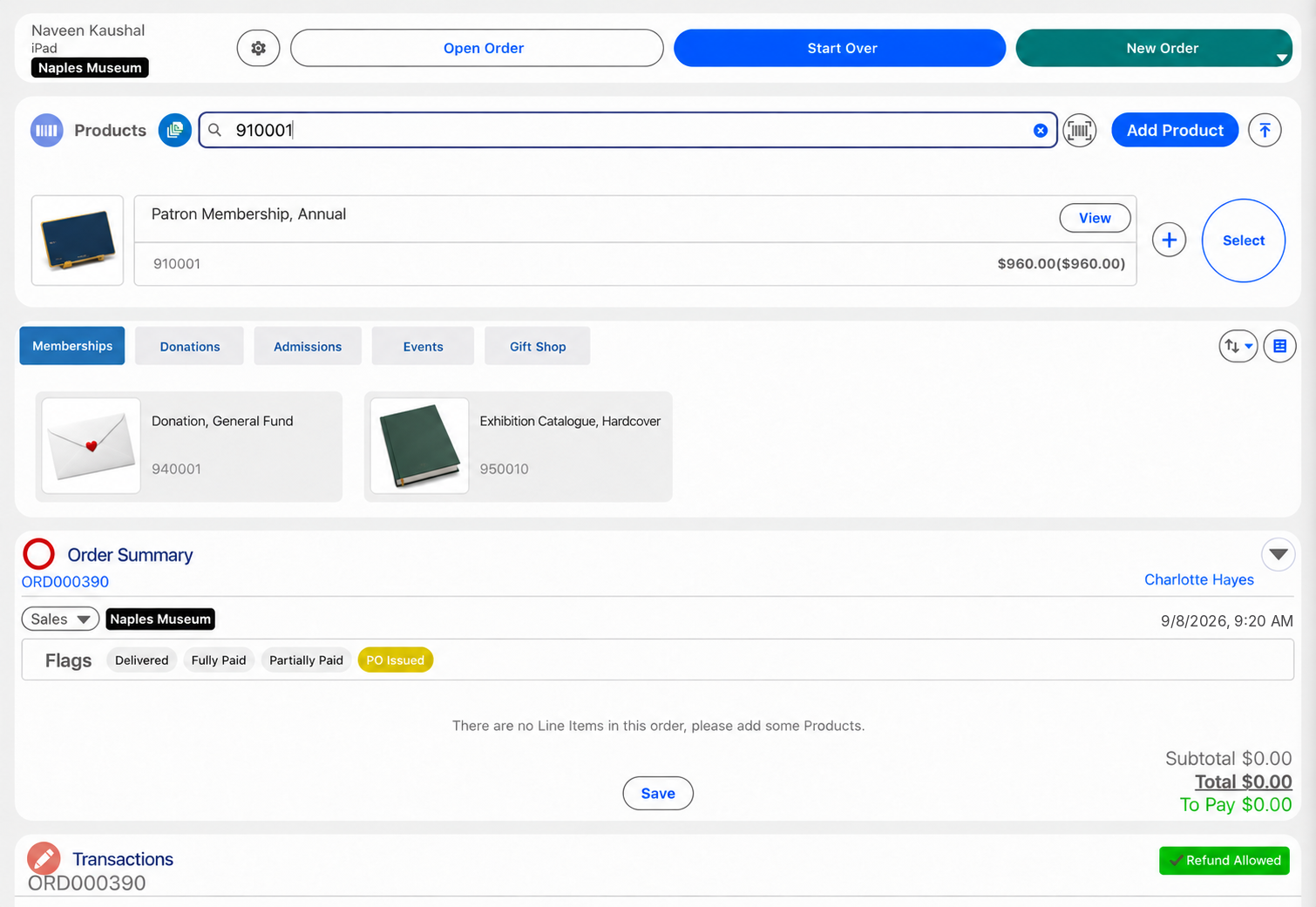
A membership at the desk
How does Eposly handle a membership sale at the visitor desk?
One order on the supporter record, from the first payment to the last.
What is a nonprofit POS system?
A nonprofit POS system takes in-person payments for a nonprofit, at events, visitor desks, admissions and gift shop tills, and records each one against the supporter. Eposly does this inside Salesforce, so the payment is created on the supporter record your team already uses rather than in a separate POS database.
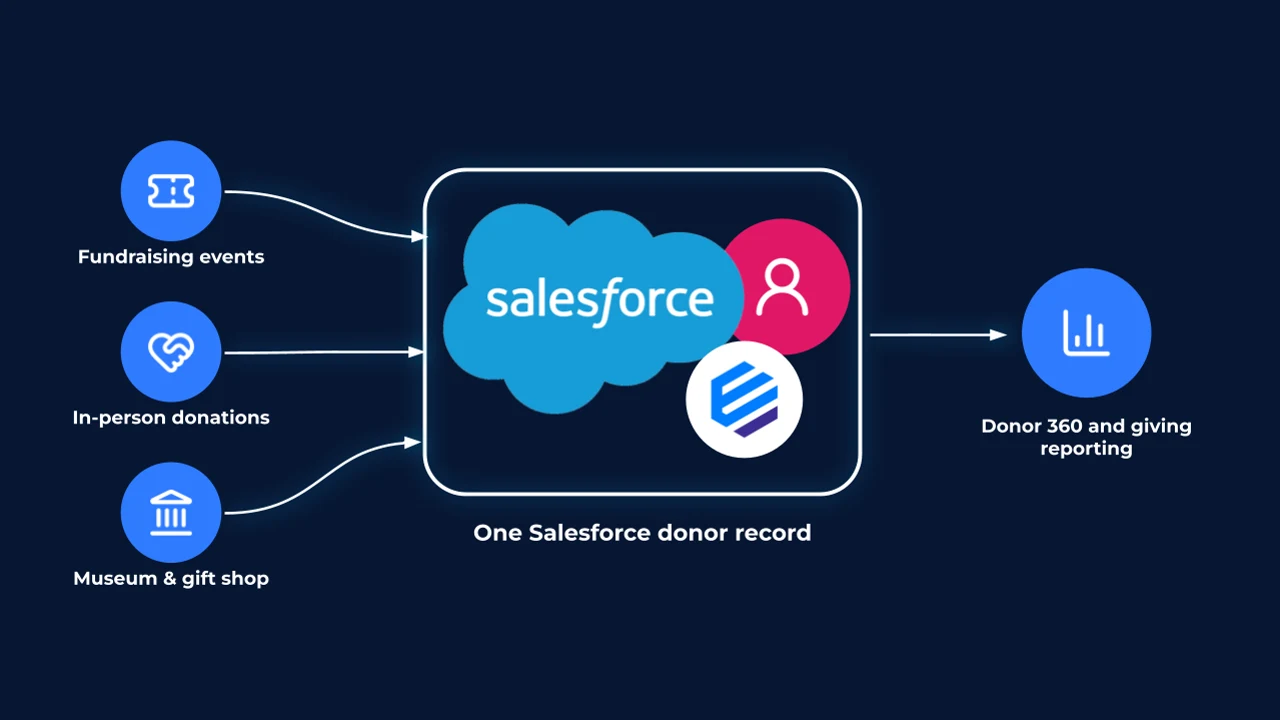
Every gift and sale, connected in Salesforce
Event payments, in-person donations and museum and gift shop sales are recorded against the supporter record in Salesforce, where they can support supporter and giving reporting, according to your Salesforce configuration.
What should nonprofit payment processing handle?
Can museums and visitor centres use it?
Yes. Admissions, memberships, gift shop sales and donations at the desk run on the same supporter record in Salesforce, with a cash register session for each till.
Payments
How does donation payment processing work in Salesforce?
- Donation at the desk or at an eventCard, cash or a split, in one step.
- Admissions and gift shopCard, cash, gift card or a split.
- Pledge or sign-up by phone or emailPayment link for part or all of the amount.
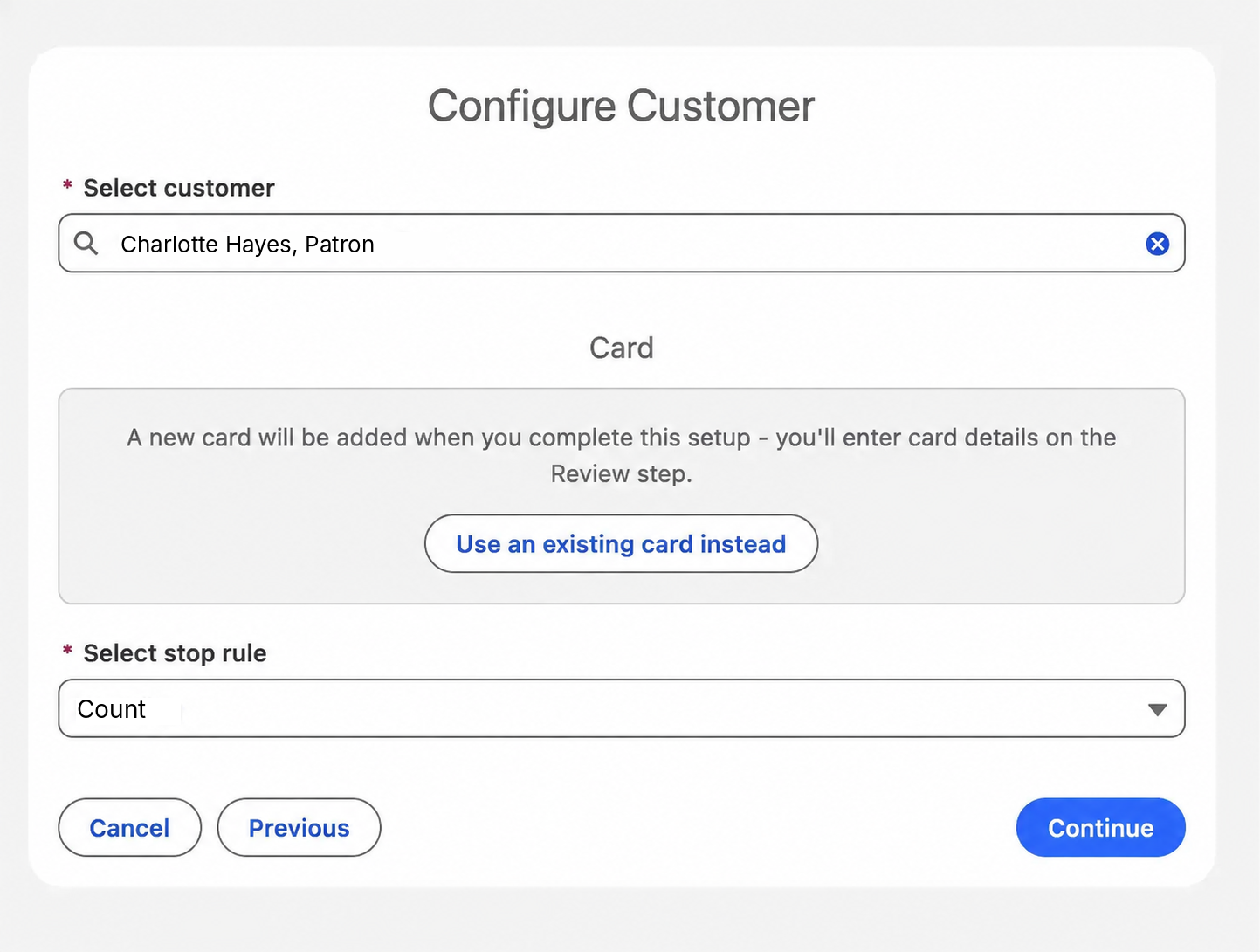
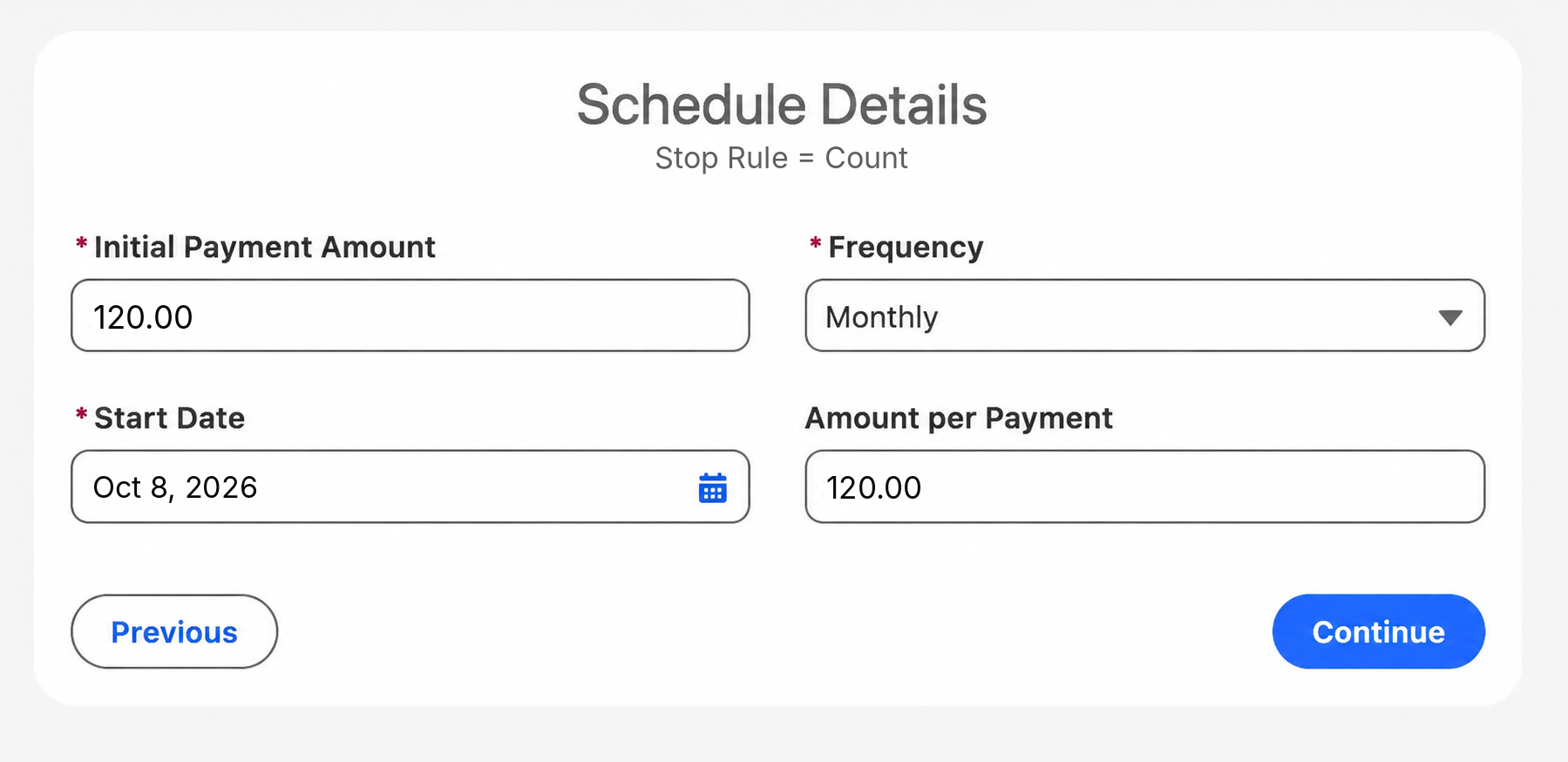
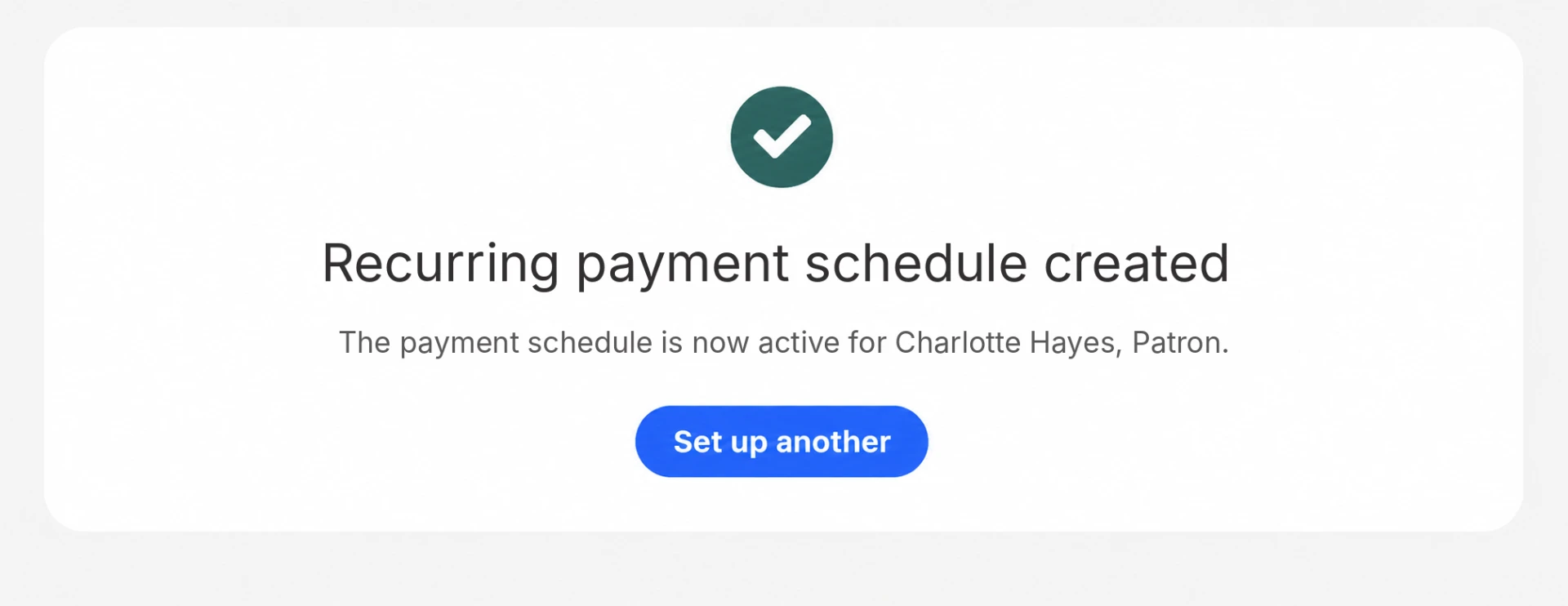
- Membership dues and regular giftsNewFirst payment at the desk, then a recurring schedule on the supporter's saved card, open-ended or for a set number of payments.
Recurring schedules run with a supported payment provider.
Eposly runs in-person, customer-linked transactions inside Salesforce across industries. Omring uses the same model for mobility-aid retail and rental.
100% rental and sales inventory accuracy. 8.5% sales increase year to year.Omring, site-reported results

A Dutch senior-care provider running mobility-aid retail and rental on Eposly, on Salesforce Sales and Service Cloud.
 5.0 on Salesforce AppExchange
Where do nonprofits fit within premium in-person services?
Nonprofits are one of the organisations Eposly serves as a POS for service businesses: a known supporter, giving and buying in person, and payments that continue after the visit.
Nonprofit payments one-pager
Take this page to your team
The key points from this page in one document to share with your team.
By downloading, you agree to our privacy policy.
Questions buyers ask
Can Salesforce be used as a nonprofit POS?
Salesforce on its own is a CRM, not a POS. Eposly adds in-person payment processing inside Salesforce, so event payments, desk donations and shop sales are recorded against the supporter record without a separate POS database.
Does Eposly handle recurring donations?
Yes, on a saved card. Staff set up a recurring schedule on the supporter's card, monthly or at another frequency, open-ended or for a set number of payments, and each payment is recorded against the supporter record in Salesforce. Online donation pages and direct debit stay in your dedicated giving tools.
Does Eposly replace Nonprofit Cloud or the finance system?
No. Eposly handles the in-person transaction and the payment in Salesforce. Nonprofit Cloud, your finance system and your online giving tools stay as they are. Eposly records the payment in Salesforce; gift records, campaign allocation, tax receipts and fundraising attribution depend on your Salesforce configuration.
How are payments kept secure?
The connected PCI-compliant payment provider handles and tokenizes card details, so raw card data is not stored on the supporter record. Transactions use your Salesforce access controls, permissions and audit capabilities.
Take donations, admissions and shop sales in Salesforce
Donations, admissions and dues recorded against the supporter, with recurring gifts on a saved card. Omring runs in-person payments on the same model.