Specialty retail
The furniture store POS system that runs inside Salesforce
Quote, take deposits and collect payments directly in Salesforce. The order, its payments and the customer's history stay connected from the showroom to delivery.
Try the interactive demo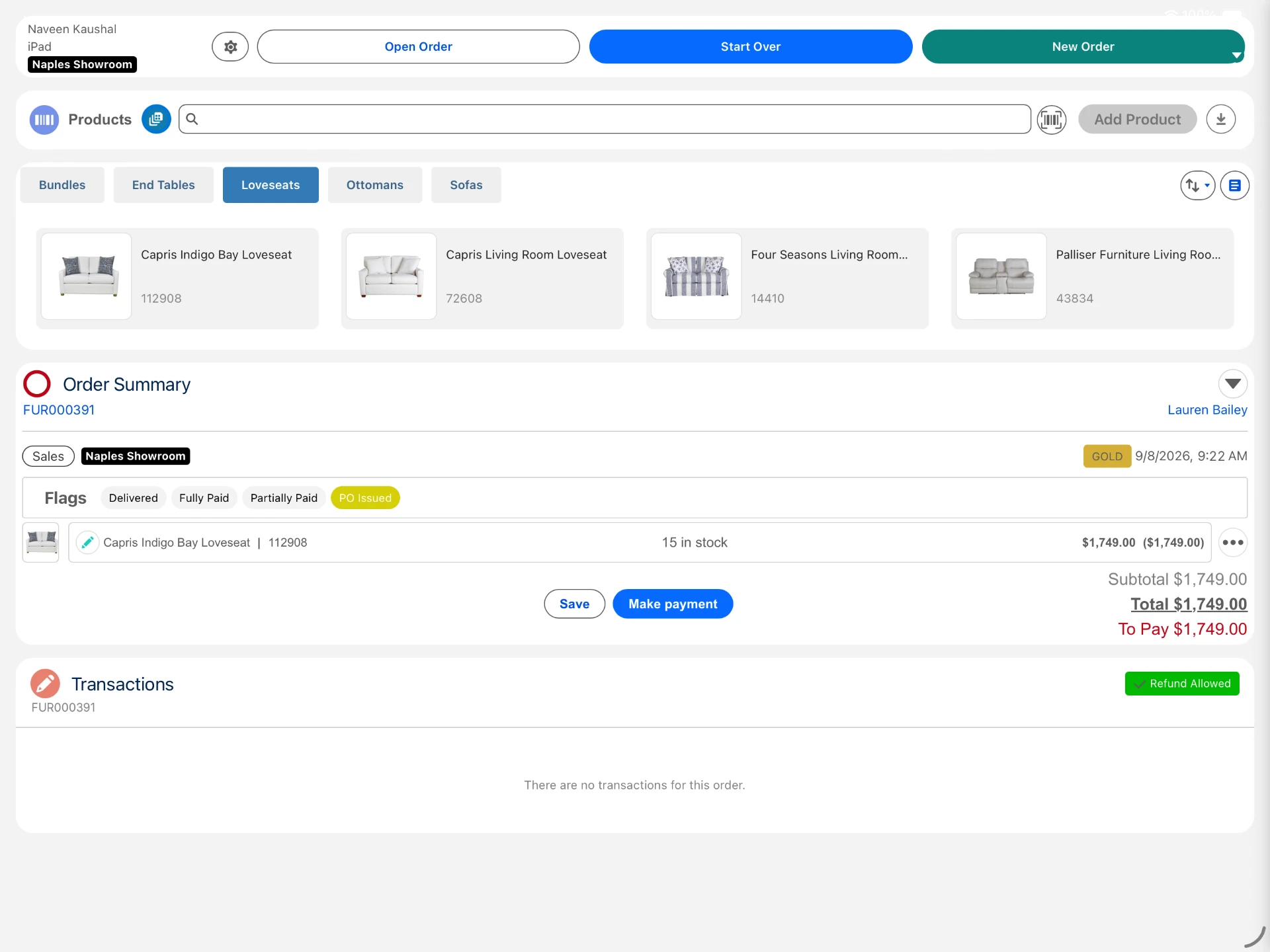
Eposly brings furniture sales and payments directly into Salesforce. Associates build the order, check stock across stores, turn a saved quote into an order without re-keying, take a deposit and collect the balance on delivery. The order, payments and delivery status stay connected to the customer's Salesforce record for the next visit.
- Showroom quotes become orders without re-entering anything
- Deposits, part-payments and scheduled card payments in one flow
- Stock across stores in view while building the order, with the Inventory module
In the showroom
What makes selling furniture different in the showroom?
A furniture sale runs longer than one visit.
Customers visit more than once
A sofa is often chosen over two or three showroom visits.
Options change the price
Size, fabric and finish change the price and the lead time.
Availability decides the sale
Customers want to know what is in stock and when it can be delivered.
Orders stay open for weeks
Deposit, delivery and final payment happen at different times.
The customer comes back
Repeat buyers and interior designers expect their history to follow them.
A made-to-order sale
How does Eposly handle a made-to-order furniture sale?
One open order on the customer record, from showroom visit to delivery.
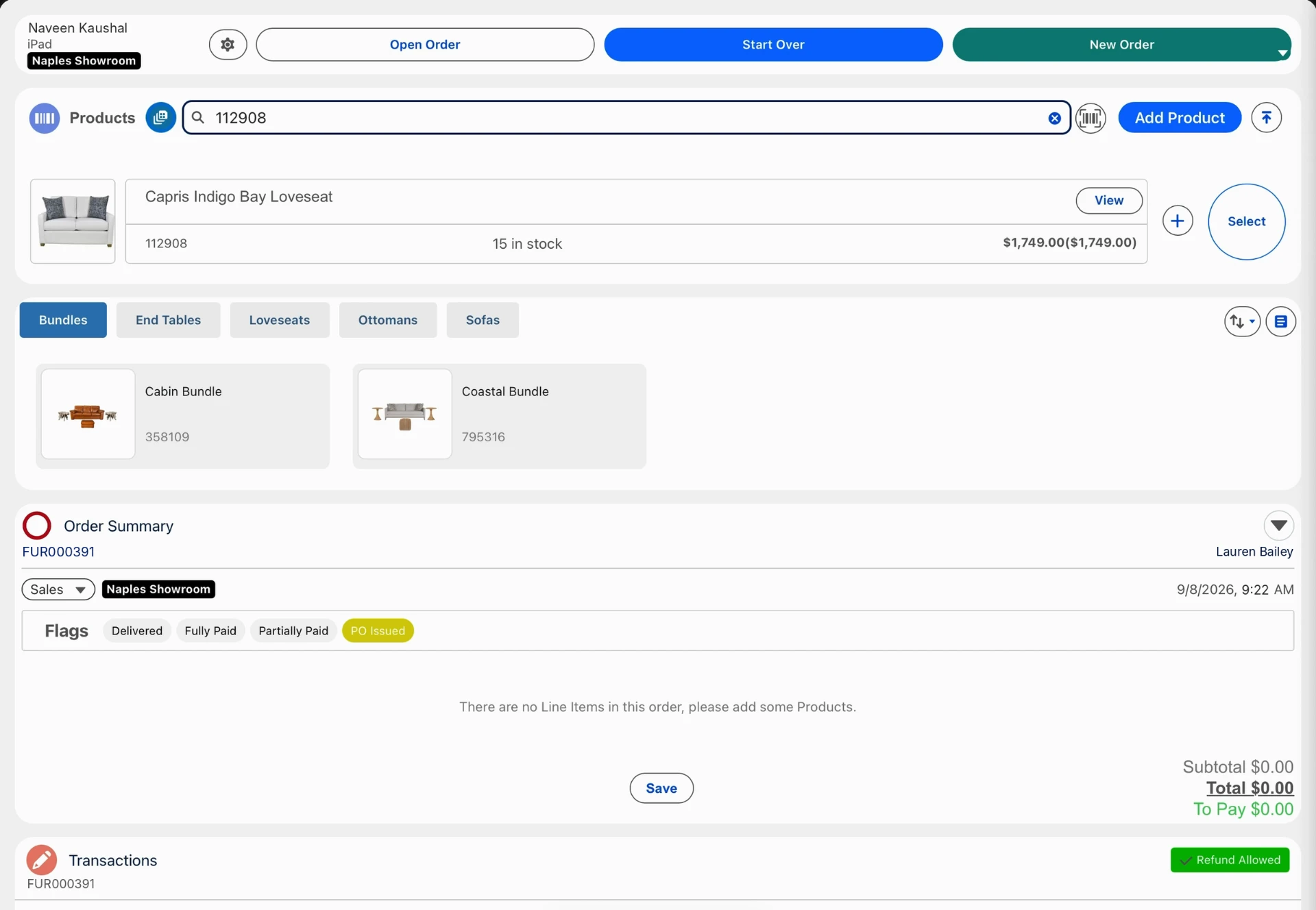
Every stage of the furniture sale, connected in Salesforce
A furniture sale runs over weeks. Eposly keeps the quote, order, delivery and payments connected to the customer in Salesforce.
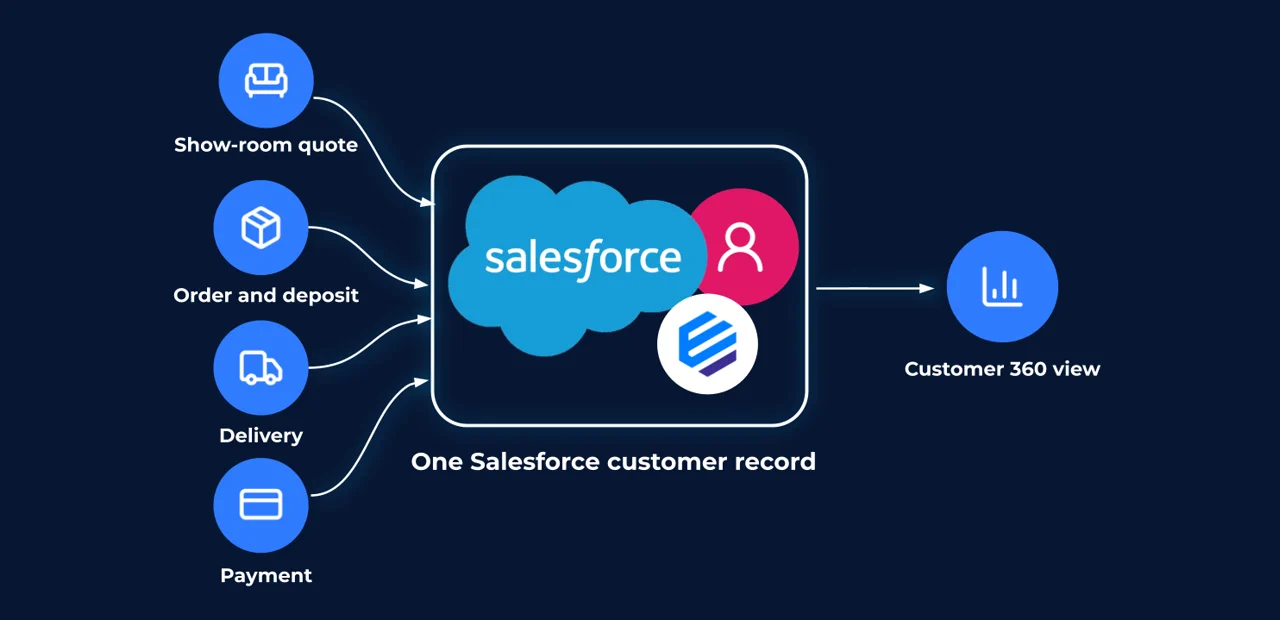
What does a furniture business need from its point of sale?
Can a showroom quote become an order without re-keying?
Yes. A quote saved during the visit converts to an order with its products, price and discounts unchanged, so the order is right the first time.
Payments
How do customers pay for furniture?
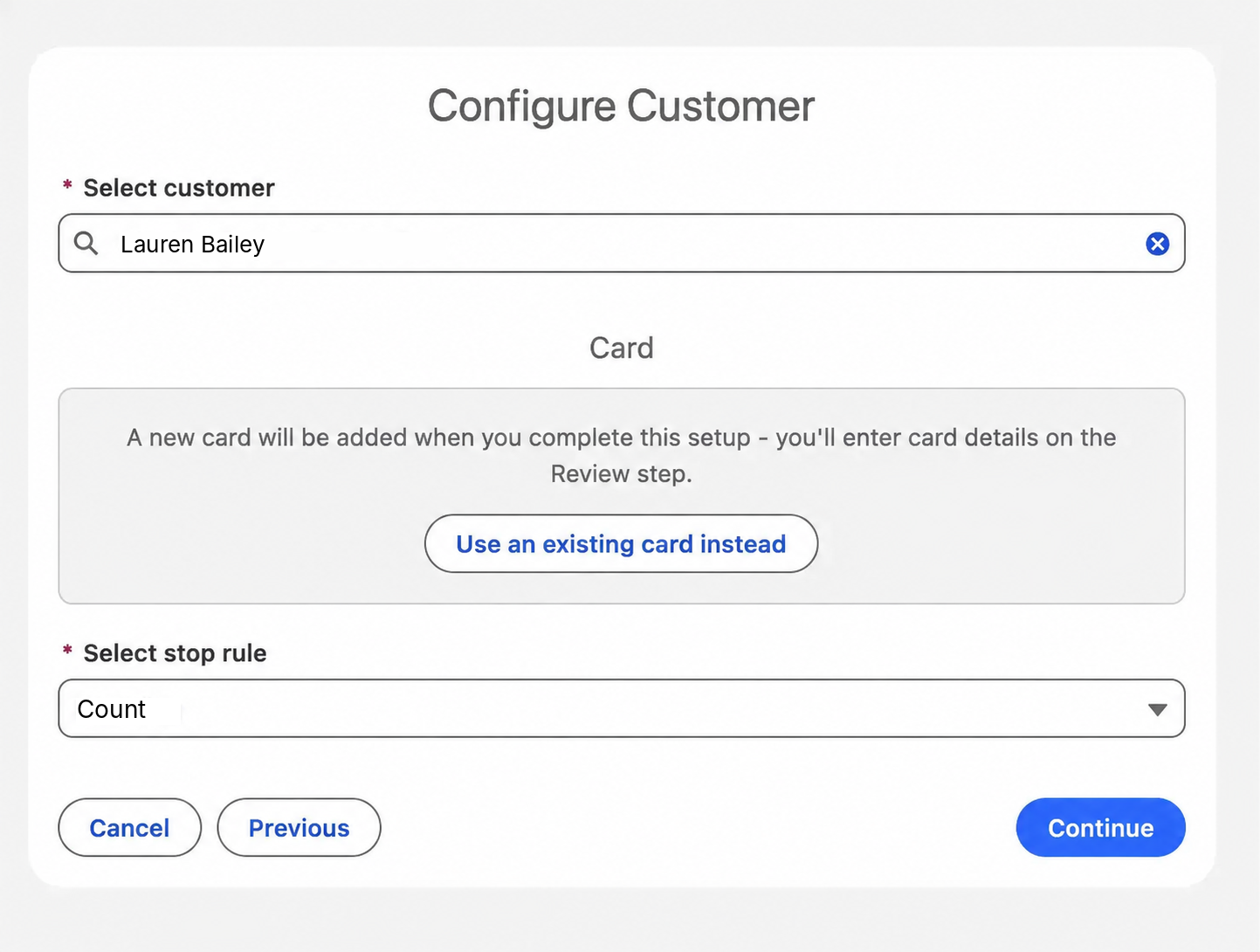
- Floor stock taken todayCard, cash, gift card or a split, in one step.
- Made-to-order pieceDeposit at order, balance on delivery.
- Balance before deliveryPay-by-link for part or all of the amount due.
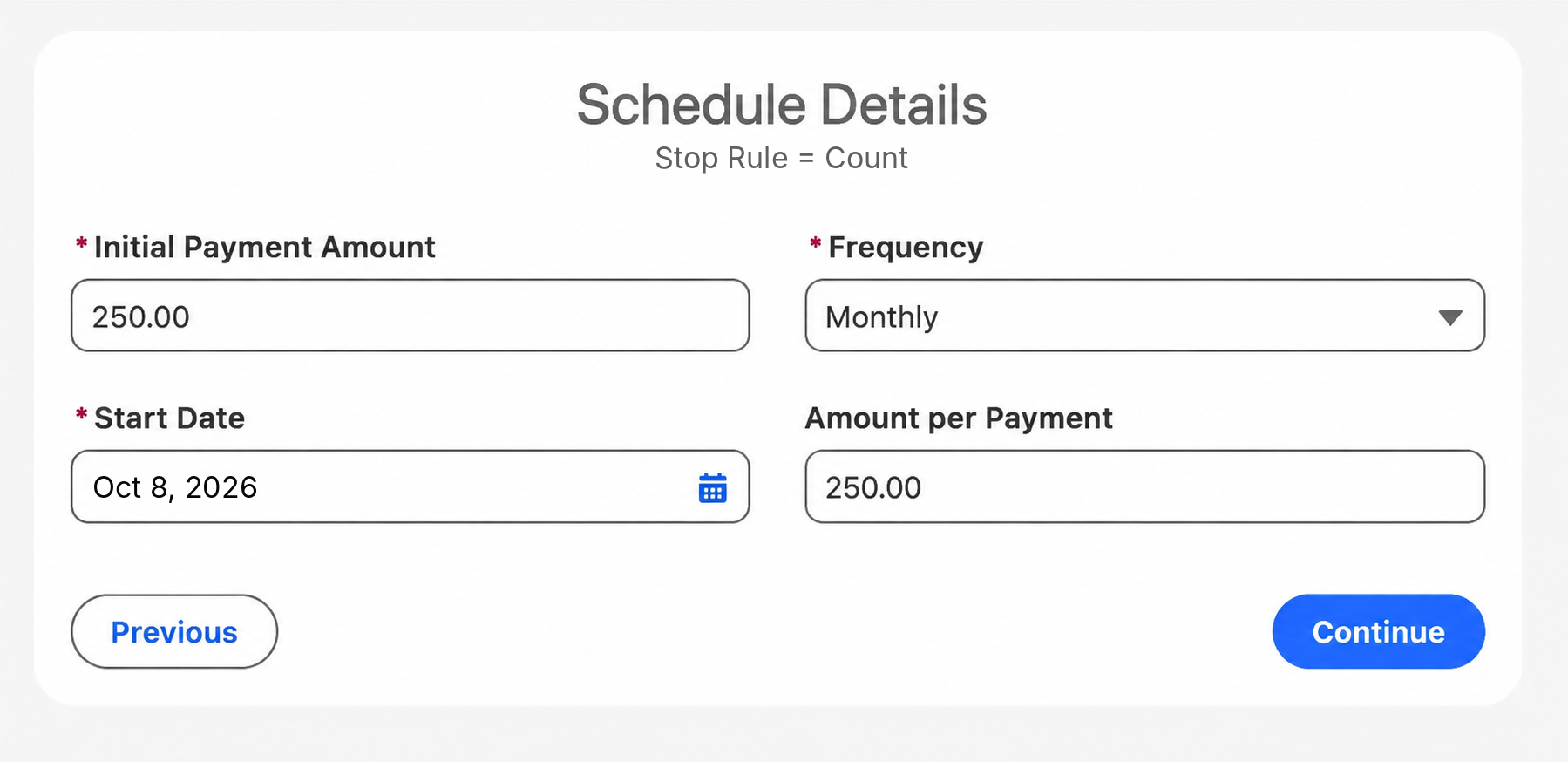
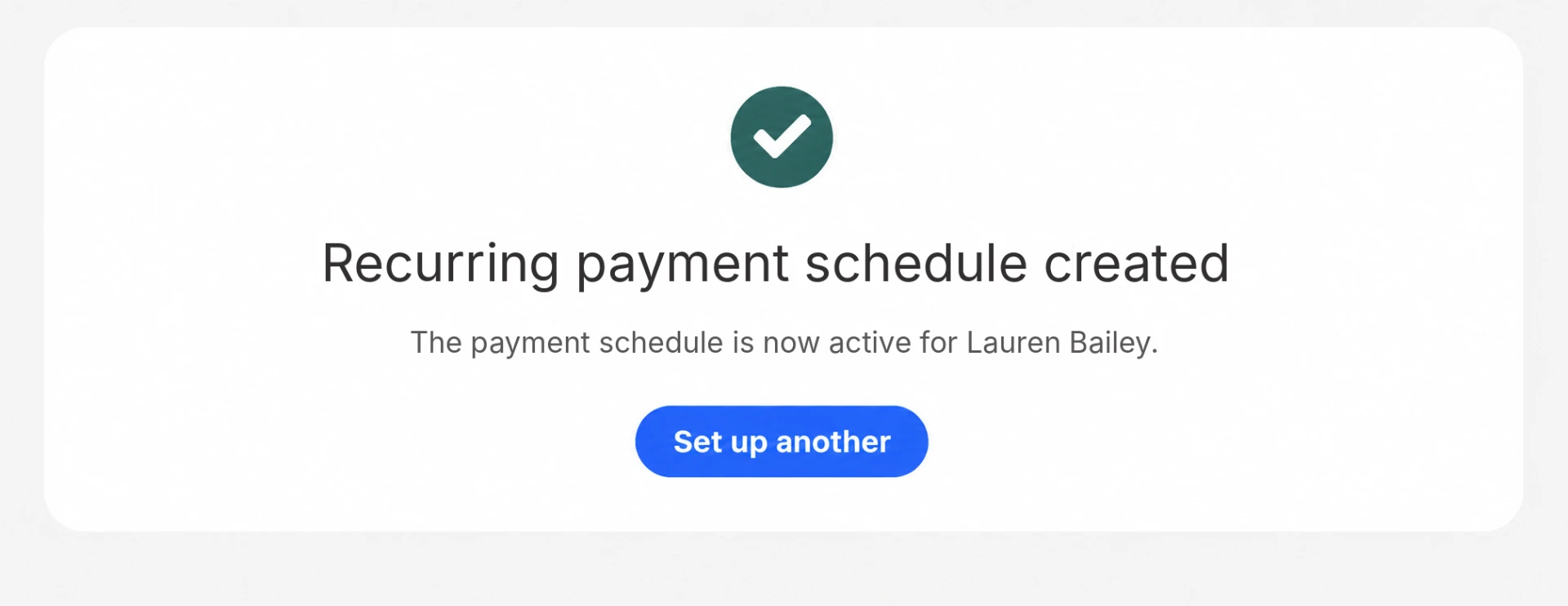
- Scheduled card payments on a larger purchaseNewA recurring schedule on the customer's saved card that stops once the order is paid off. Each payment is recorded against the order.
125% more time spent with customers. 50% less time lost managing fulfilment.QLF Brands, site-reported results

A Dutch homewares and lighting retailer that runs its showroom sales on Eposly.
 5.0 on Salesforce AppExchange
Where does furniture fit within specialty retail?
Furniture is the most configured, longest-running sale in specialty retail: an assisted sale to a known customer, paid in stages and delivered weeks later.
Furniture POS one-pager
Take this page to your team
The key points from this page in one document to share with your team.
By downloading, you agree to our privacy policy.
Questions buyers ask
Does Eposly replace our ERP or warehouse system?
No. Eposly runs the sale and the payment in Salesforce. Product catalogs can sync from your ERP or PIM, and your ERP, warehouse and delivery systems carry on as they are.
Can we take deposits and part-payments on furniture orders?
Yes. Take a deposit or a part-payment against an open order and collect the balance later, in store or by pay-by-link, on the same customer record.
Can Salesforce be used as a furniture POS?
Yes, with Eposly installed. Salesforce on its own is a CRM. Eposly adds the point of sale, so the quote, order and payments all run in Salesforce.
Bring your furniture sales into Salesforce
See a furniture order run inside Salesforce.