Specialty retail
The jewelry POS that runs inside Salesforce
Configure jewelry orders, apply pricing and take payments directly in Salesforce. Purchase details, payment history and client information stay connected throughout the sale.
Try the interactive demo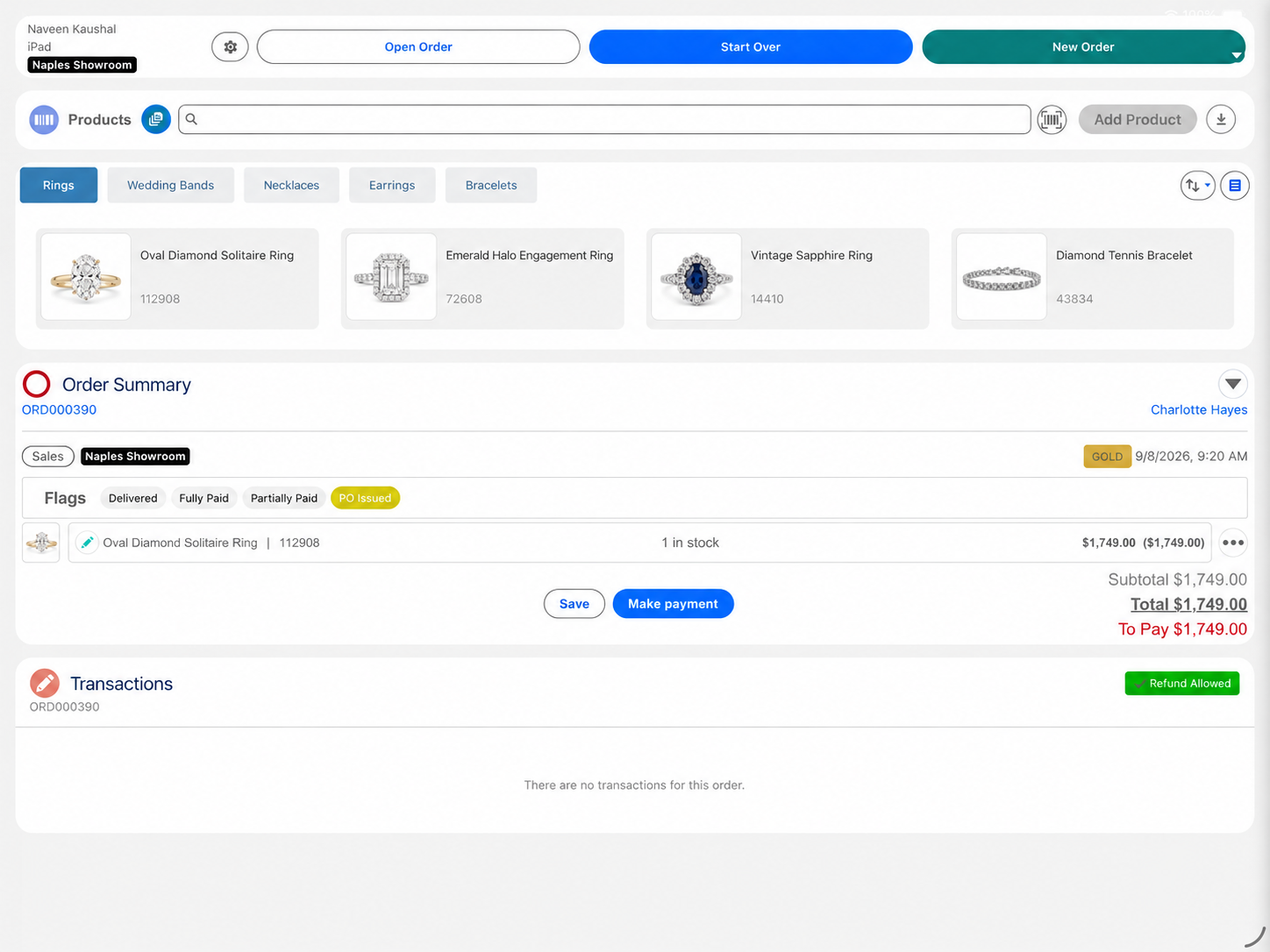
Eposly brings jewelry sales and payments directly into Salesforce. Associates configure an order, apply pricing, take a deposit and collect the remaining balance when the piece is ready. The order, payments and purchase details stay connected to the client's Salesforce record, so the team has the full picture when the client returns.
- Custom orders run across visits on one open order
- Deposits, part-payments and scheduled card payments in one flow
- Used by David M Robinson, a European fine jewelry and watch retailer
At the counter
What makes selling jewelry different at the counter?
A jewelry sale carries more than a total.
Pricing depends on the piece
Metal, stones, setting and size shape the price, and any adjustment needs a record.
Custom orders take more than one visit
A custom order runs from consultation to fitting, sometimes over months.
Every piece needs a trail
Serial numbers, certificates and valuations need to stay with the piece and the client.
Availability matters before the sale
Associates need to know which pieces are available before promising them to a client.
The client comes back
Resizing, cleaning and repairs go faster when the original purchase is at hand.
A custom order
How does Eposly handle a custom jewelry order?
One open order on the client record, from first consultation to final fitting.
What does a jewelry business need from its point of sale?
How is precious-metal pricing handled?
Eposly prices the piece from the product options and pricing rules in your Salesforce catalog. If you price from live metal rates, Eposly connects to the tools you already use, such as a metal-price feed or your own pricing system. Associates can apply permitted adjustments, and the final price is recorded on the order.
Payments
How do customers pay for jewelry?
- Ready-to-wear pieceCard, cash, gift card or a split, in one step.
- Custom or bridal orderDeposit at order, balance at collection.
- Balance between visitsPay-by-link for part or all of the amount due.
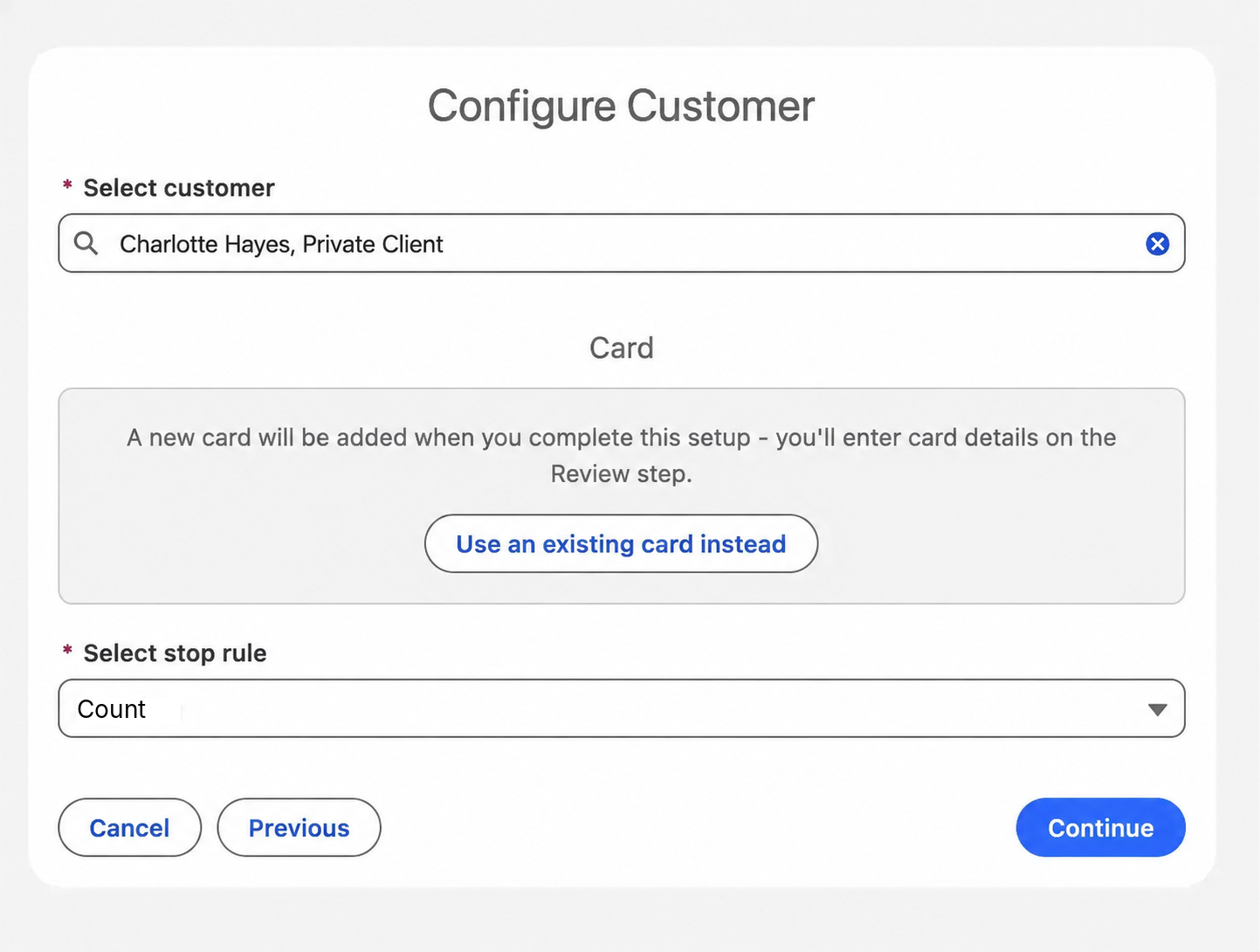
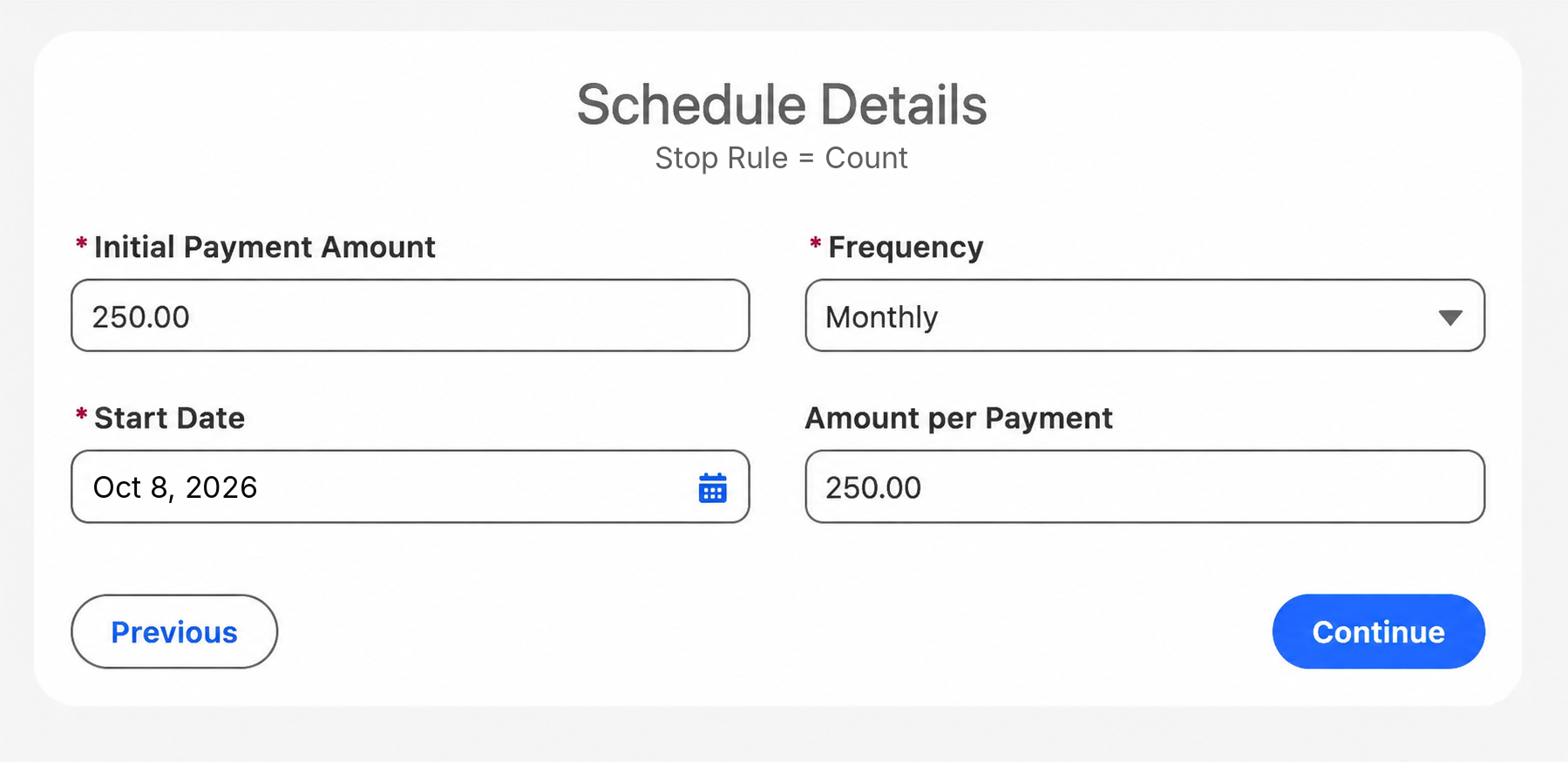
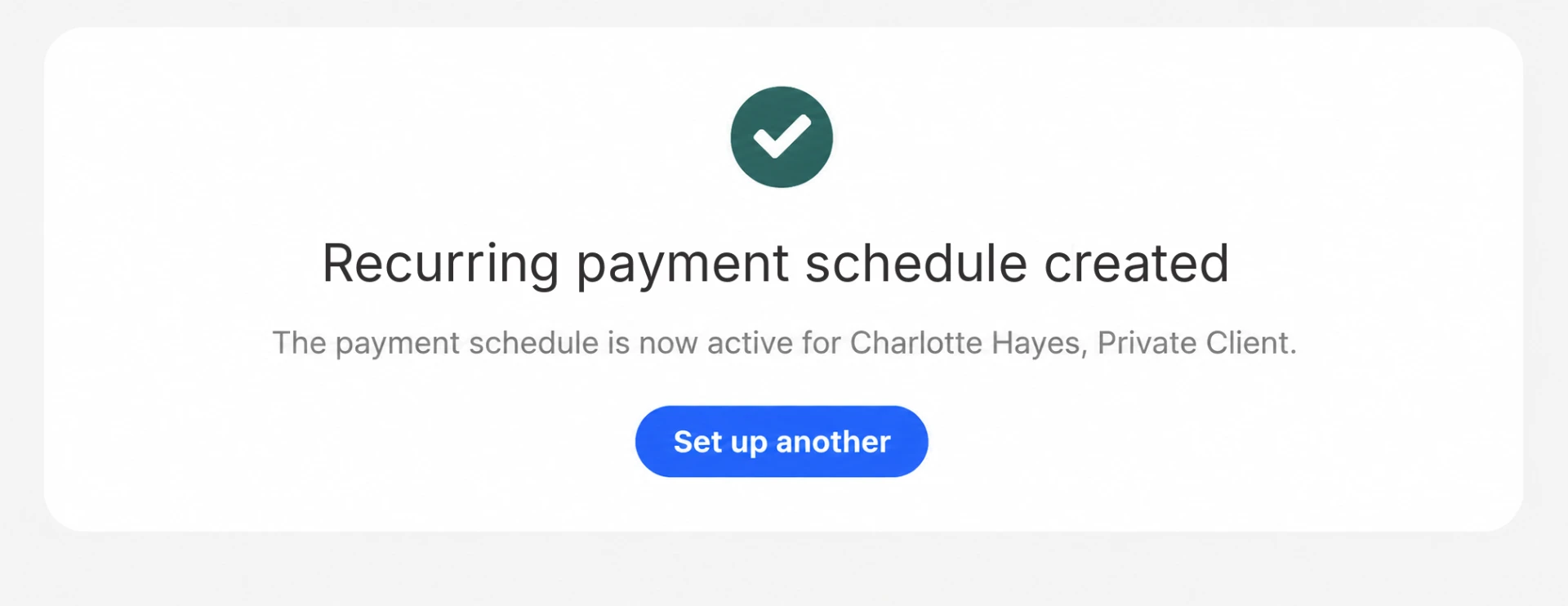
- Scheduled card payments on a high-value pieceNewA recurring schedule on the client's saved card that stops once the piece is paid off. Each payment is recorded against the order.
Eposly is transforming our business. Enabling retail stores to connect better with customers and allow us to meet critical distributor KPIs.Jo Cameron, Digital Transformation Lead, DMR

A European fine jewelry and watch retailer, selling on iPad with an integrated card machine and connected cash register on Salesforce Sales and Service Cloud.
 5.0 on Salesforce AppExchange
Where does jewelry fit within specialty retail?
Jewelers share the core pattern of specialty retail: an assisted sale to a known client, priced in the conversation and paid over time.
Jewelry POS one-pager
Take this page to your team
The key points from this page in one document to share with your team.
By downloading, you agree to our privacy policy.
Questions buyers ask
Does Eposly work with our existing inventory?
With the Inventory module, associates see stock and availability across stores from Salesforce while building the order. If your stock lives in another system, it can be connected to Salesforce as part of the implementation.
How much setup does jewelry pricing need?
Your products, options and pricing rules are set up in your Salesforce catalog during implementation. If you price from live metal rates, Eposly connects to the pricing tool you already use, such as a metal-price feed or a custom pricing system.
How does Eposly connect to repairs and after-sales?
Eposly records the sale, the selected options and the payments in Salesforce. A repair order can start a Service Cloud process from the original order or payment, so your service team works from the purchase history.
Bring your jewelry sales into Salesforce
See how a point of sale runs inside Salesforce.