Specialty retail
The watch store POS that runs inside Salesforce
Sell and take deposits directly in Salesforce, with each sale on record when the watch comes back for service. Advisors see each client's purchases and service history while they sell.
Try the interactive demo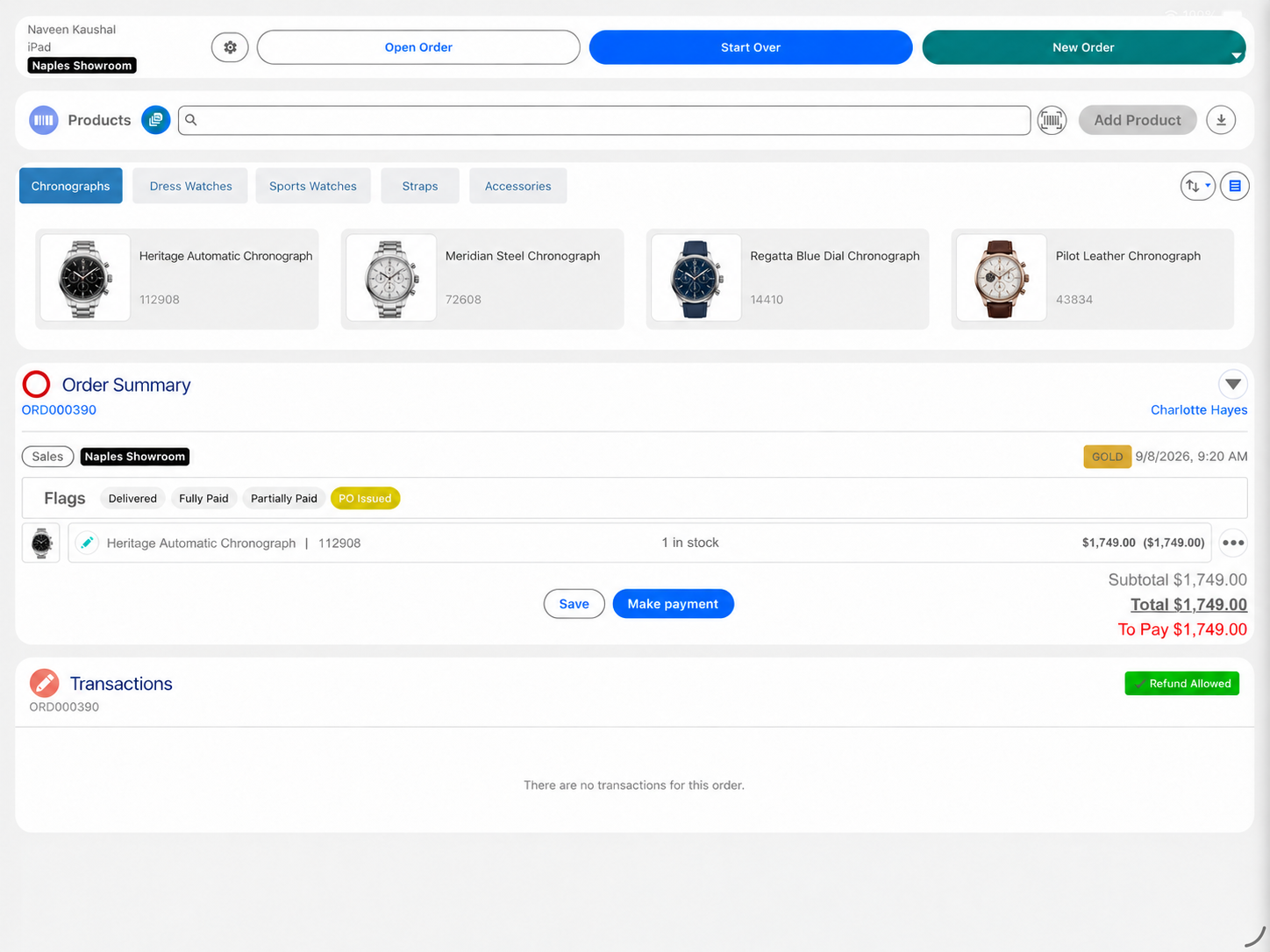
Eposly is a Salesforce-native watch store POS for authorized dealers selling to known clients, from deposit to service. Advisors sell with the client's purchases and service history in view, take a deposit on a watch that is on order and collect the balance when it arrives. Every sale is recorded in Salesforce, ready for the store, model and advisor reports that brands ask their dealers for.
- Client purchases and service history in view during the sale
- Deposits on watches on order, balance on arrival
- Used by David M Robinson, a European fine jewelry and watch retailer
At the counter
What makes selling watches different at the counter?
A watch sale is part of a long relationship.
The advisor knows the client
Repeat clients build collections over years, and the advisor is expected to remember what they own.
Interest comes before stock
Clients ask for a model long before it arrives, and the dealer has to know who asked.
Each watch has an identity
Serial numbers, warranty dates and service records follow the individual piece.
Servicing brings the client back
A service visit is a sales opportunity when the advisor can see the full history.
Dealers answer to the brands
Authorized retailers report sales to the brands they represent.
Integrations need upkeep
A connector between a separate POS and Salesforce needs fixing with every Salesforce release and every new boutique.
A returning client
How does Eposly handle a sale to a returning client?
One open order on the client record, from the first conversation to collection.
- 01
Open the client
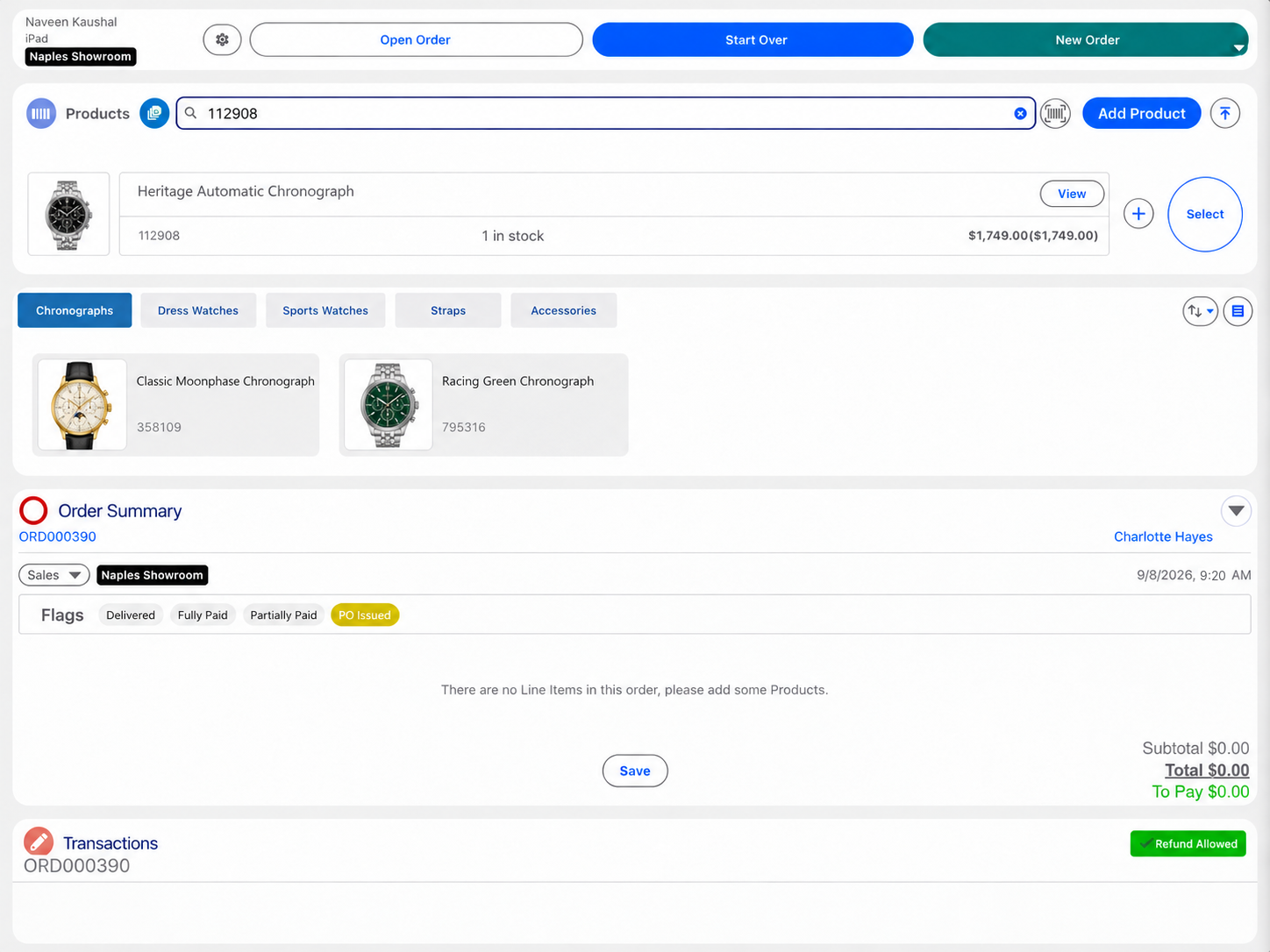
Start the order on the client's record and find the watch, with stock in view.
- 02
Build the order
- 03
Take the deposit
- 04
Collect the balance
- 05
Keep the history
What does an authorized watch retailer need from its point of sale?
Can advisors see a client's purchases and service visits while they sell?
Yes. The client's purchases, open orders and service visits are on the Salesforce record the advisor sells from.
Payments
How do clients pay for watches?
- Watch in stockCard, cash, gift card or a split, in one step.
- Watch on orderDeposit at order, balance when the watch arrives.
- Balance between visitsPay-by-link for part or all of the amount due.
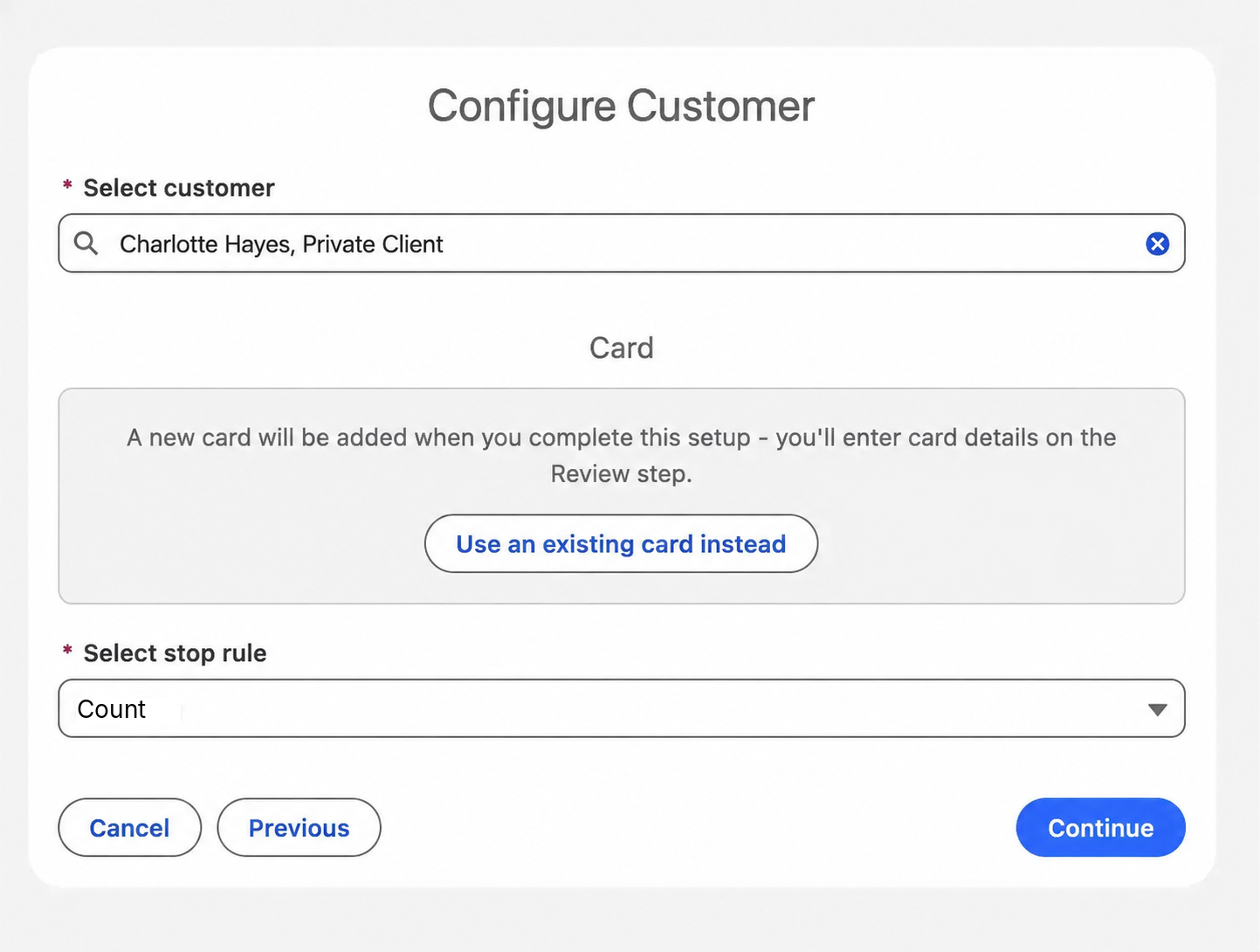
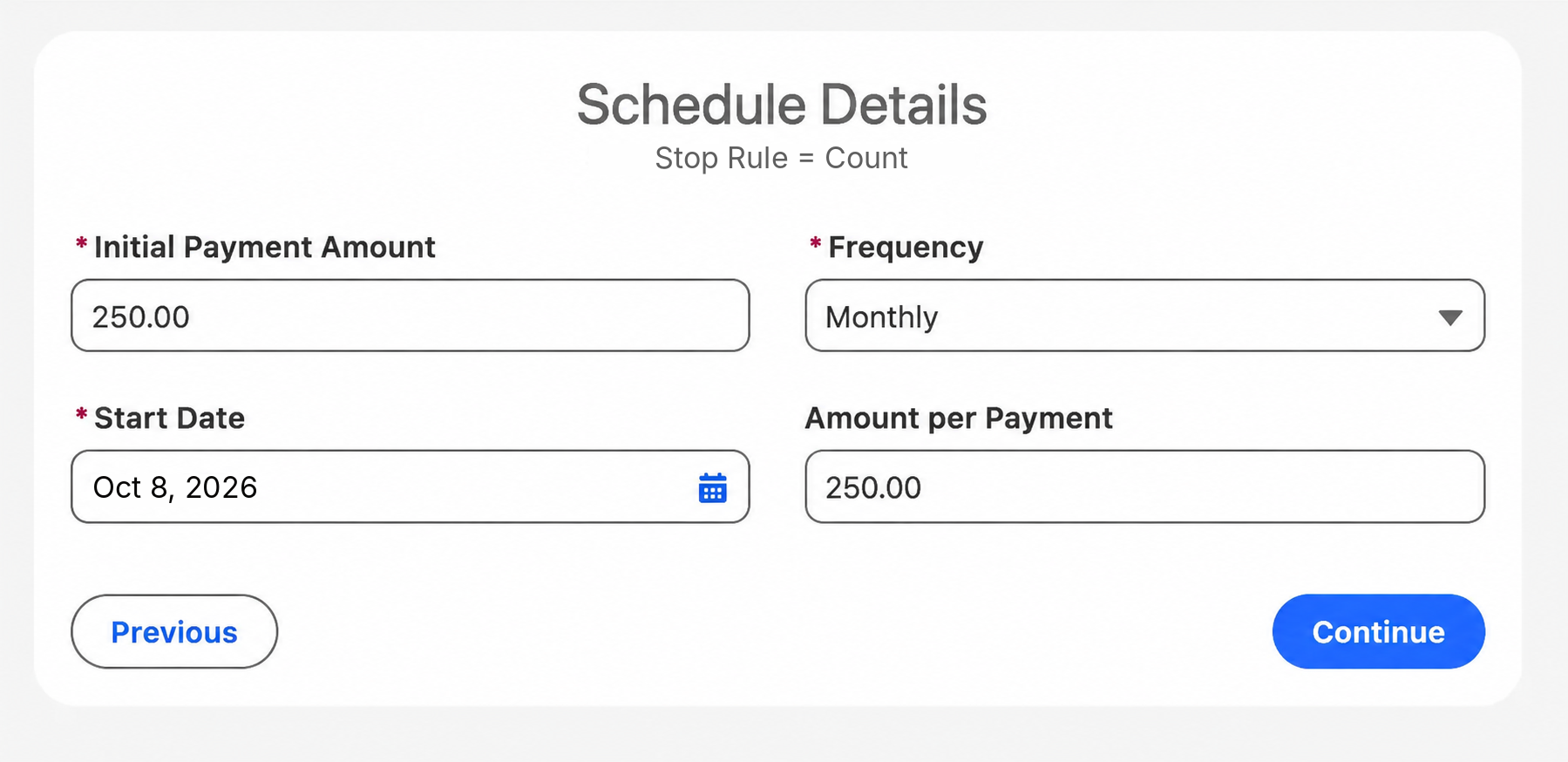
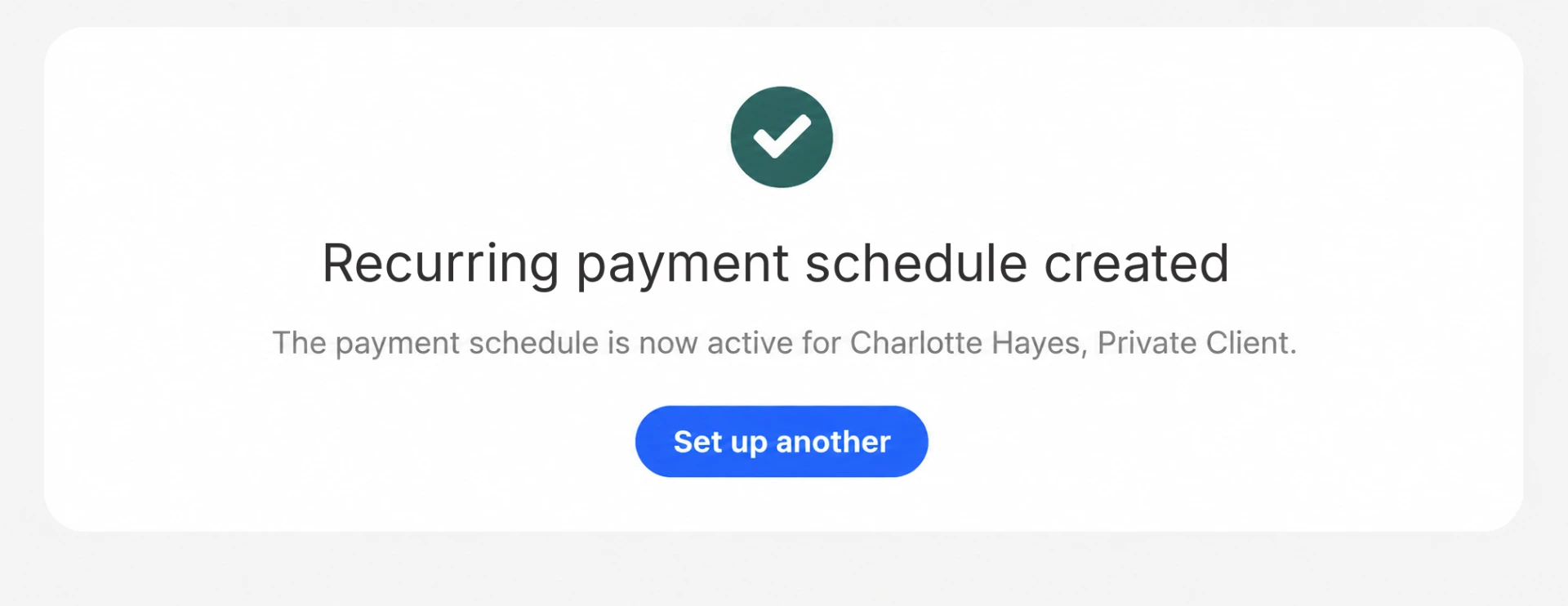
- Scheduled card payments on a larger purchaseNewA recurring schedule on the client's saved card that stops once the watch is paid off. Each payment is recorded against the order.
Eposly is transforming our business. Enabling retail stores to connect better with customers and allow us to meet critical distributor KPIs.Jo Cameron, Digital Transformation Lead, DMR

A European fine jewelry and watch retailer, selling on iPad with an integrated card machine and connected cash register on Salesforce Sales and Service Cloud.
 5.0 on Salesforce AppExchange
Where do watch retailers fit within specialty retail?
Authorized watch retailers follow the specialty retail pattern, with more weight on servicing and brand reporting.
Watch retailer POS one-pager
Take this page to your team
The key points from this page in one document to share with your team.
By downloading, you agree to our privacy policy.
Questions buyers ask
How are watch servicing and repairs tracked?
A service or repair order can start a Service Cloud process from the original sale, so your service team works from the client's purchase history.
How do authorized dealers report on brand and distributor KPIs?
Every sale is a Salesforce record with the model, store, advisor and client attached. Dealers build the reports and dashboards their brands ask for in Salesforce, from the same data the advisors sell from.
Can a deposit be taken and the balance collected when the watch arrives?
Yes. Take a deposit when the client orders a watch that is not in stock. The order is flagged as partially paid, and the balance is collected when the watch arrives.
Do we need middleware to connect a POS to Salesforce?
No. Eposly runs inside your Salesforce org, so there's no connector between a separate POS and Salesforce to maintain through Salesforce releases or new boutiques. Card payments are authorised through the connected PCI-compliant payment gateway.
Bring your watch sales into Salesforce
Deposits on watches on order, the balance on arrival and service history on the same client record.